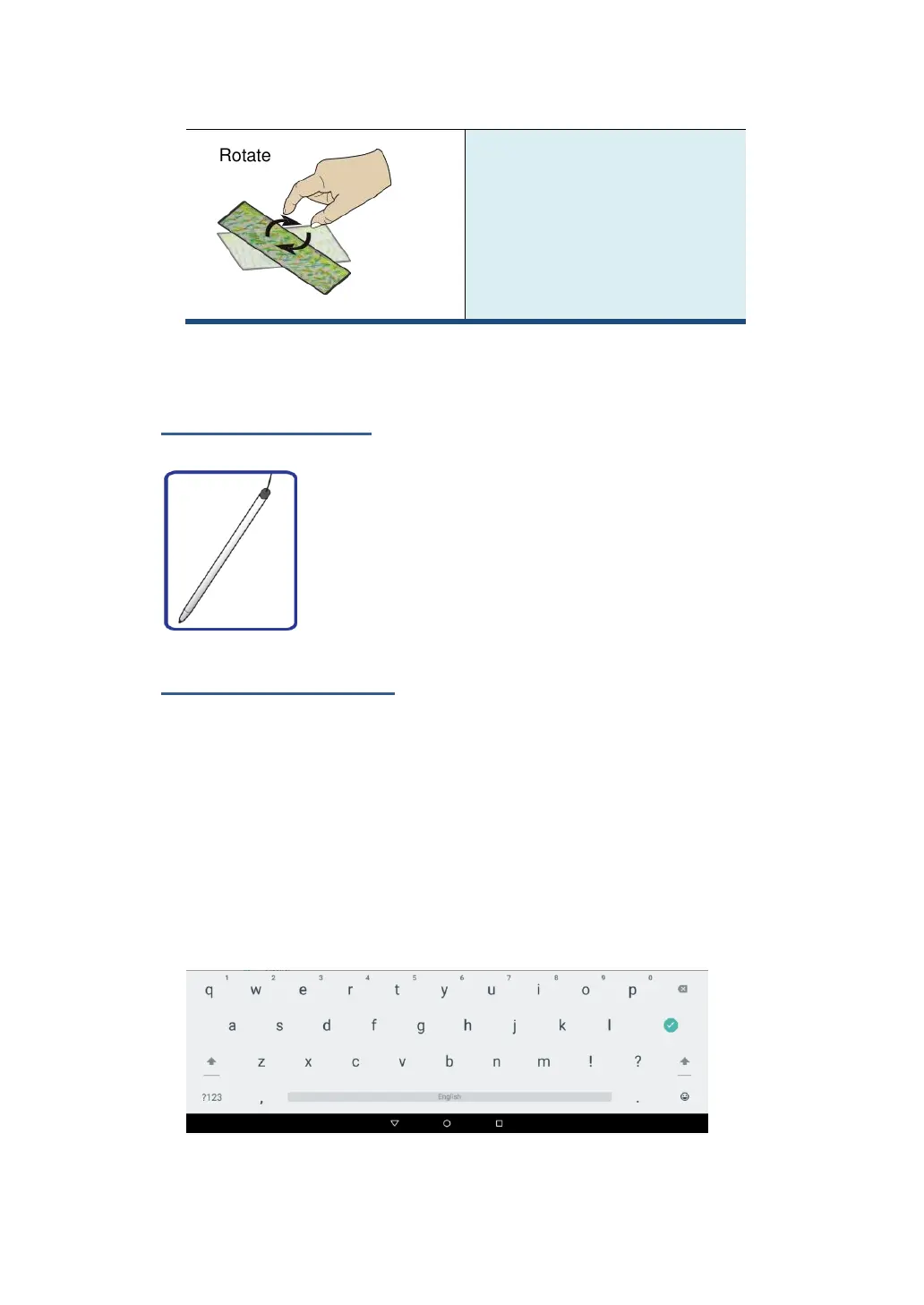
A few apps let you rotate an
image on the screen by touching
it with two fingers and twisting
them around a center point.
Stylus operations
Your tablet is provided with a stylus. Using it, you can
perform all the one-finger gestures–which are
touching, double-touching, and swiping described in
the previous section “Finger gestures”.
Onscreen keyboard
The onscreen keyboard is a software keyboard displayed
automatically anytime you are required to type in some information.
The software keyboard preinstalled in your tablet is the Android
keyboard.
• Typing text, numbers, symbols, and other characters
When you need to type text, touch the text field to bring up the
onscreen keyboard, then touch keys on the keyboard to type.



 To Next Page