computer Connection”.
3. Select either “Media device MTP” or “Camera (PTP)”.
.
4. Connect your tablet to your computer using a USB cable.
5. Follow the instructions on your computer screen to share files.
Your tablet handles files by putting them into their respectively
specified folders. Most frequently used files are as follows:
Stores the files you have downloaded
Stores the photos you have taken and videos
you have recorded
Stores the music files organized by artist and
then by album name.
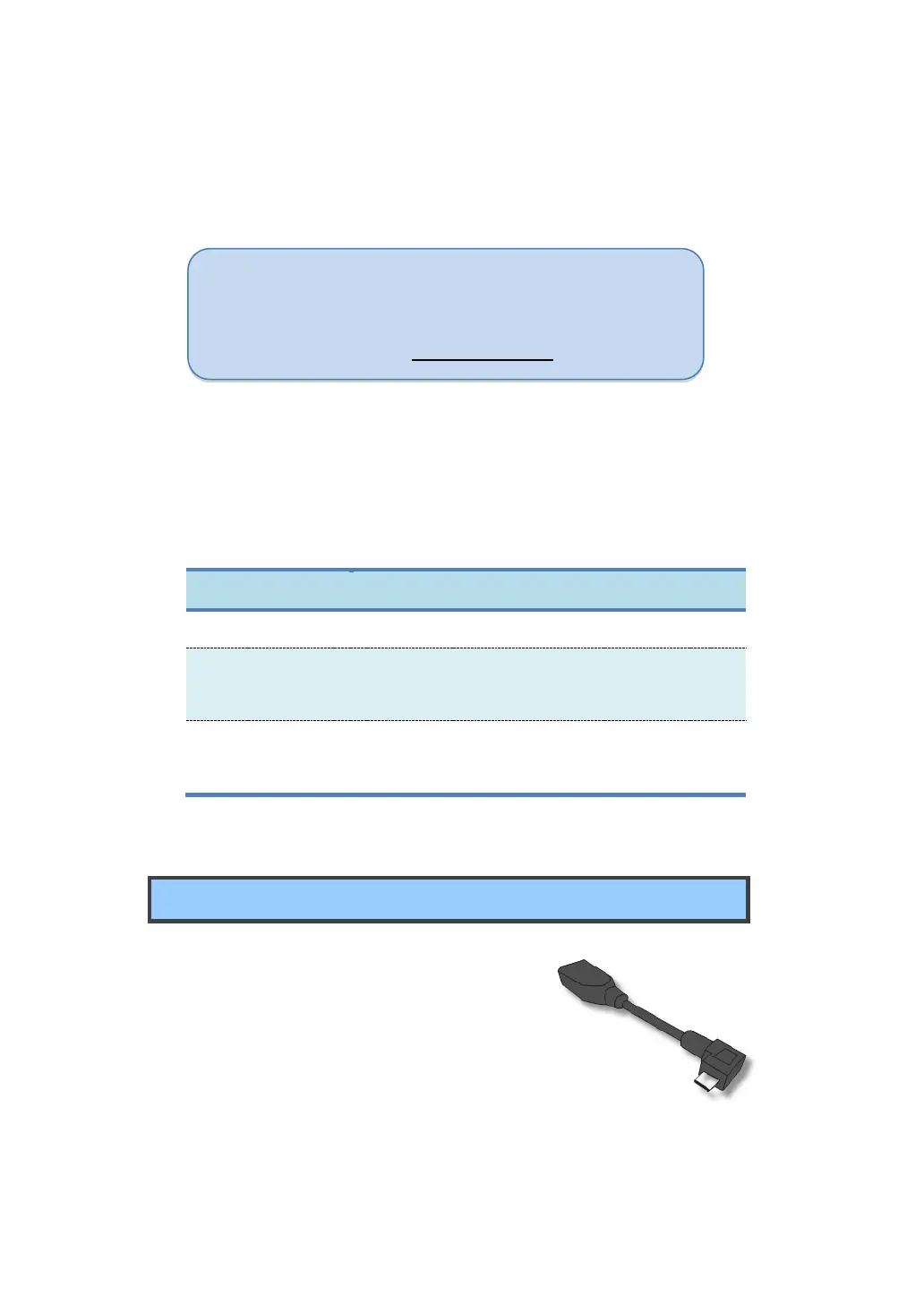
USB OTG (On-The-GO) connection
The USB port on your tablet is a USB OTG
port that allows your tablet to become a
host. In short, you can connect USB
peripheral devices to your tablet, and those
devices serve your tablet.
To achieve this, you need to get a USB OTG (On-The-GO) adapter,
Note: Mac users need to select MTP and install a piece of
software named “Android File Transfer” available
from the website: www.android.com.



 To Next Page