2. Using your Android
tablet
Powering ON
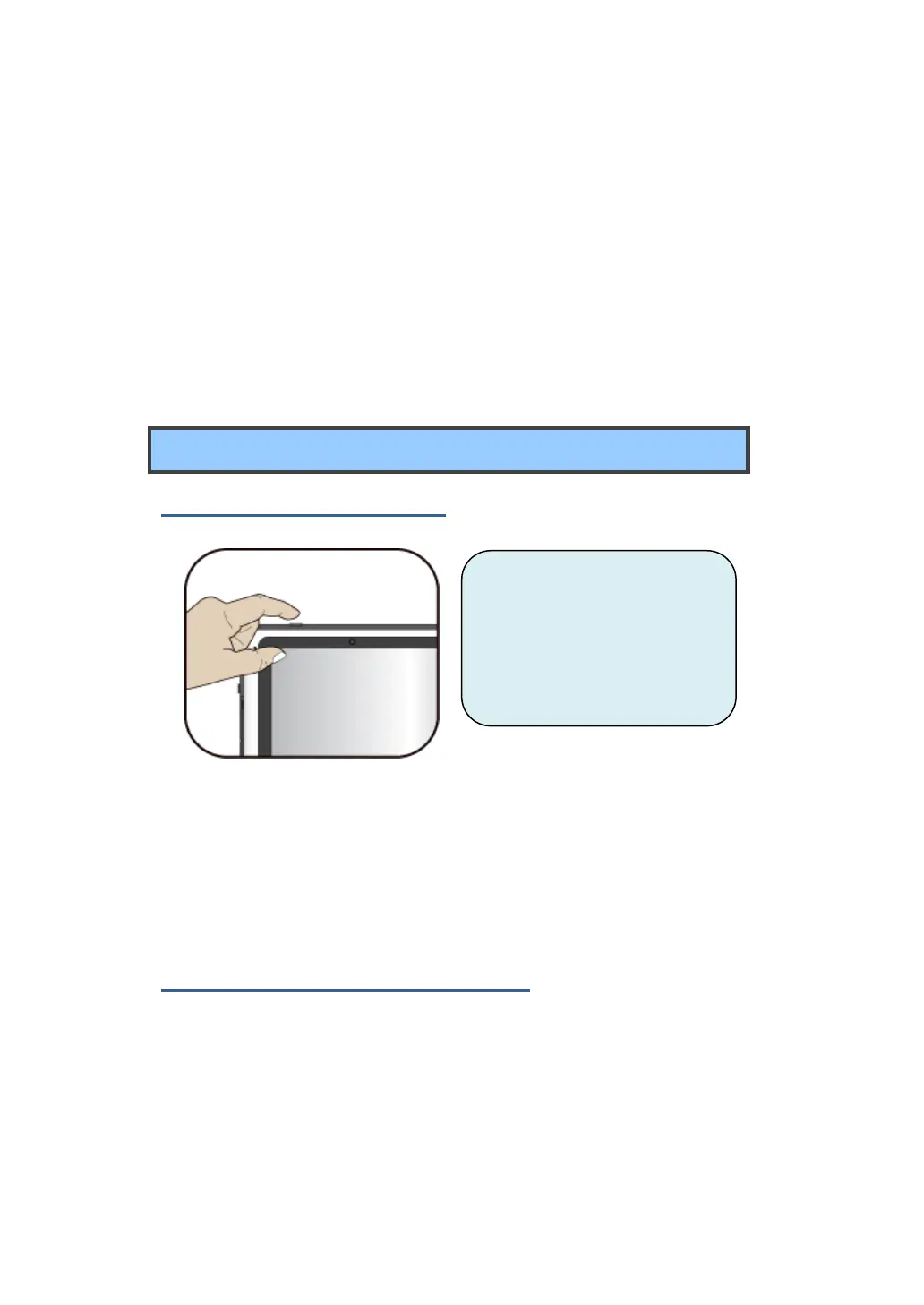
Powering on your tablet
If this is the first time you turn
this computer on, connect the
AC adapter and fully charge the
battery.
1. Press the power button
(normally 1 to 2 seconds). You shall see the display turned on.
2. The main Home screen
appears.
If powering on for the first time
The tablet will require you to do the initial setup, which including:
Set the system language and time.
Sign in to or create your Google account
Setup a wireless connection and more
Please follow the instruction to complete the initial setup.



 To Next Page