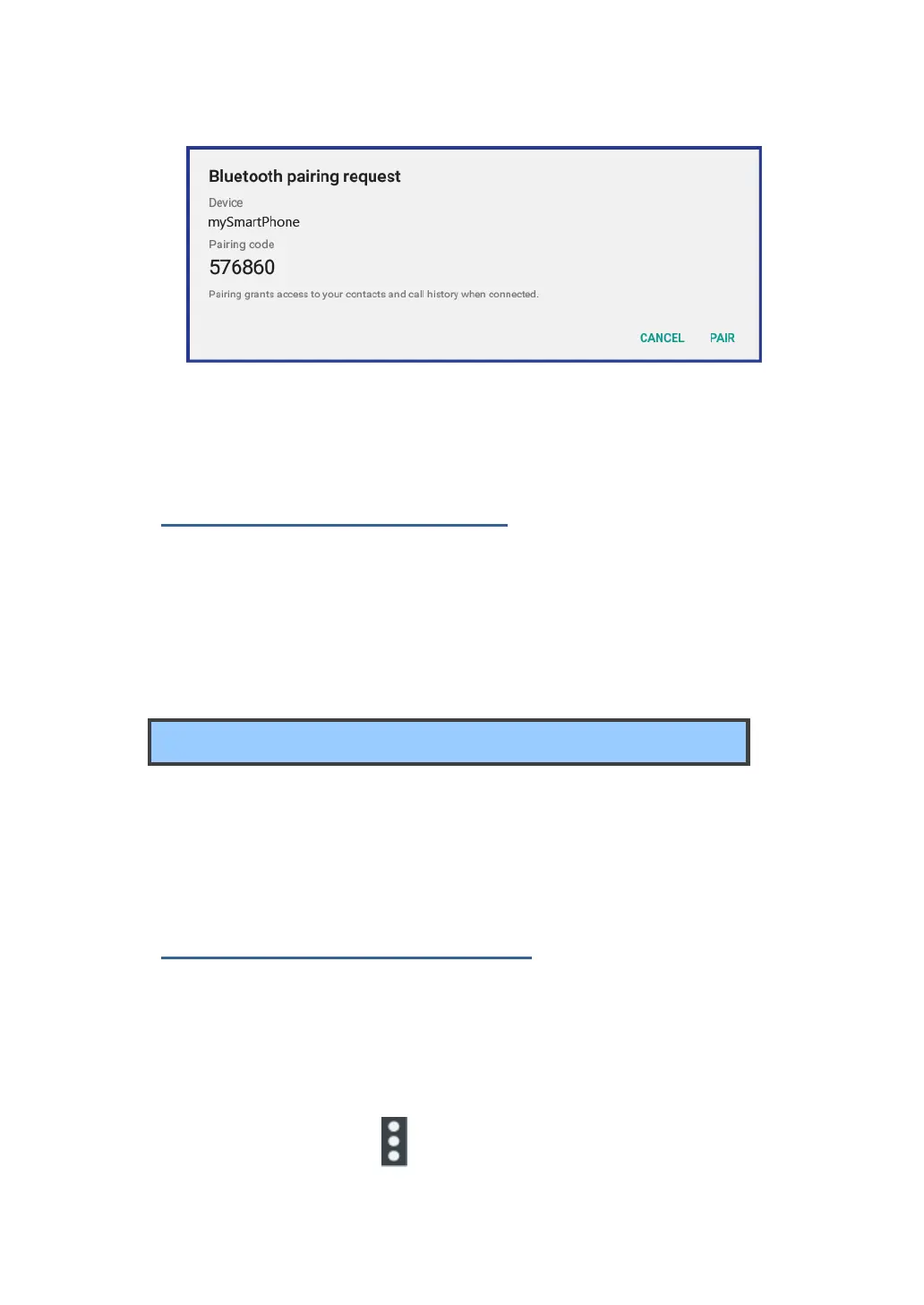
4. When the pairing is successful, the device is listed under PAIRED
DEVICES.
Unpairing a Bluetooth device
To unpair a Bluetooth device, do the following:
1. Open the Settings screen and touch Bluetooth.
2. Locate the paired Bluetooth device and touch the settings icon.
3. Touch Unpair to erase all pairing information for that device.
Working with the USB connector
Using the attached USB cable, you can connect USB compatible
devices to your tablet.
Read this section to learn how to use the connector to connect
different devices.
Share files with your Computer
Use the micro USB connector together with a USB cable to connect
your tablet to your personal computer to transfer files, or share your
mobile data connection.
1. Open the Setting screen, and touch Storage.
2. Touch the menu icon on the upper right corner and select “USB



 To Next Page