horizontally to scroll to the other Home screens.
You can customize the five Home screens to meet your personal
preferences. For more information, see next section.
Status bar
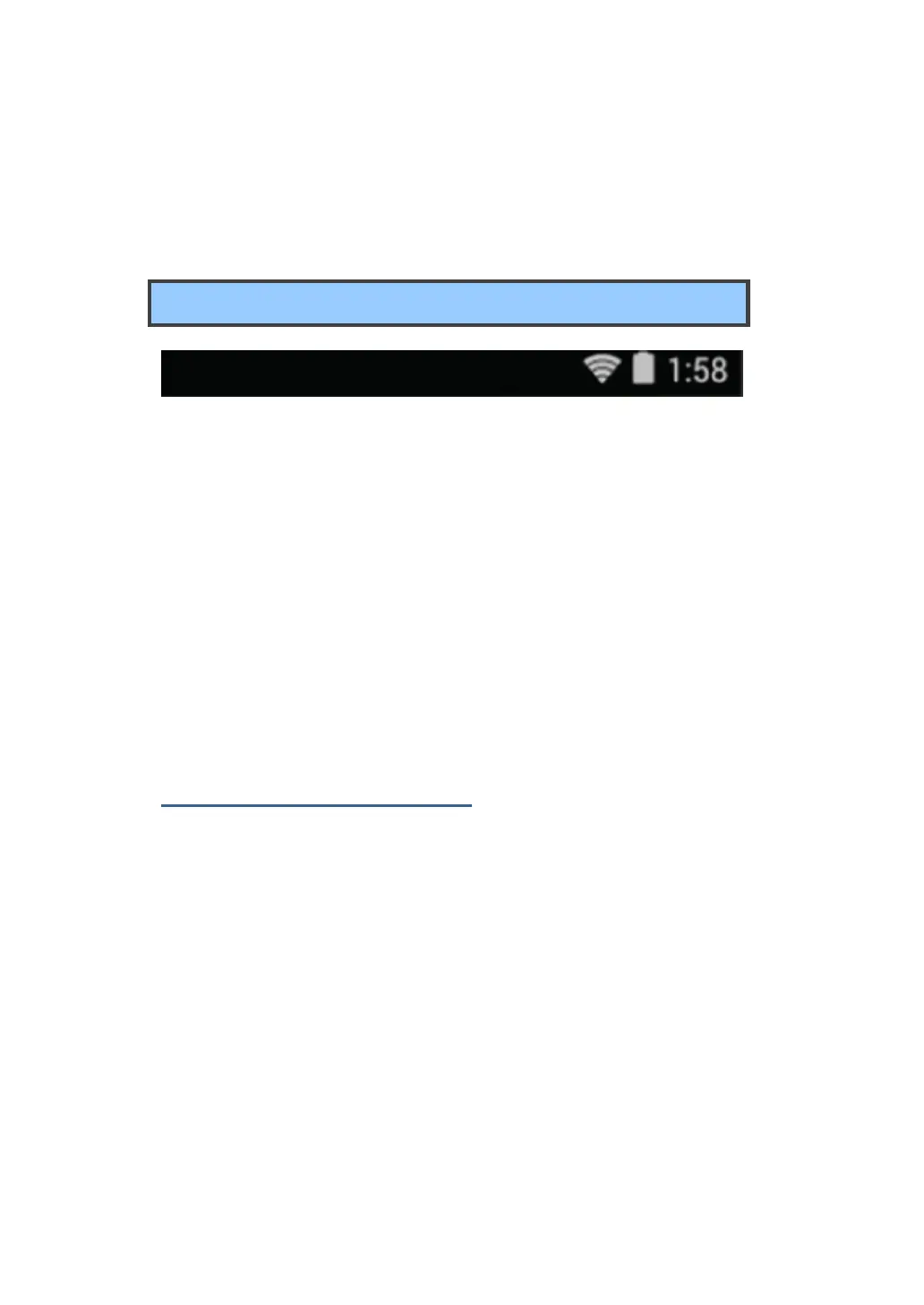
The status bar has two areas. The one on the right side is called
Status area, and on the left side is Notification area. Both areas give a
quick view and head up of your tablet status.
The status area gives you a quick view of the tablet status
(including the wireless connection and battery status) and
system time.
The notification area gives you a head up of any notifications that
are present by showing the icons of the applications that
generate such notifications.
Expanding the status bar
When you touch and drag the status bar downward a first time, a
summary of the existing notifications is expanded, as shown below:



 To Next Page