Search for information on the Internet.
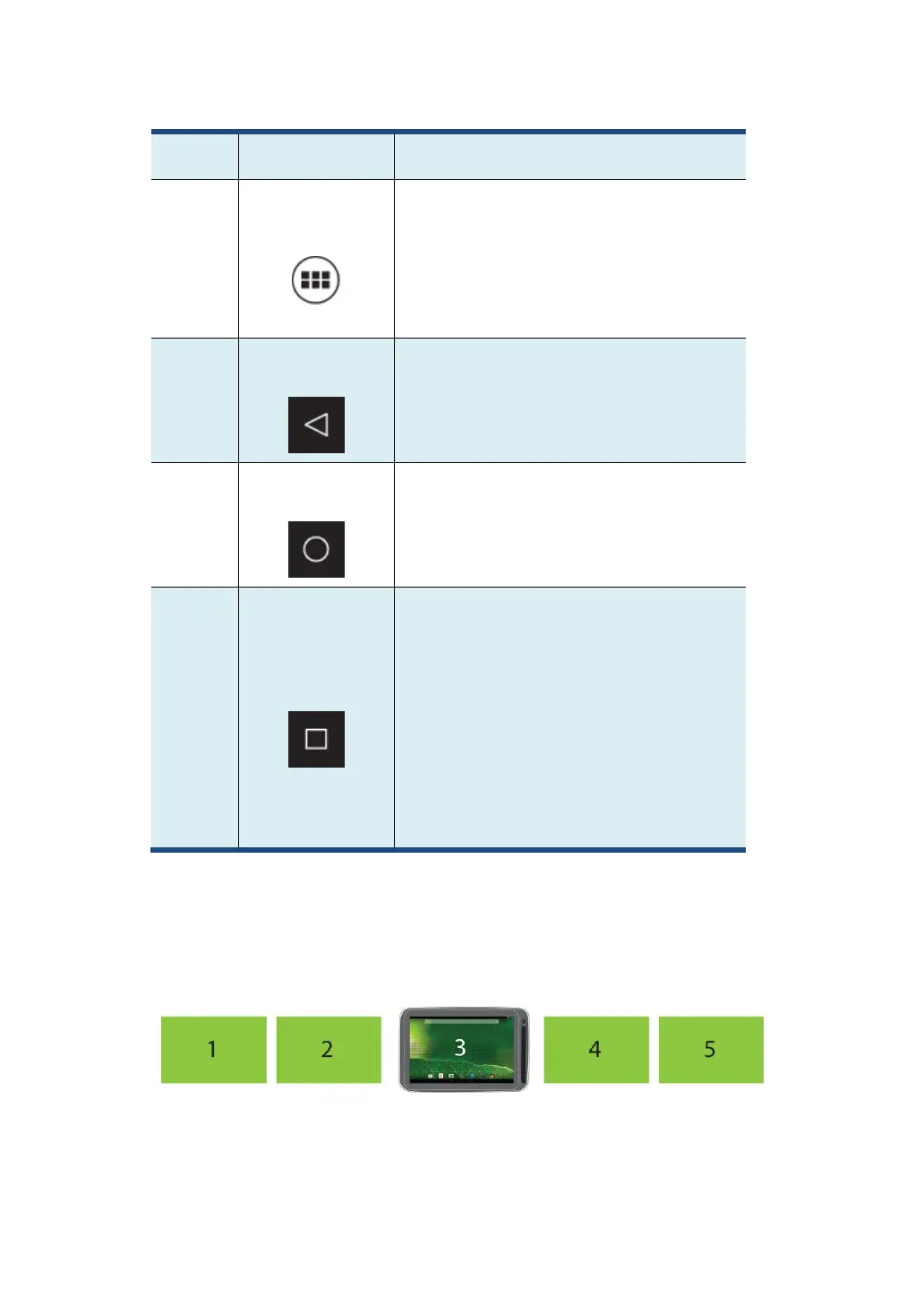
A navigation button. Tap on it when you
want to open the All Apps screen, in which
you can find all the apps installed in your
tablet.
A navigation button. Tap on it when you
want to go back to the previous screen.
A navigation button. Tap on it when you
want to go back to the Home screen.
Open a list of thumbnail images of
applications you have launched recently.
To switch to an application, touch the
thumbnail. To close an application,
long-touch the thumbnail to bring up the
pop-up menu, and then touch Remove
from list.
The main Home screen is actually the central one of the five Home
screens.
Touch a blank area on the screen and slide your finger left or right



 To Next Page