Click here to show the system notifications
and several shortcuts.
Settings screen
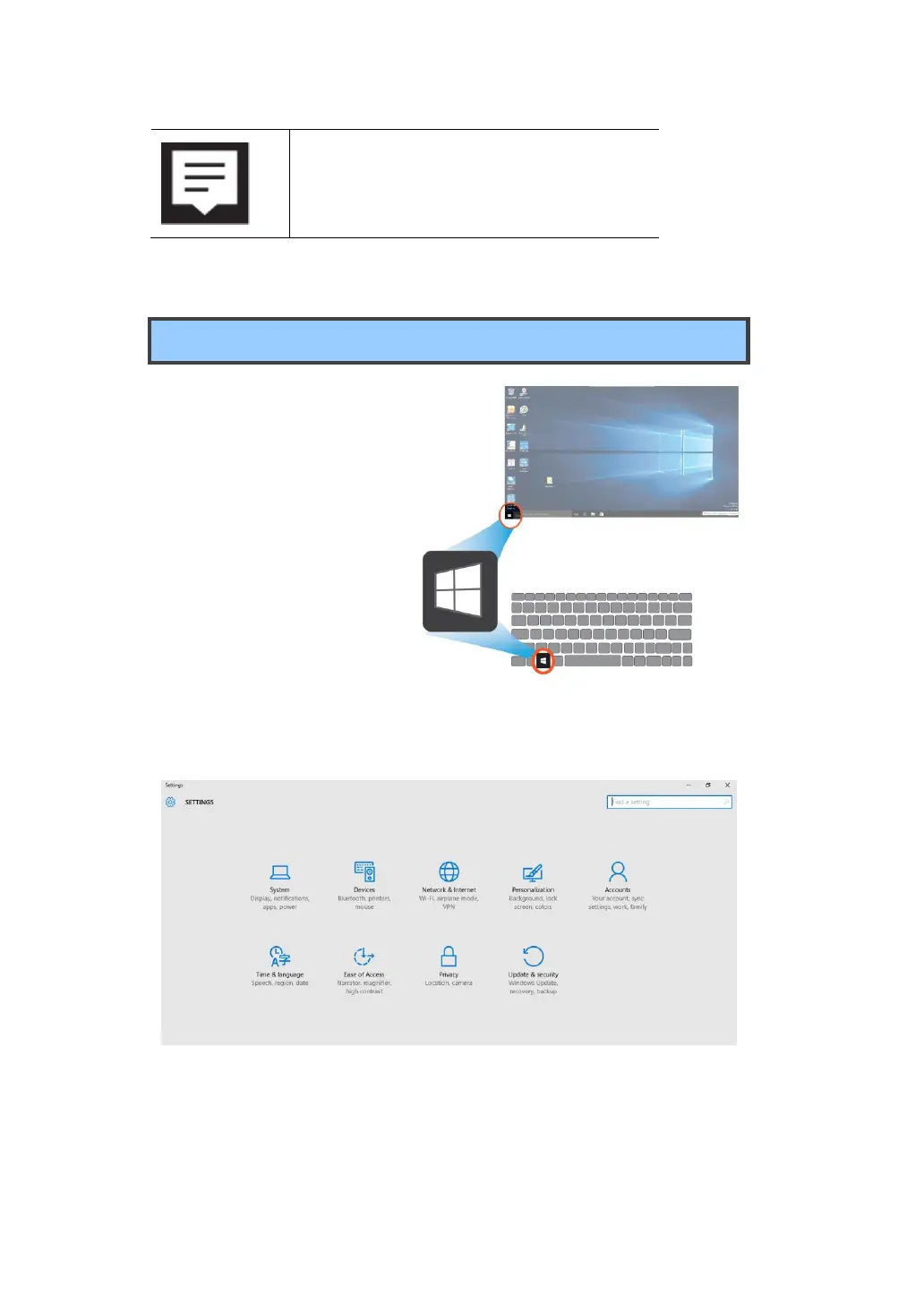
To access to the Settings
screen:
1. Click the Windows icon in
the low-left corner of the
Desktop. Or, press on the
Windows key in the
keyboard.
2. Select <Settings>.
This will open the Settings screen, as shown below
.



 To Next Page