Windows Activation
To use all features of your Windows tablet, you may need to activate your
Windows system. Follow the following steps to register and activate your
Windows.
1. Open the Start menu and click <Settings >.
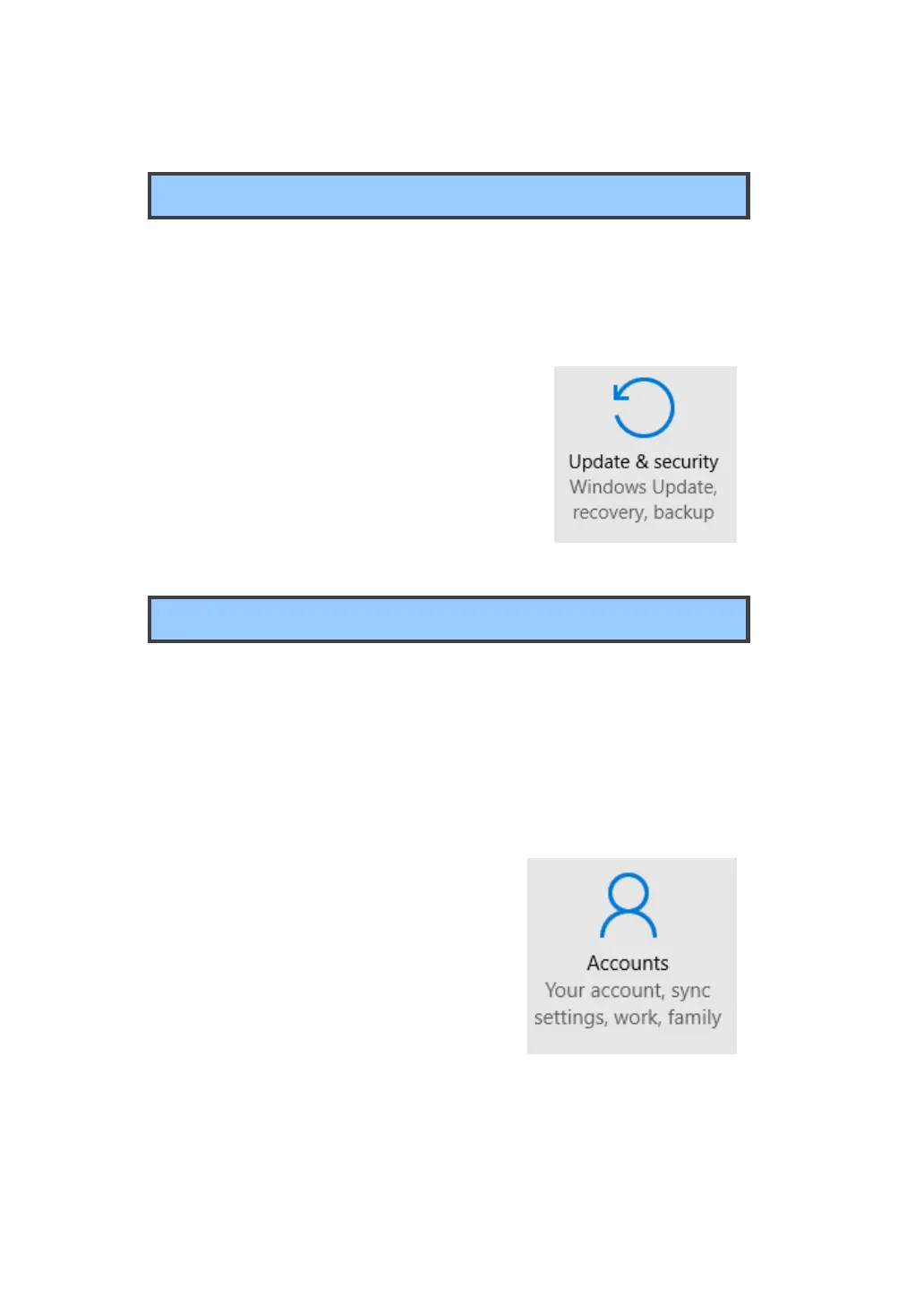
2. Click <Update & security>
3. Select <Activate>.
4. Follow the instructions to activate your
windows.
Setup Your Microsoft Account
To share files or settings with other devices running Windows 10, you
need to setup a Microsoft Account. Furthermore, if you want to download
or purchase apps from the Microsoft Store, such Microsoft Account is
required.
To setup your Microsoft account
1. Open the Settings screen and select
<Accounts> .
2. Select <Your account >
3. Select <Sign in with a Microsoft account
instead>.
4. Follow the instruction to register your
account information.



 To Next Page