Wireless LAN
Enabling wireless connection
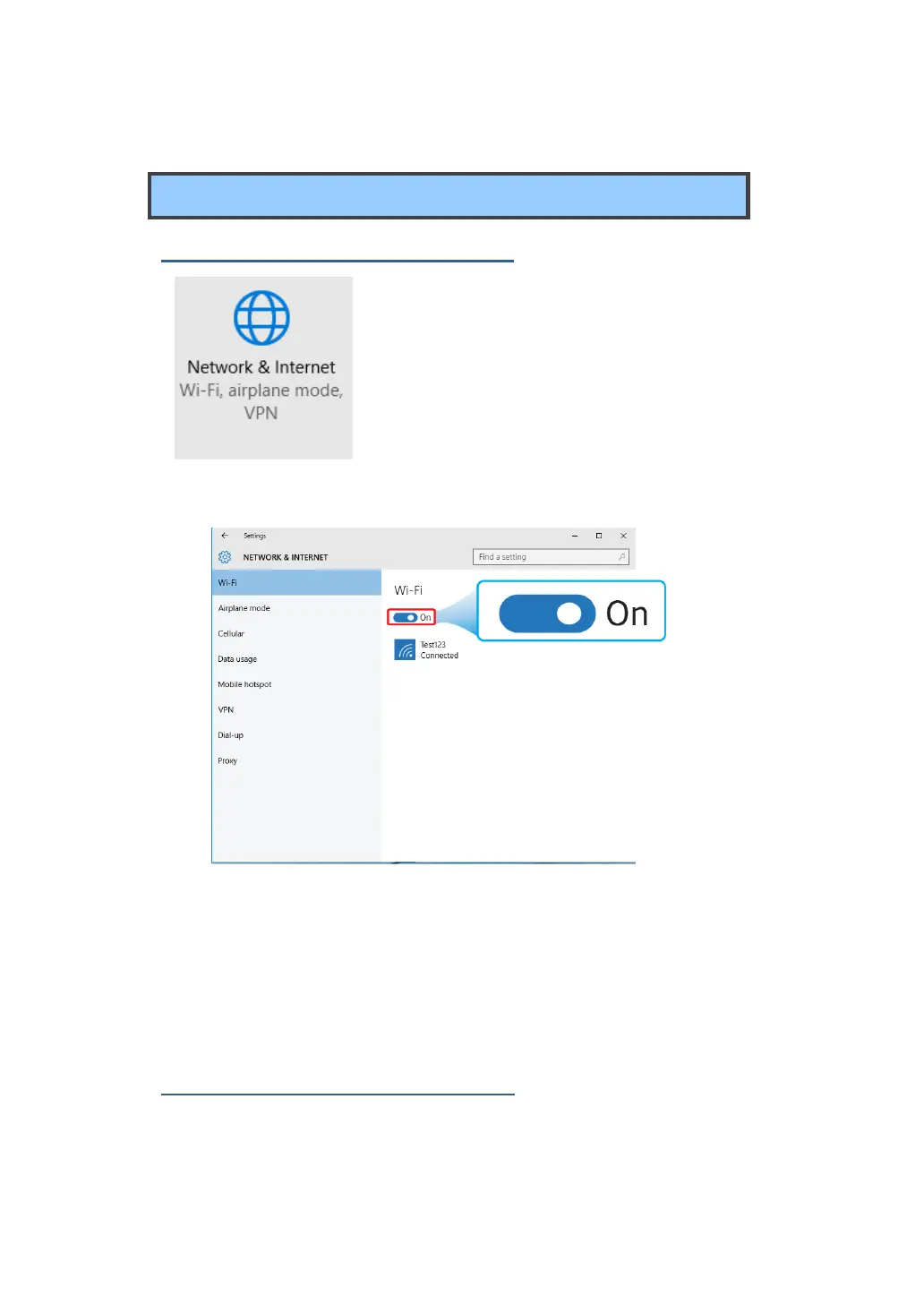
1. Open Settings menu and select
<Network & Internet>.
2. Select <Wi-Fi> and set the function to ON, as shown below
.
3. Make sure you have switched the Airplane mode off. To confirm that
Airplane mode is disabled, go to the desktop and check the
notification area. If you see an airplane icon displayed on the lower
right, please disable the Airplane mode first.
Connecting to a wireless LAN
Once the wireless has been enabled, the computer automatically
scans for available wireless networks and displays them in the



 To Next Page