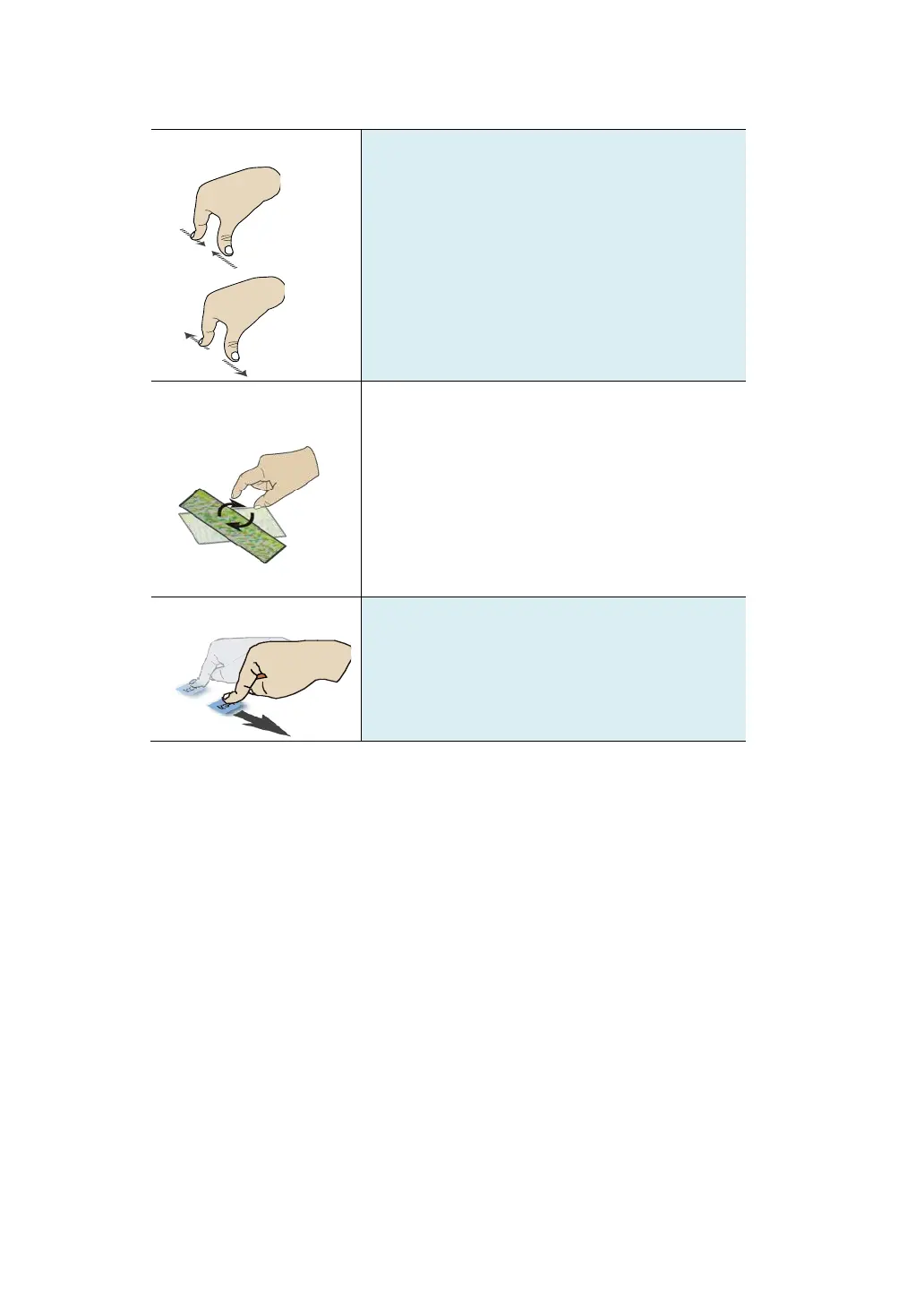
Move two fingers together or apart while
touching the screen. This is to zoom in and
out on visual apps, such as pictures and
maps.
Place two or more fingers on an item and then
turn your hand.
This enables you to turn an object. (Note:
Not all items can be rotated, depending upon
the app.)
Drag your finger across the screen.
This can scroll through lists and pages, and
can also move an object or be used to draw or
write, depending upon your apps.



 To Next Page