10
starlight pro
4.2 Connecting the Accessories
In order to make the equipment operational it is necessary to proceed as follows:
1.
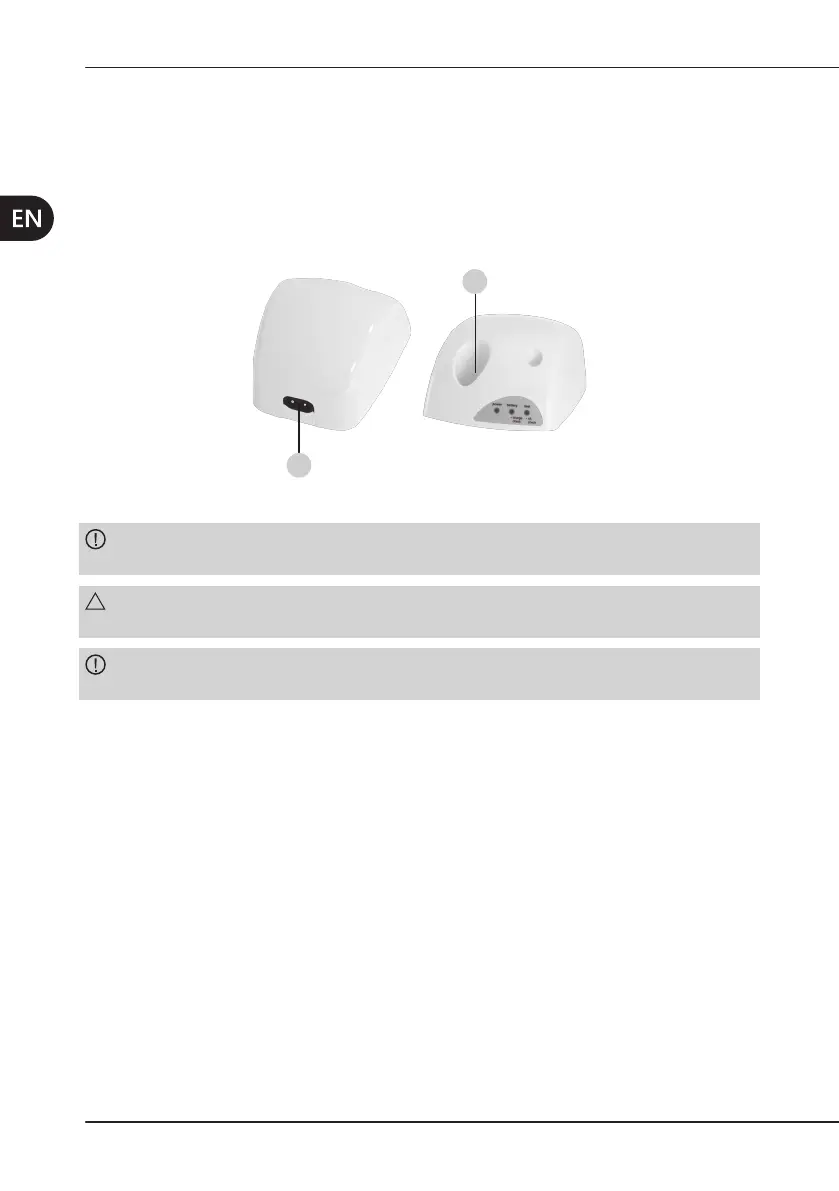
2. Plug the power cable (Figure 4 at page 8 - Ref. F) into the connector on the back side
of the charging unit (Figure 5 at page 10 - Ref. A) and then into the power outlet. The
green power LED should light up (Table 1 at page 11 - Ref. A).
A
B
Figure5 – Charging unit.
CAUTION:Make sure that the voltage and frequency of the power-supply line match the
WARNING:
replace it with an original Mectron spare part.
CAUTION:Place the device in such a way as to always have the power plug easily
accessible as it is considered to be a disconnection device.



 To Next Page