EasyManua.ls Logo

Medonic M16C-US - Page 23

Medonic M16C-US
109 pages
Print Icon
To Next Page IconTo Next Page
To Previous Page IconTo Previous Page
Loading...
22
3.2 Menu Structure (continued)
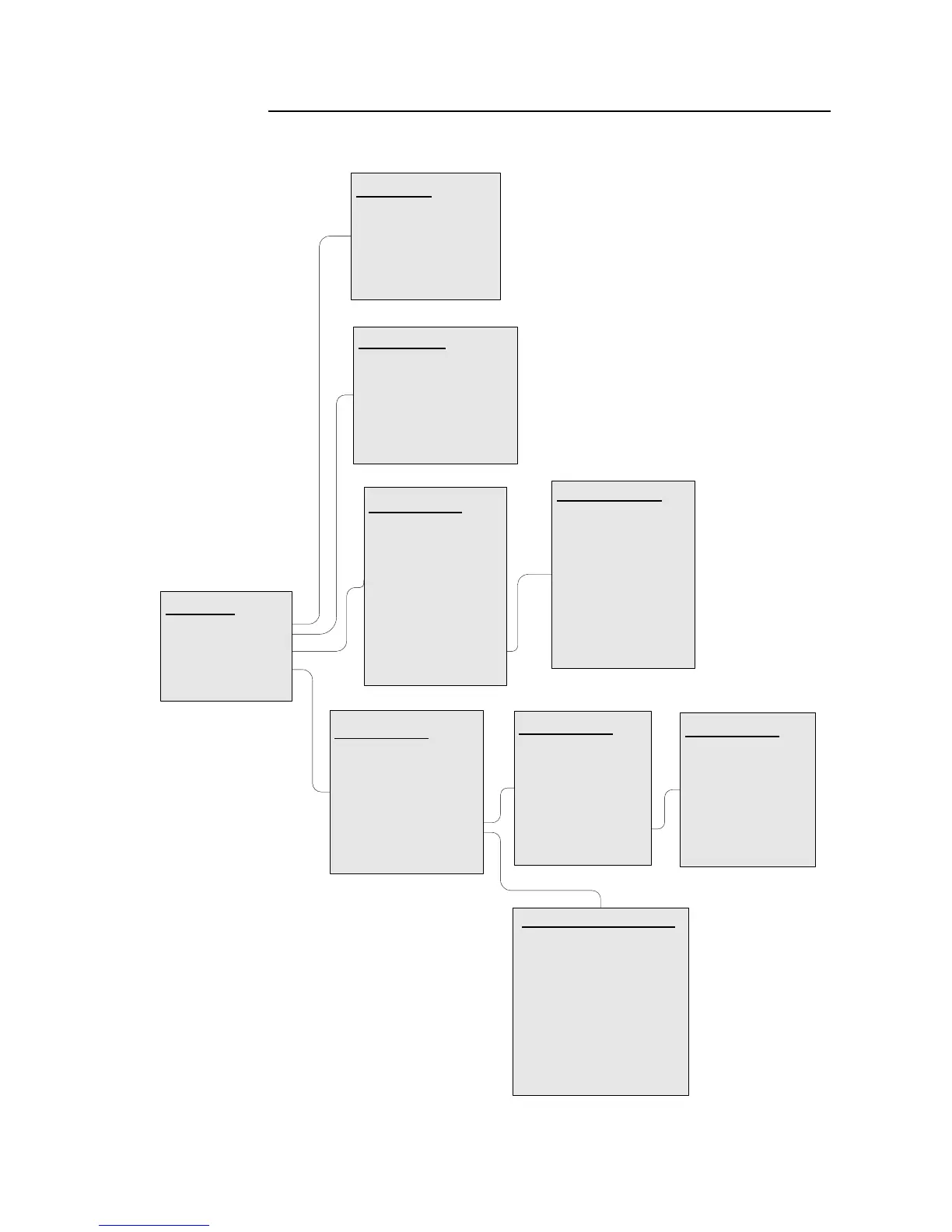
Flowchart 3.2 Advanced Menu Structure
Advanced
Calibration >
Maintenance >
Service >
Setup >
Exit <
Calibration
Whole Blood >
Predilute >
Capillary Device >
Closed Tube Device >
Calibration Log >
Exit <
Setup Menu 1
Print Setup >
Serial Setup >
Print All Settings >
Send All Settings >
SEQ No. Setup >
Setup Menu 2 >
Analysis Profile >
Exit <
Service Menu
Serial no
Firmware
Clot Removal >
Noise test >
Configuration >
Pump & Valve >
Instrument Log >
Flush Shear Valve >
PTest >
Service Setup 2 >
Exit <
Service Menu 2
Serial no
Firmware
Blood Detector >
Level Detectors >
Beaker Detector >
Reagent Detector >
HGB >
Shear Valve >
Needle (if applicable) >
CVP (if applicable) >
Exit <
Setup Menu 2
Barcode Setup >
Memory Setup >
Blood Det. Setup >
Standby Setup >
Date/Time Setup >
Regional Setup >
Setup Menu 3 >
Exit <
Setup Menu 3
Color setup >
Mixer Setup >
Instrument ID >
PLT offset Setup >
High Alt. Setup >
Xb Range Setup >
Delay Predilute >
Exit <
Analysis Profile Setup
Activate
[X] >
Default >
Name >
Block parameters >
Normal Ranges >
WBC setup >
RBC/PLT Setup >
Misc. Setup >
Next / Prev ¤
Exit <
Maintenance
Prime System ¤
Clean Orifice ¤
Fill System ¤
Cleaning Menu >
Empty System ¤
Clot Prevention ¤
Exit <

Table of Contents