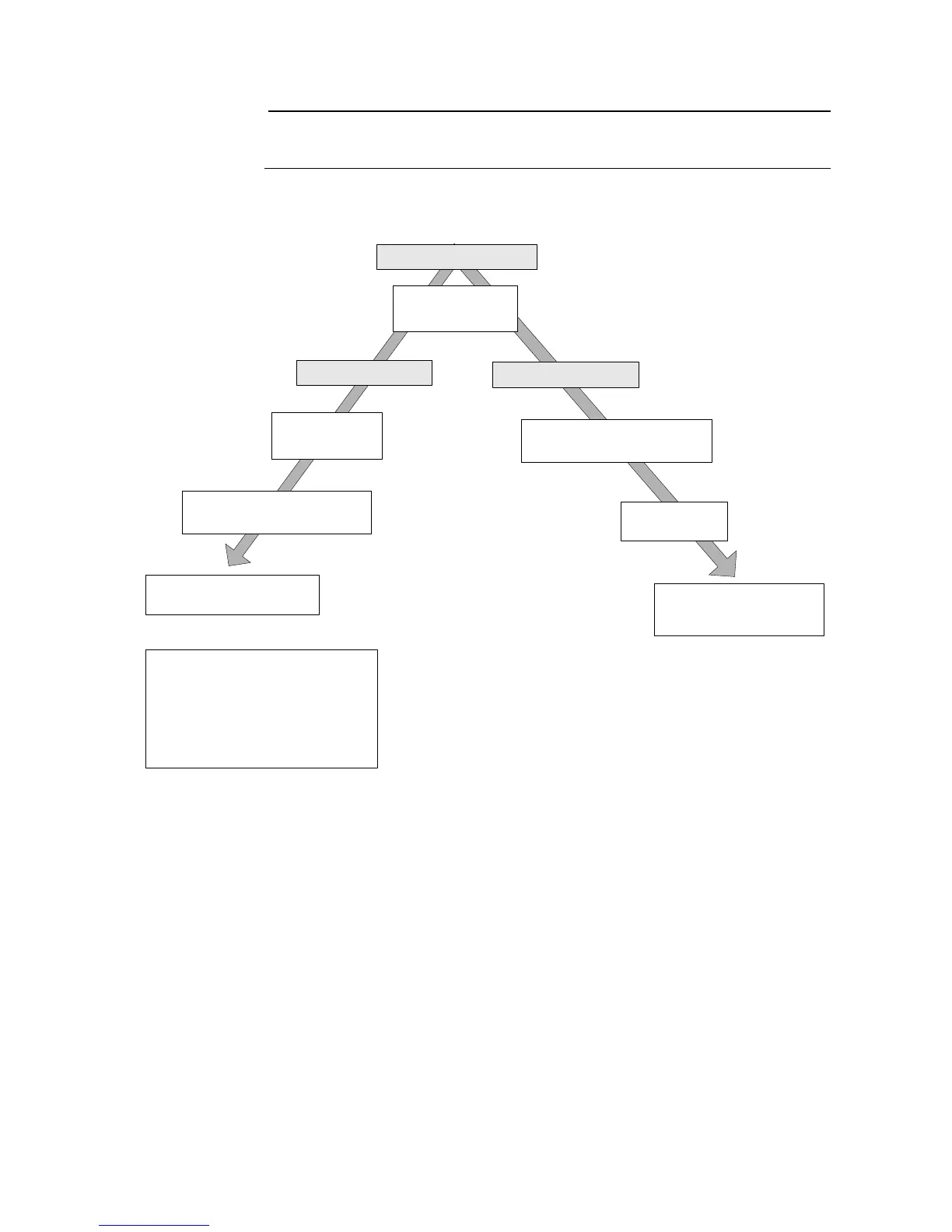
After 15 minutes*
Screen Saver
Mode**
After 2 hours*
Before 2 hours*
In Standby
Mode
Press anywhere on
screen to view screen
Press [EXIT]
Returns user to
last displayed page
Press anywhere on
screen to view screen
Press [EXIT] to exit
standby mode***
* This time amount is user adjustable.
** Possible to start directly if in View Sample,
List Sample, or Main Menu screens.
*** Default automatically runs background count.
If default is inactivated by user, background
count run recommended.



 To Next Page