Section 6: Quality Control (QC) and Blood
Control Memory
Section Overview
The Medonic M-Series is equipped with a QC memory capable of
displaying and printing Xb and Levey Jennings plots.
This section contains the following topics:
Initialization and Use of Xb Function
This section describes the procedures to be performed for running control
samples.
QC Menu and
Assay Value Input
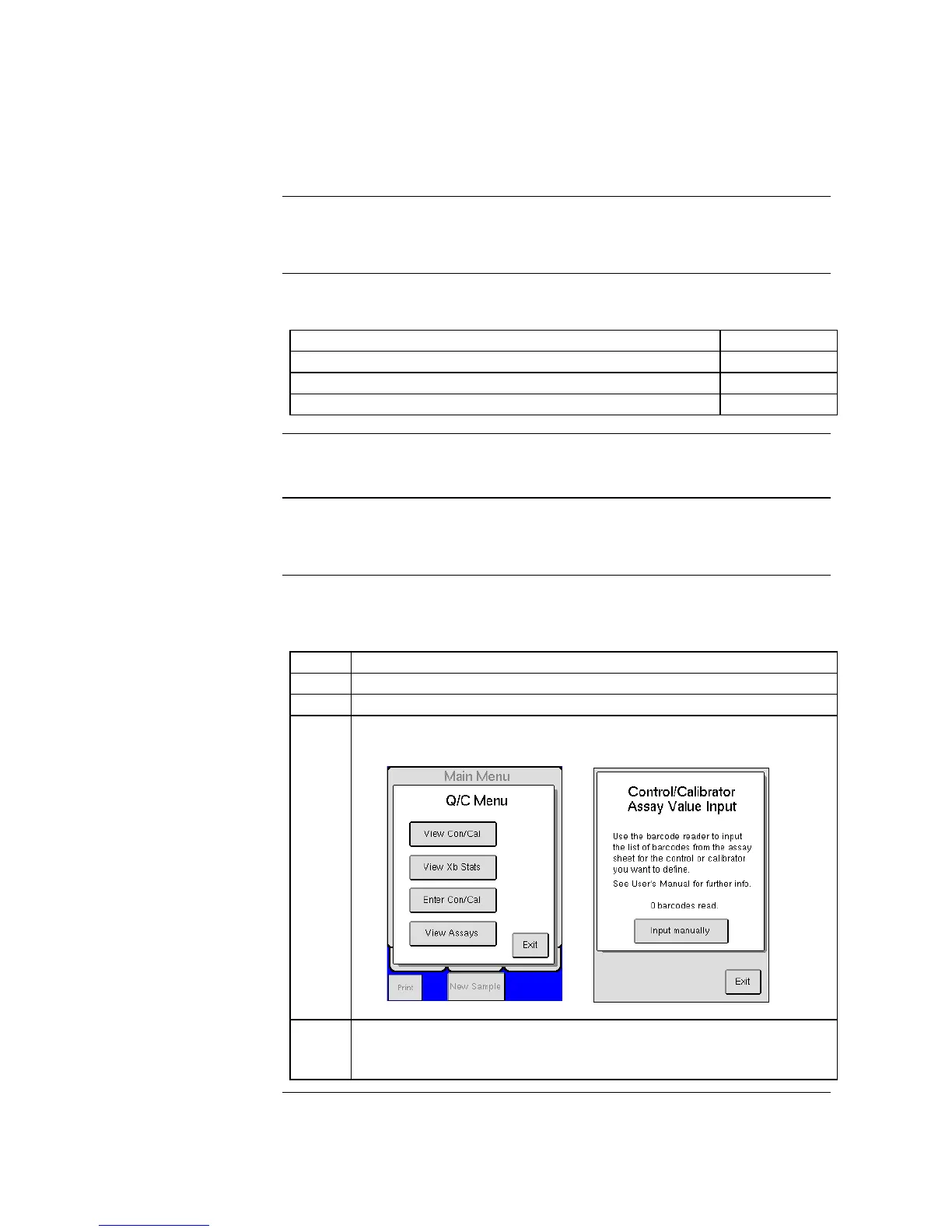
Follow the instruction below to access the QC menu and to input
Control/Calibrator Assay Values from the Assay sheet.
Enter the QC menu by pressing [QC] from the menu tab.
Refer to the Assay sheet for instructions on how to input Assay Values.
(These pages are delivered with authorized Boule controls).
12 different Assay Lots from Boule can be stored simultaneously.
When entering a new Assay Lot, the previously scanned Assay Lot will
be removed in a chronological order starting with the first entered Lot.



 To Next Page