compared to normal cells, which may cause aberrations in the automated
analysis. This also applies to the presence of normal non-pathological cells that
have been subjected to chemotherapy or other treatments.
9.2 System Information Messages
The system software monitors a number of analytical and system functions and
will display information that indicates the possible attention of the operator. This
information will alert the operator to check the system or sample or institute
selected troubleshooting procedures. This information is presented on the touch
screen as a code next to one or more parameters. Additional detail and
recommendations may be accessed by either pressing the i-button on the touch
screen or reviewing the printed report.
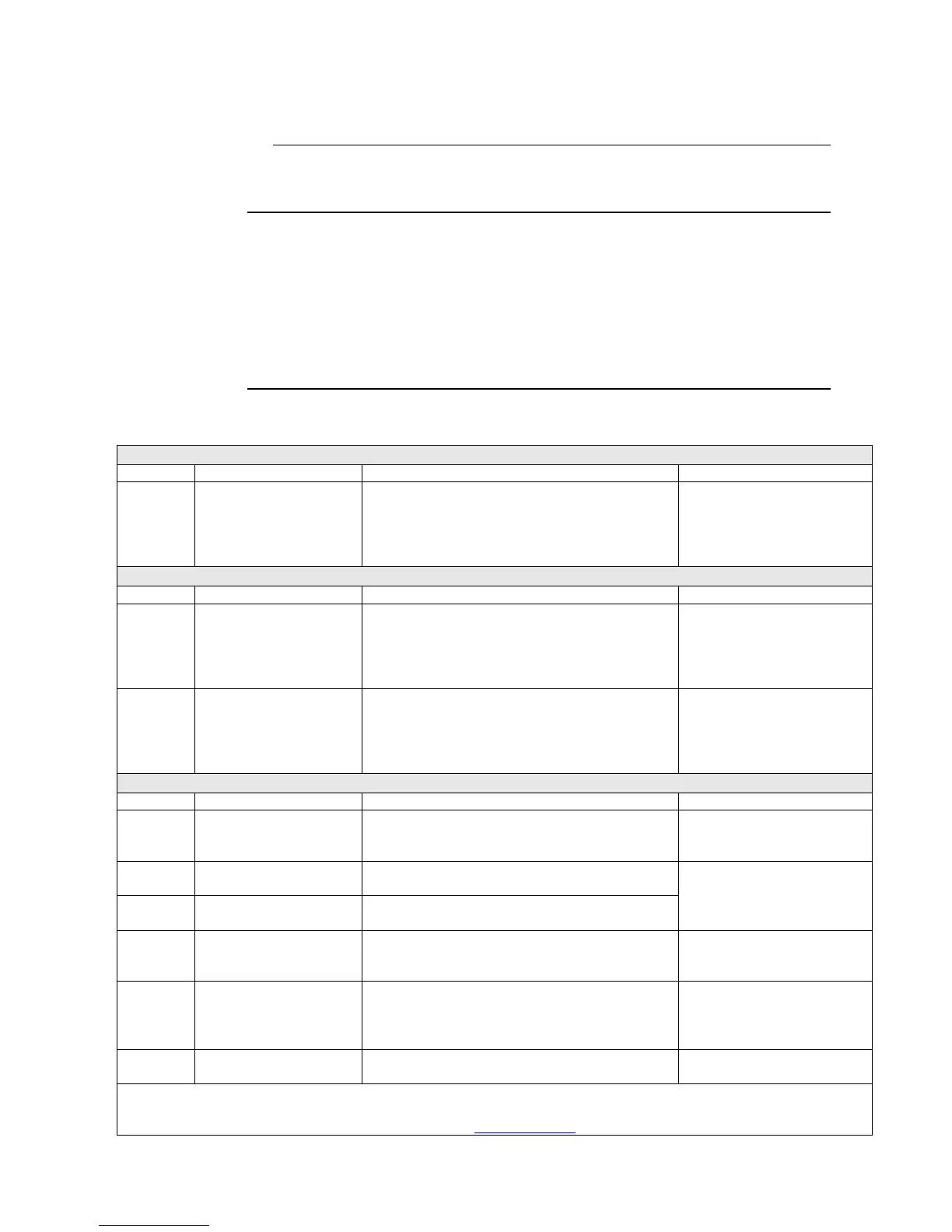
System Information Messages
Aspiration Indicators (Sample Probe)
Aspiration failed, check
sample
Possible reasons for AF flag include a short
sample, clogging or air bubbles in sample tube.
Note: This flag is also displayed when running a
background count (blank) without selecting the
background analysis profile.
Check profile type is correct
and then re-analyze sample.
Distribution Indicators (RBC, PLT, WBC)
Small particle
interference; re-analyze
The size distribution of the cell pulses departs from
the expected one. Possible reasons might be
pathological blood sample (e.g. nRBCs), PLT
clumps, air bubbles, electrical disturbances,
incomplete lysing or incorrect gain setting.
RBC/PLT: Irregular
Distribution, re-analyze
It was not possible to find the correct position for
the floating RBC/PLT distribution curve. This flag
often occurs on low PLT counts. The FD flag
should only be reported if the corresponding
parameter (PLT) value is high enough.
HGB Measuring Problem
– run prime cycle
The instrument detected a problem during the
filling of liquid in WBC counting chamber during
HGB blank.
Run a “Prime cycle”, before
re-analyzing the sample.
HGB Measuring Problem
– run prime cycle
The HGB blank or sample readings reported a too
high light level.
Run a “Prime cycle”, before
re-analyzing the sample.
HGB Measuring Problem
– run prime cycle
The HGB blank or sample readings reported a light
level that was too low.
HGB Measuring Problem
– wait one minute then
re-analyze
The HGB sample reading reported more light than
the blank reading. This gives a negative HGB
value.
Wait one minute, and then re-
analyze sample.
HGB Measuring Problem
– restart system
The HGB dark (offset) reading reported a light
level that was too high or too low.
Switch off the analyzer and
switch it back on after 3
seconds, and then re-analyze
sample.
HGB Measuring Problem
– run prime cycle
Individual HGB readings vary too much.
Run a “Prime cycle”, before
re-analyzing the sample.
Note: If various HF, HH, HL, or HN Indicators repeatedly appear check High Altitude Compensation, mode may need to be
changed to Moderate or Maximum compensation in higher elevations. A more detailed description can also be found in the
User Definable Settings document, which can be located at www.medonic.se > Support > Downloads > Public > Documents.



 To Next Page