4.2 Initial Setup (continued)
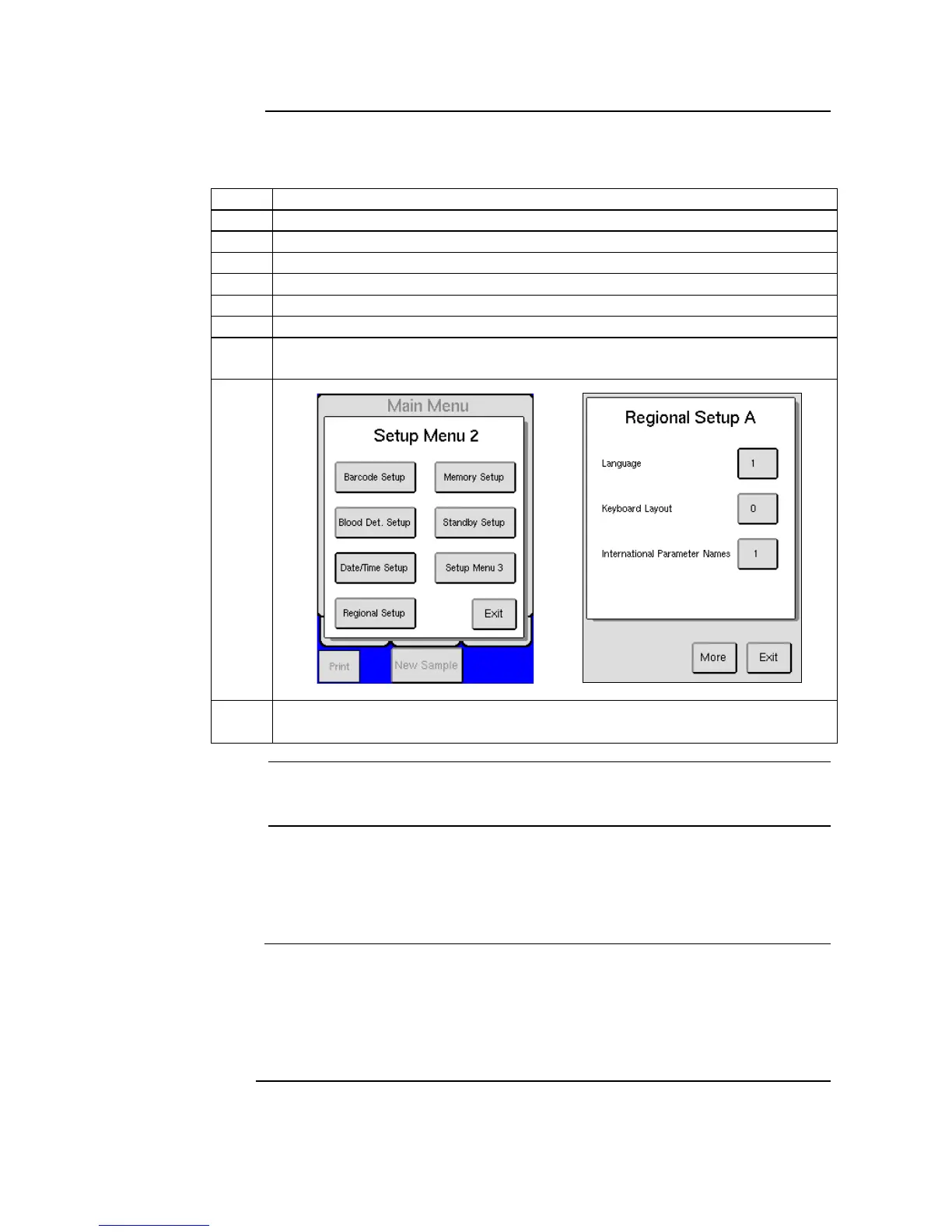
Change of display language is performed by following the instructions below:
Start by pressing [ADVANCED] from the MENU tab.
Press [REGIONAL SETUP], a list of local settings will be displayed.
Press [MORE] until language button is displayed.
Press [LANGUAGE] to enter language screen.
Choose the number that corresponds with the language desired and press [OK]
to save.
If an option is not available, the number will not be accepted when operator
presses [OK].
Initial advanced setup of the analyzer, has been factory set to default values.
However, other user definable formats may be preferred, details on how to
install and configure external components such as barcode readers, printers,
data communication, etc. are provided below.
The analyzer has been automatically set to the USB printer provided by CDS.
(Printer Type 4)
Contact local distributor for current list of available USB printers
If using USB printer other than that specified by distributor, the printer must
be HP PCL 5 or IBM proprinter compatible.



 To Next Page