Section 12: Troubleshooting
Section Overview
This section contains information needed to troubleshoot the Medonic
M-Series instrument.
This Section contains the following topics:
General Information Displays
Troubleshooting Other Issues
12.1 Communication Issues
This section contains information regarding errors associated with printers,
barcode readers and serial data communication.
See Section 4.3 Printer Modes for further detail.
The printout has unusual
layout or strange
characters.
1. Verify that printer type
matches the printer being used.
2. Verify that the correct paper
format has been selected for
the printer paper.
1. New printer was connected but
not matched with analyzer
setup.
2. Printer may need maintenance
or to be reset.
Results are not printing
out after sample or
control analysis.
1. Verify that Auto Print Mode is
NOT set to ‘0’.
1. Auto Print Mode was turned
off and not reset.
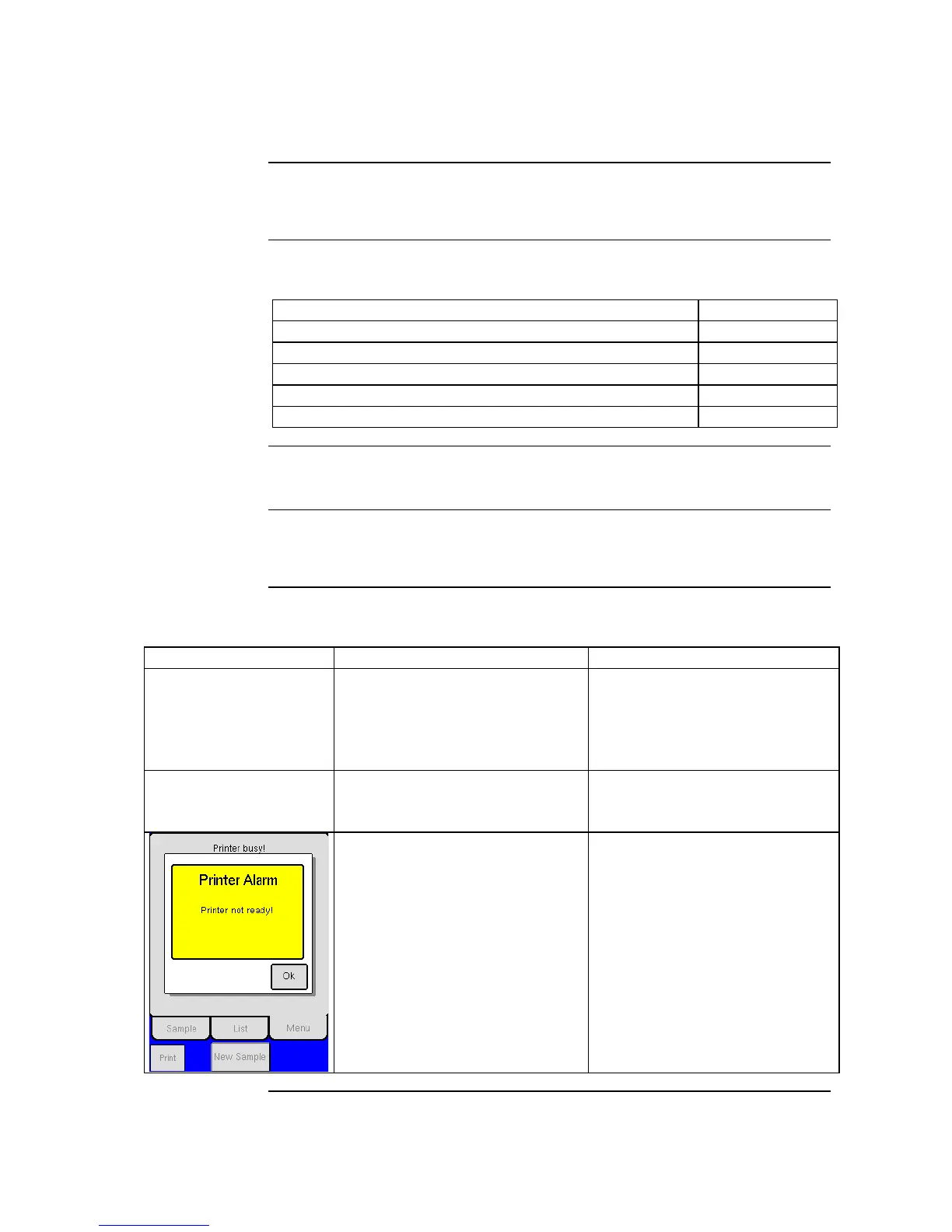
1. Printer Alarm message is
displayed.
2. Printer is not ready to print,
wait unit printer has finished
with previous printout.
3. Verify that printer is connected
the instrument.
4. Verify that the setup of the
instrument is correct for the
printer in use.
1. The printer is not connected to
the instrument or the printer
setup is incorrect.
2. The printer has not completed
last printout.



 To Next Page