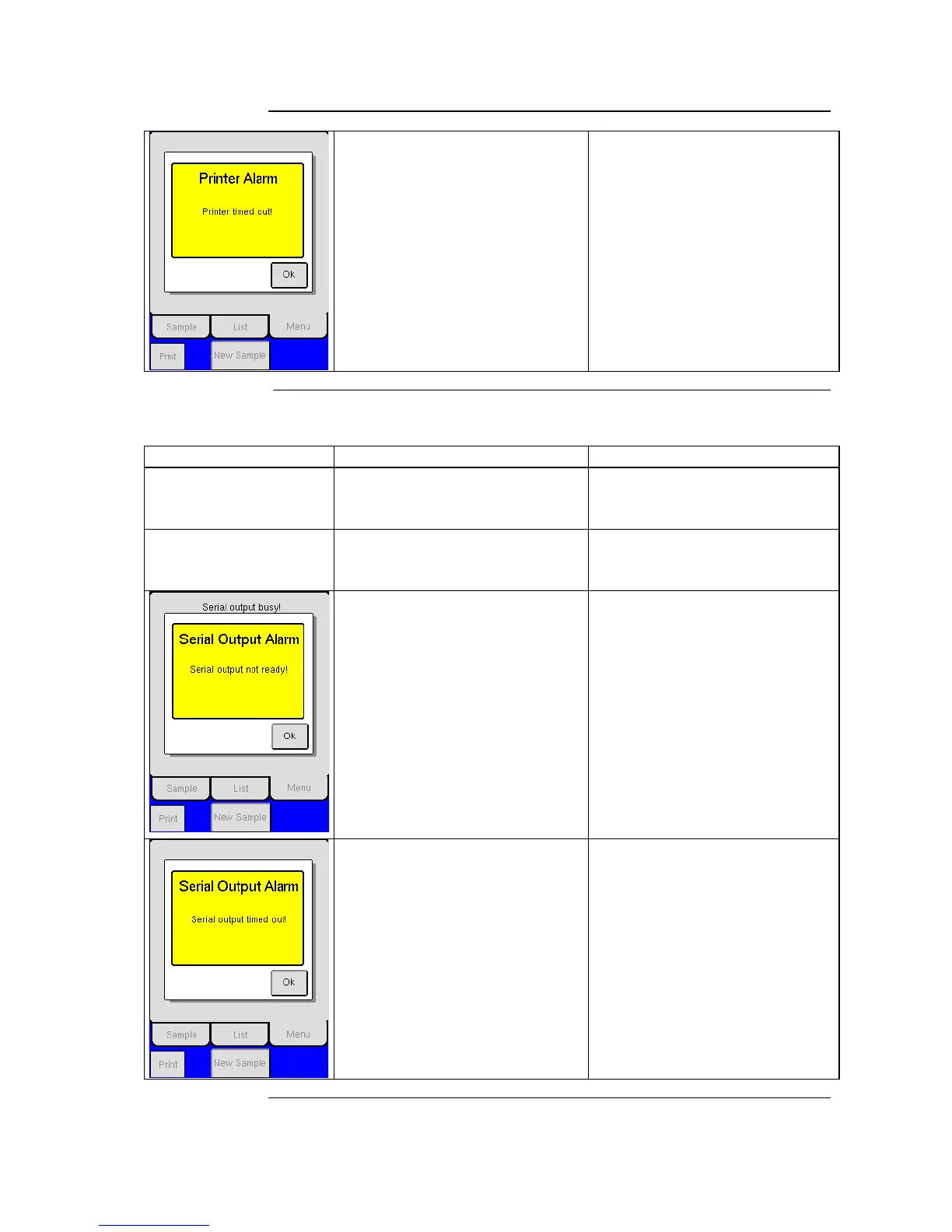
12.1 Communication Issues (continued)
1. The Printer is connected to the
instrument and on, but not
activated.
2. Verify that printer is not in
standby or offline.
3. Verify that printer is set to
print and not serial port only
setup.
1. The printer has timed out.
2. Printer paper may need to be
refilled.
3. Incorrect setup for information
transmission.
See Section 4.3 Data Communication for further detail.
The data sent does not
seem correct
1. Make sure that the correct HW
handshake and Auto Send
Mode has been selected.
1. Serial setup in analyzer is
incorrect.
Results are not being
sent to computer after
sample analysis
1. Verify that Auto Send Mode is
NOT set to ‘0’.
1. Auto Print Mode was turned
off and not reset.
1. Serial Output in not ready to
transmit.
2. Wait until previous sample has
finished transmitting.
3. Then resend selected sample.
1. The analyzer has not
completed transmission of last
sample.
1. Make sure that the HW
handshake has been selected.
2. Verify that analyzer is
connected to computer.
3. Verify that computer is turned
on.
4. Verify that analyzer is set to
serial output and not print
mode only.
1. The serial output has timed
out.
2. The computer is not
connected to the instrument or
the serial output setup is
incorrect.



 To Next Page