5.1 Preparations before Analysis (continued)
Handling of
capillary blood
samples
The sample in the micropipette can be analyzed directly after collection and
for optimal results not longer than 10 minutes from collection.
For capillary samples collected in Microtainer tubes follow the “Handling of
venous blood samples” section above.
The sample should be kept at room temperature. Excessive cold or heat could
cause erroneous results.
As there are no assurances of the absence of HIV, Hepatitis B or C viruses or
other infectious agents in blood samples, controls, calibrators and waste these
products should be handled as potentially biohazardous.
Refer to local regulations and established laboratory protocol for handling
biohazardous materials.
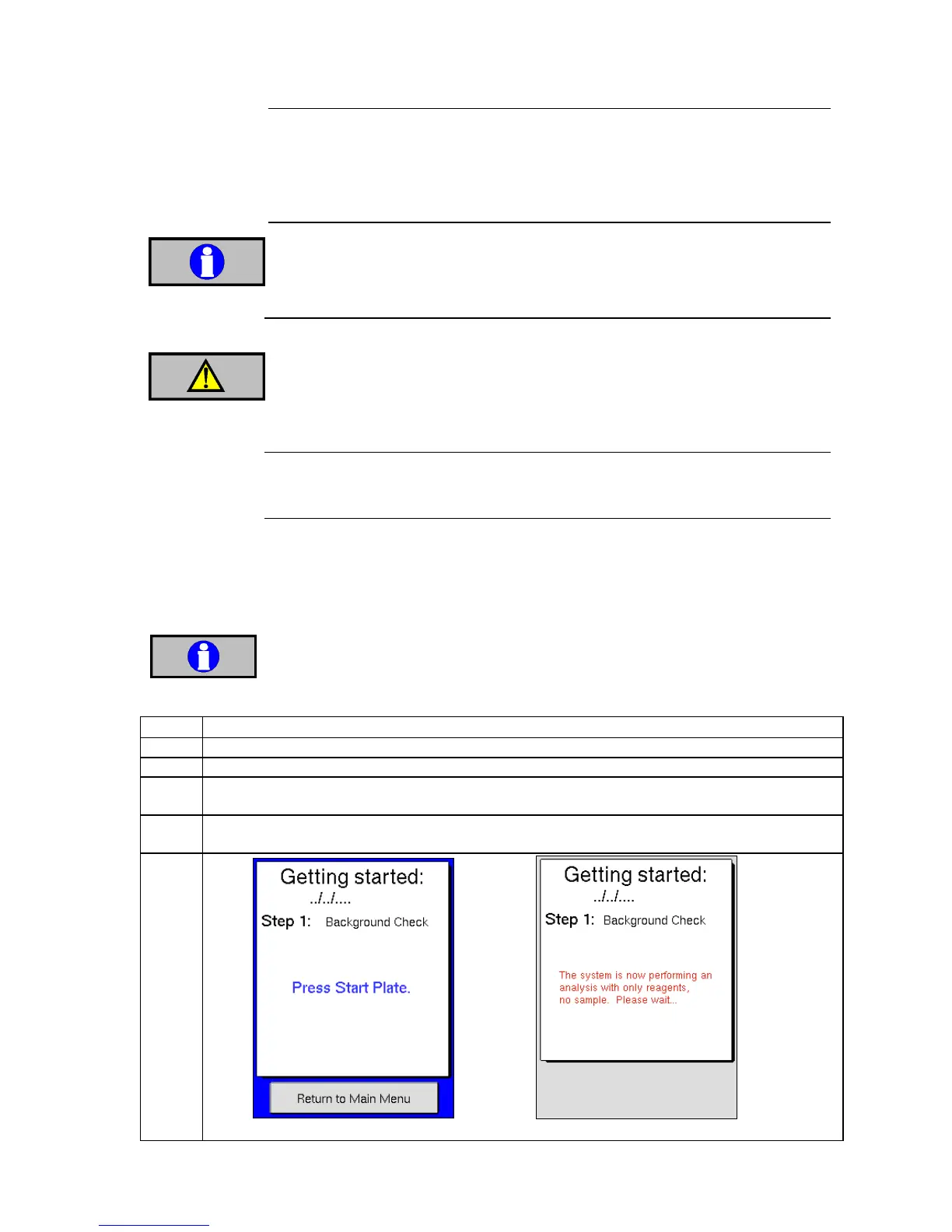
The following sequence guides the operator through the beginning of the day
startup routine for the analyzer. There are 2 simple steps to follow which takes
the user through a background and control analysis sequence with detailed
guidance at each step. This startup sequence is optional and can be bypassed if a
different startup routine is desired.
The startup sequence must be activated to follow this procedure, alternatively
follow the manual background and quality control checks, see 5.3 and 6.1.
Touch display or switch on power to the analyzer.
Press [EXIT STANDBY] or [PWRUP] depending on how the analyzer was shutdown previously.
Enter operator ID and press [OK] or press [CANCEL] to exit Standby. The analyzer will now run
a “wake up” sequence.
When “wake up” cycle is complete, press start plate to begin the first step of the startup
sequence.



 To Next Page