5.9 Analyzing the Sample (Autoloader) (continued)
Samples can also be analyzed without identification, but then only the
sequence numbers will be present on the worklist.
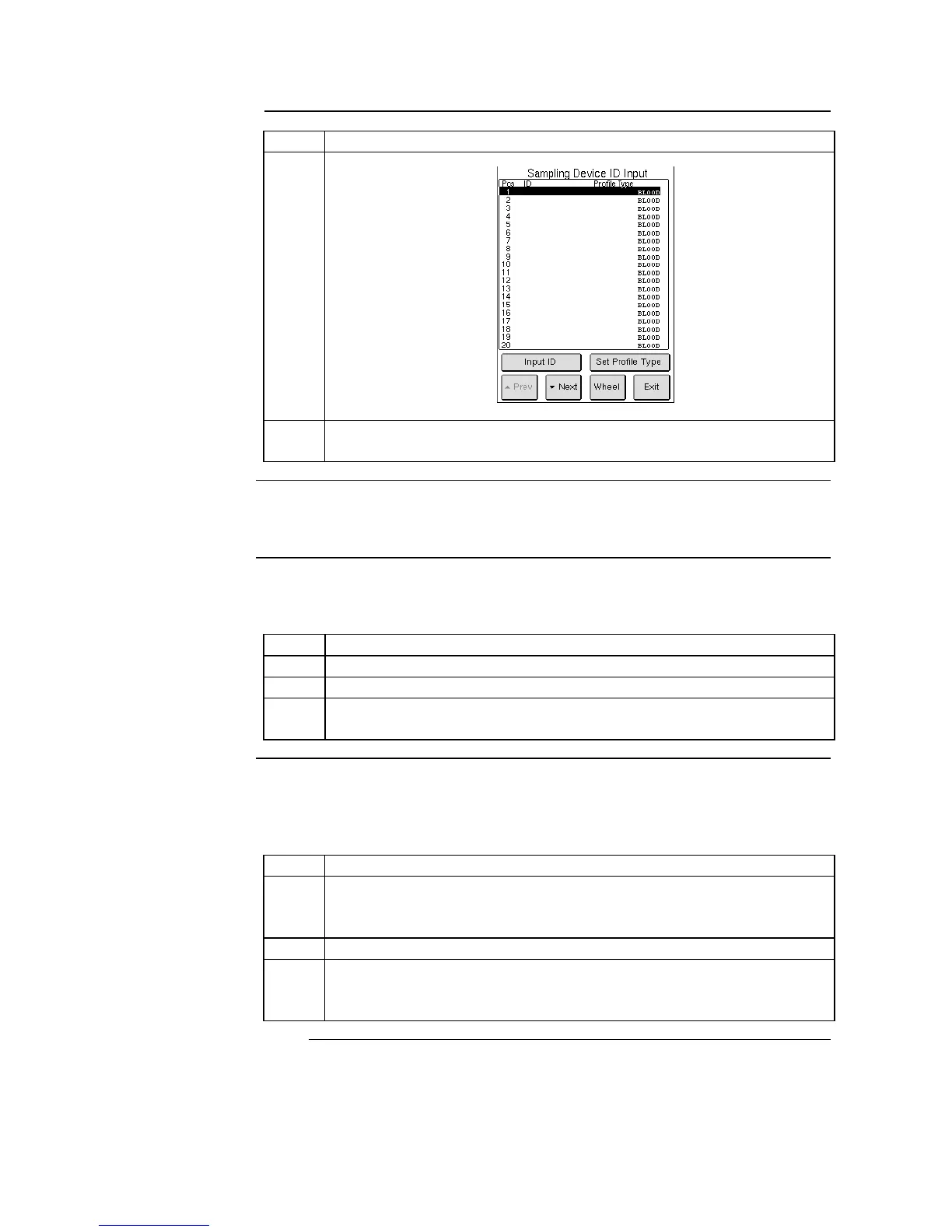
To select a different profile type for a sample press [SET PROFILE TYPE] in
Sampling Device ID Input display, select desired profile, and then press [OK].
Changing a sample ID number or position must be performed prior to pressing
[START] on Sampling Device List display.
Press [SAMPLING DEVICE] and then [INPUT ID].
Press [NEXT] or [PREVIOUS] to scroll to corresponding ID number.
Manually enter in new ID number, using the external barcode reader
or the touch screen keyboard.
When numerous samples are being analyzed an additional wheel may be
needed. Additional wheel entry can begin before or after previous wheel has
begun analysis.
Press [WHEEL], on Sampling Device ID Input display, until position
numbers on display match the position numbers on the wheel the
operator is currently loading with new samples.
Follow steps 1-3 on Selecting Sample ID.
Wait for previous wheel to finish before placing new wheel on front
position of analyzer. Previous wheel is finished when [SAMPLING
DEVICE] button is highlighted green.



 To Next Page