12.2 General Information Displays (continued)
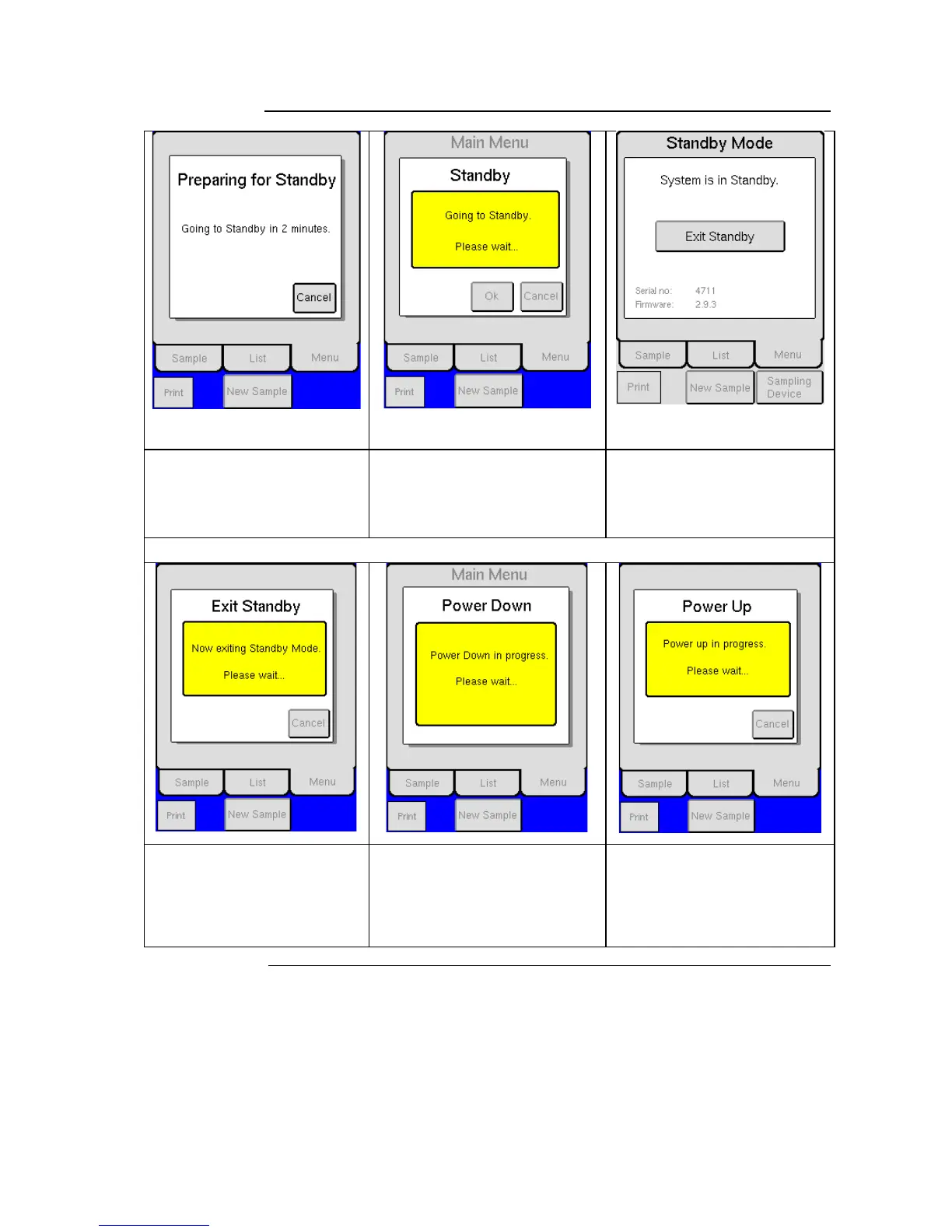
Instrument will enter Standby mode
in 2 minutes. Press [CANCEL] to
return to instrument menu.
The instrument is in the process of
going into Standby. Please wait.
The system is in Standby. Press
[EXIT STANDBY] to activate the
instrument. Once activated, the
instrument is ready to perform an
analysis.
Standby, Power Down, and Power Up Informational Displays
The system is preparing the
instrument for analysis mode. If the
background check is activated,
background result will be displayed.
Once activated, the instrument is
ready to perform an analysis.
The instrument is in process of
powering down. Please wait.
The instrument is in process of
powering up. Please wait.



 To Next Page