42 D33451 | Date 01/2018
Malfunctions, warning and error messages
6.1.2 Humidity monitoring (only for appliances in the corresponding
confi guration)
Description Cause Action See
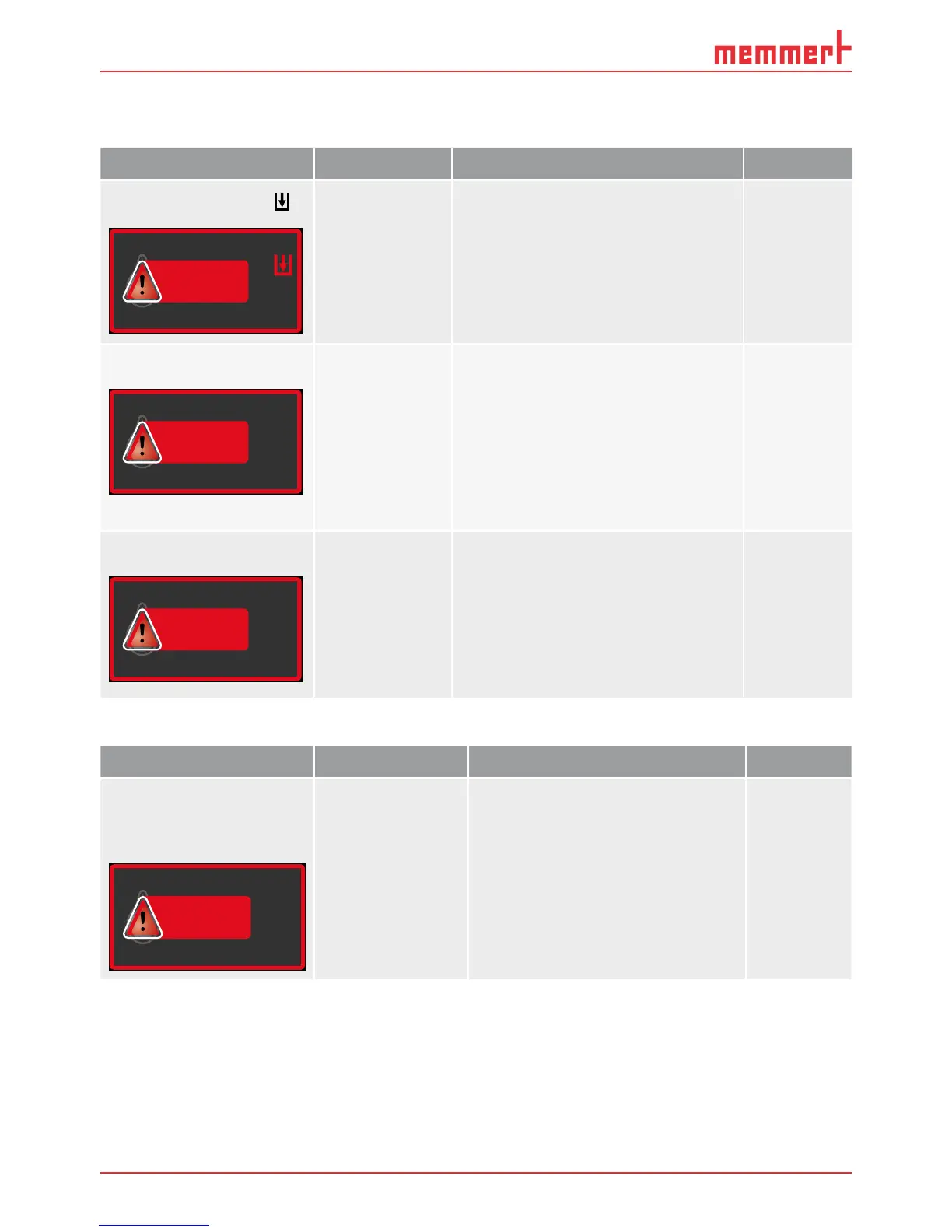
Error display symbol
HUMIDITY
Set 55
.0%rh
%rh
55.4
Water tank
empty
Fill the water tank with deminer-
alised/distilled water and press the
confirmation key
Page 21
Alarm display (
MaxAl)
HUMIDITY
MaxAl Set 70
.0%rh
%rh
75.4
Upper hu-
midity limit
exceeded
Open the door for 30 sec. and
wait to see if the appliance reli-
ably adjusts to the setpoint.
If the error occurs again, contact
customer service.
Page 2
Alarm display (
MinAl)
HUMIDITY
MinAl Set 60
.0%rh
%rh
55.4
Humidity
below lower
limit
Check if the door is closed.
Check the water supply and the
fill level of the water tank / water
trays. If required, refill the water
tank / water trays.
If the error occurs again, contact
customer service.
Page 21
Page 2
6.1.3 CO
2
Monitoring
Description Cause Action See
Alarm indicates that the
upper CO
2
alarm limit
was exceeded
CO2
Set 10
.0%
%
13.0
Open the door for 30 sec. and
wait to see if the appliance then
steadily adjusts to the setpoint.
If the error occurs again, contact
customer service. Page 2



 To Next Page