50 D33451 | Date 01/2018
Menu mode
7.3.3 Timer Mode
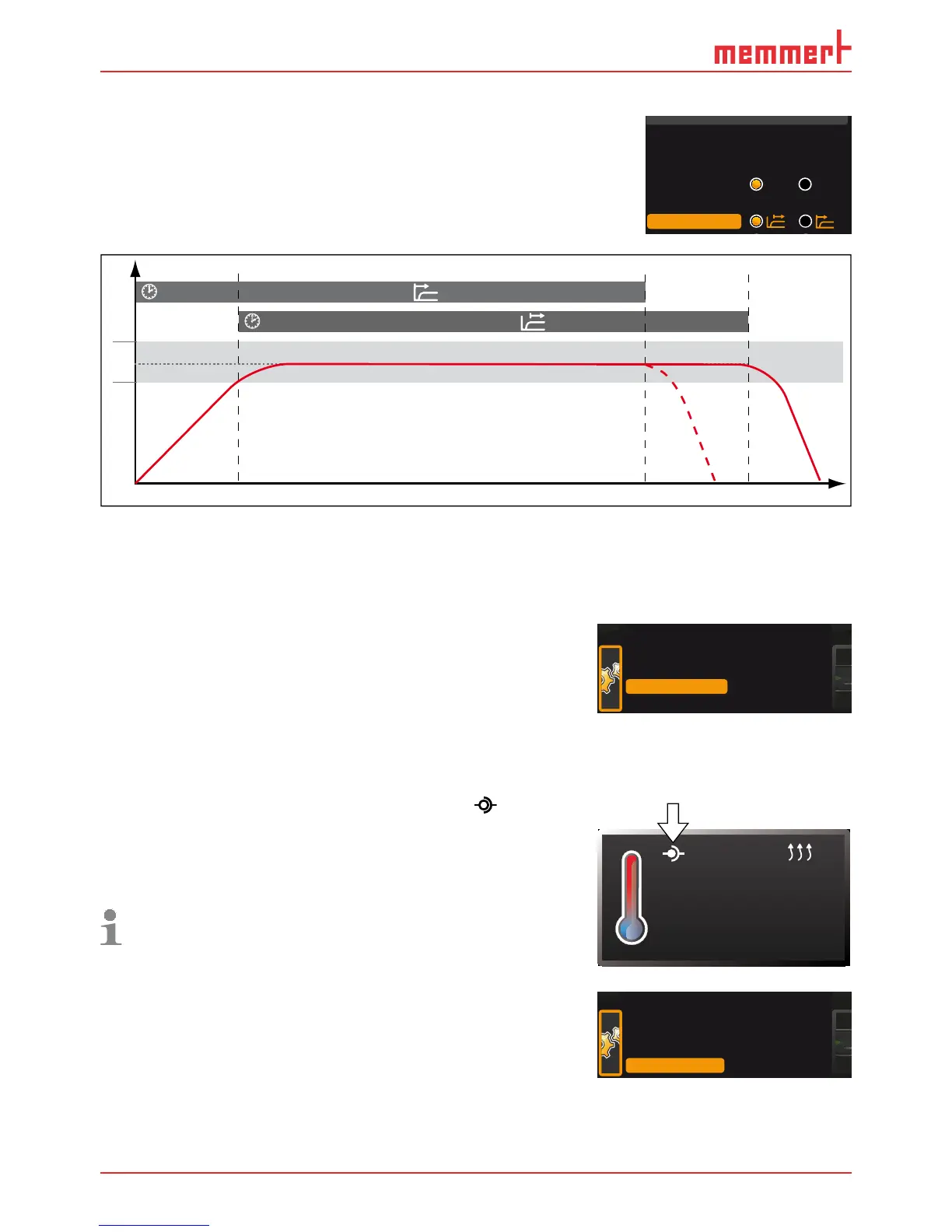
Here, you can choose whether the digital backwards counter
with target time setting (see page 29, timer) should run
setpoint-dependent or not – this determines whether the timer
should not start until a tolerance band of ±3 K around the set
temperature is reached (Fig. 27, B) or whether it should start right
after activation (A).
t
Timer
t
Timer
A
B
°C/°F
t
6 K
Fig. 27 Timer mode
A Timer independent of setpoint: Timer starts right after activation
B Timer setpoint-dependent: Timer does not start until tolerance band is reached
7.3.4 Remote control (AtmoREMOTE)
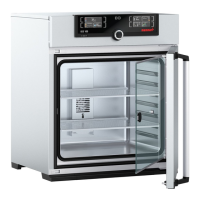
In the "remote control" setup entry , you can set whether
the appliance should be controlled via remote control and if
so, in which mode. These settings are available:
► Off
► Read only
► Write
► Write + Alarm
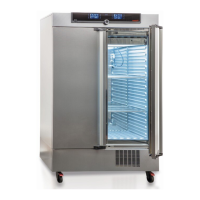
If the appliance is in remote control mode, the symbol
appears in the temperature display. In the settings
Write
and Write + Alarm, the appliance cannot be controlled at
the ControlCOCKPIT unless the remote control is switched
off (setting
Off) or set to Read only.
In order to use the remote control function, program-
ming skills and special libraries are required.
7.3.5 Gateway
The setup entry gateway is used to connect two networks
with different protocols.
The gateway is set the same way as the IP address (see page
48).
Unit
IP address 255.145.136.225
Subnet mask 255.255.0.0
Alarm temp
°C F
TWW TWB
Timer mode



 To Next Page