Resetting After an Alarm
Your alarm company will have programmed the system to be either “User Reset”,
“Engineer Reset” or “Remote Reset”, consult your alarm company if you are not sure.
U ser R eset
If your system has been programmed as user reset, alarms can be reset by any user that
has a valid passcode.
SYSTEM OPEN
17:30 01 Jan
ALARM 03
17:31.02 01/01
? ? ? ?1
? ? ? ? ? ? ? ?
OPEN
CA.03
1 1
ESC ESC ESC
2 2 2
LCD Remote St arburst Remote
LED Rem ote
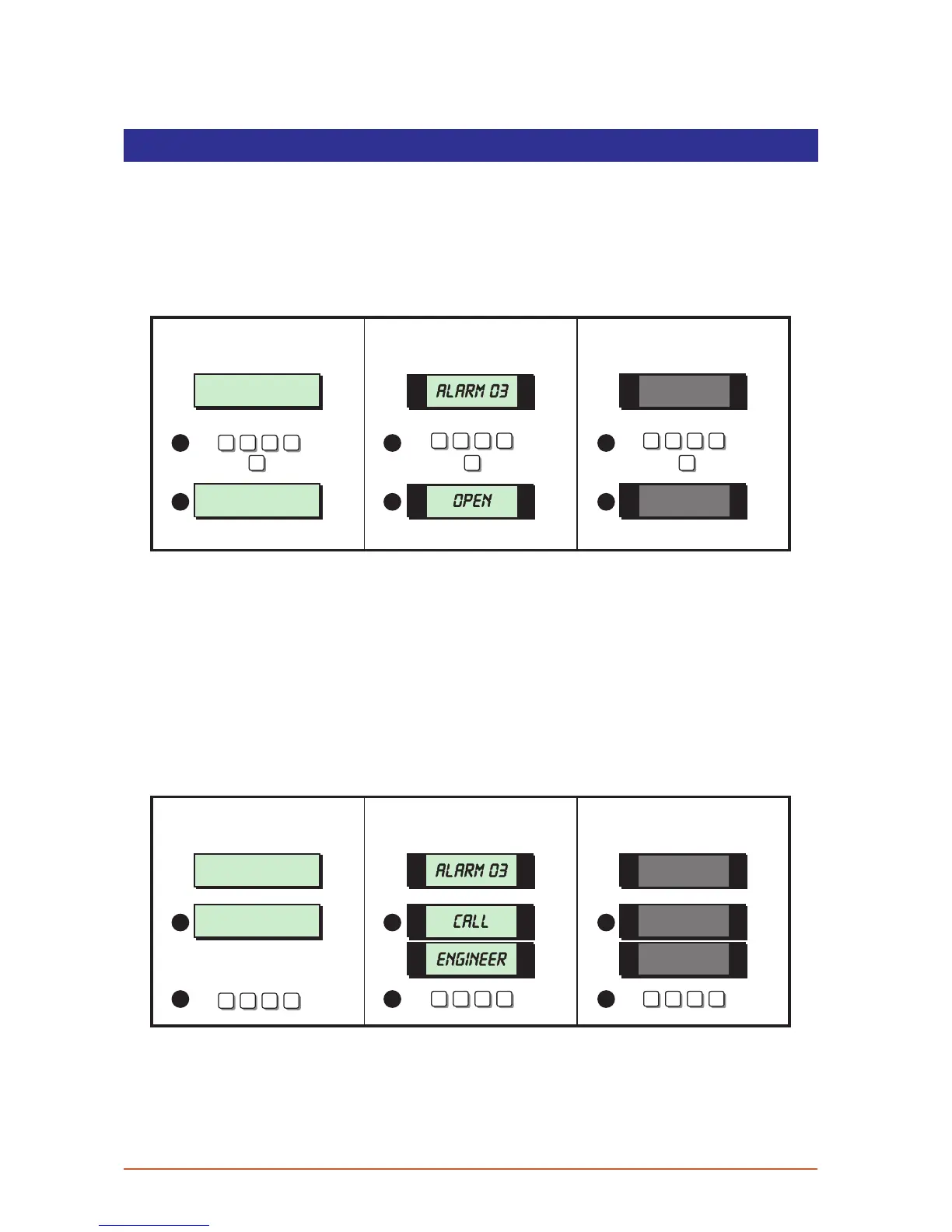
From step (3) of “Unsetting After an Alarm”, proceed as follows:
1. Enter your passcode and within 5 seconds press [ESC].
2. The system is now reset and back in the open mode. After 5 seconds the “SYSTEM
OPEN” message will disappear and the display will show the time, (date and banner
text, LCD only).
Engineer Reset
If your system is programmed as engineer reset, alarms can only be reset by your alarm
company.
CALL ENGINEER TO
RESET SYSTEM
ALARM 03
17:31.02 01/01
? ? ? ?
LCD Remote
1
St arburst Remote
? ? ? ?
LED Rem ote
? ? ? ?
CALL
ENG.
CA.03
1 1
2 2 2
From step (3) of “Unsetting After an Alarm”, proceed as follows:
1. The display will alternate between the circuit that caused the alarm and the “Call
Engineer To Reset System” message. The internal sounders will also generate a beep
every minute to remind you that the system requires resetting.
11



 To Next Page