Circu it Text (LCD Only)
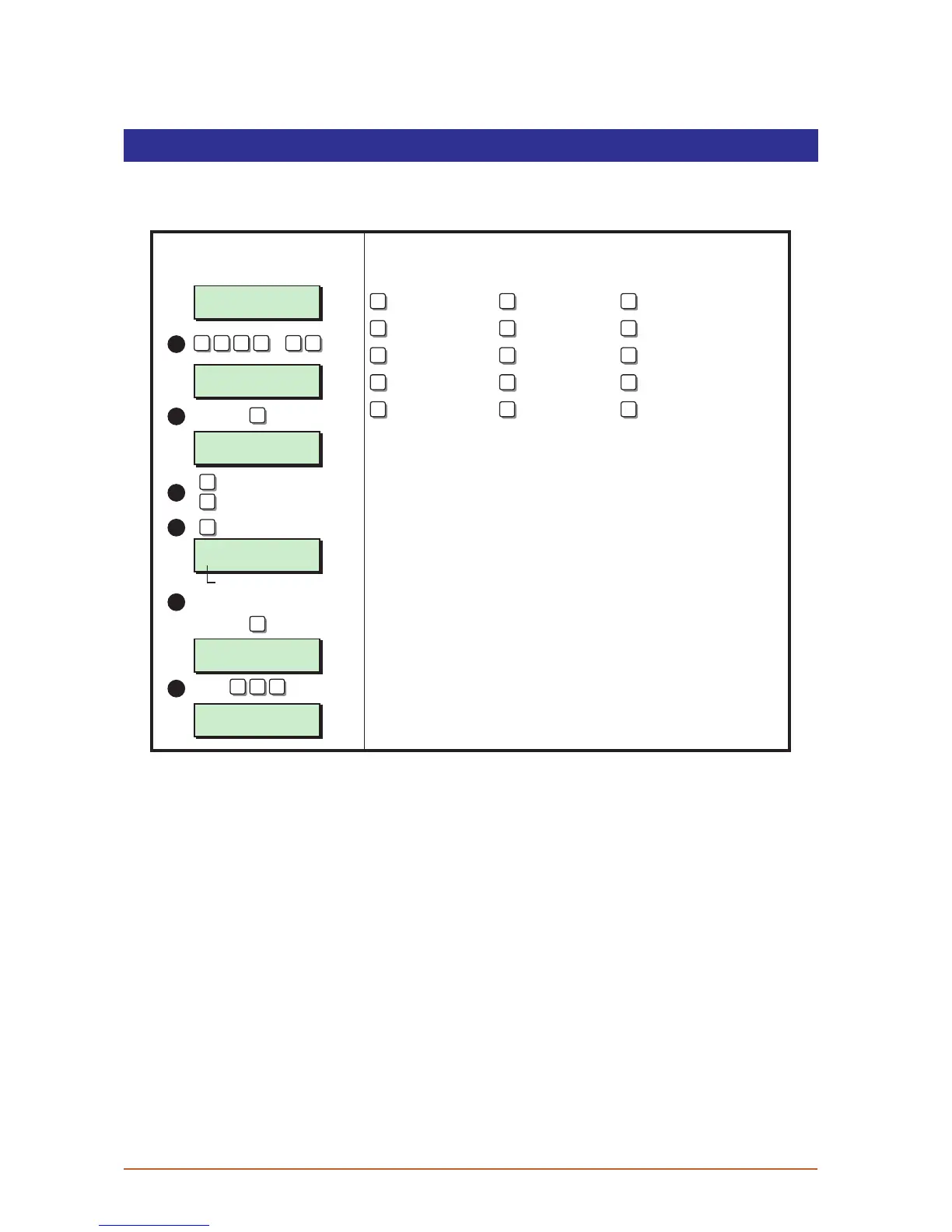
Each detection circuit can have up to 16 characters of text assigned to it. This option allows
you to program / edit the circuit text.
User menu 2
Select Option :-
SYSTEM OPEN
17:30 01 JAN
Office Detector
CCT 01, (B=Edit)
Office Detector
^CT 01, (B=Edit)
B
1
2
3
5
LCD Remote
? ? ? ?
ENT
+
ENT
ENT
A
= Next circuit
B
= Edit text
C
= Previous circuit
Cursor
Use keys to edit text
SYSTEM OPEN
17:31 01 JAN
Office Door
CCT 01, (B=Edit)
ESC ESC ESC
6
7 8
0
9
1 2 3
4 5 6
A B C
ENT ESC
A E I
O U 0 (zero)
Move cursor left Change case Move cursor right
Accept text Space Abandon text editing
Up the alphabet Change cursor Down the alphabet
Text Edi ting Keys
4
Cursor Types
This is the normal text cursor. Use the text editing
key as shown above.
This is the number cursor. Use the numbered
keys 0 - 9 to enter numeric data.
^
|
1. From the unset (open) mode enter your passcode and press [ENT] twice to select
user menu 2.
2. Whilst user menu 2 is selected. Press [B] to select the circuit text option.
3. Select the required circuit by either entering the circuit number or by using the [A] and
[C] keys to scroll up and down through the circuits.
4. When the display shows the required circuit press [B] to edit the text, the text cursor will
appear at the bottom left hand position on the display.
5. Use the keys to edit the text. When the display shows the required text press [ENT] to
accept.
6. Repeat from step 3 for other circuits or press [ESC] three time to return to the open
mode.
39



 To Next Page