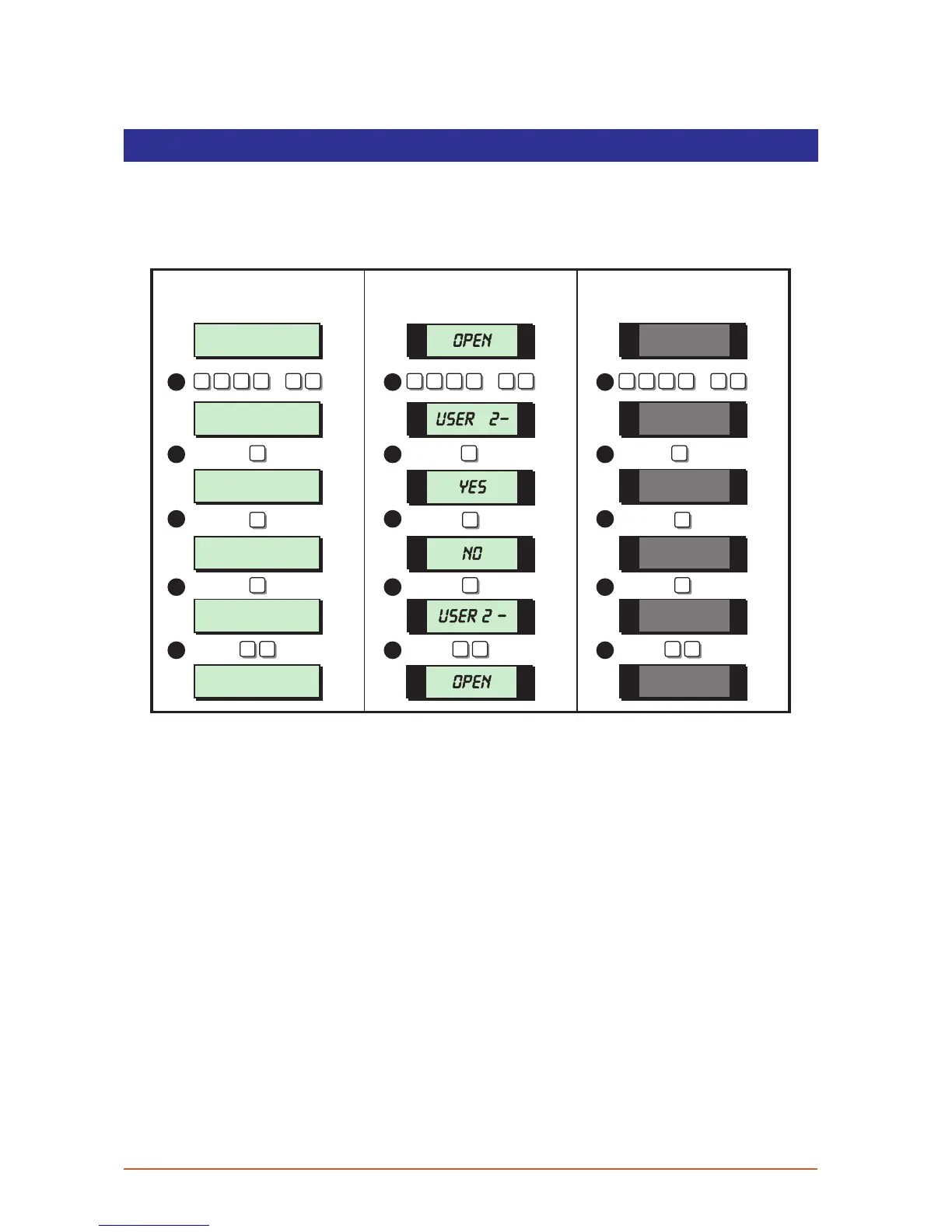
Enable Remote Service
If your alarm system has been fitted with a modem, the alarm company can dial into the
system and remotely read and write data from the control panel. For added security, your
alarm system can be programmed so that a master user has to authorise the writing of
data to the control panel.
User menu 2
Select Option :-
SYSTEM OPEN
09:30 28/04
Remote Call Back
Enabled
Remote Call Back
Disabled
User menu 2
Select option:-
SYSTEM OPEN
09:31 28/04
2 -
OPEN
OPEN
YES
NO
0
BB B
0 0
1 1 1
2 2 2
3
4
5
3
4
5
3
4
5
LCD Remote St arburst Remote
LED Rem ote
? ? ? ?
ENT
+
ENT
ENT ENT ENT
? ? ? ?
ENT
+
ENT
? ? ? ?
ENT
+
ENT
2 -
ESC ESC ESC ESC ESC ESC
1. From the unset (open) mode enter your passcode and press [ENT] twice to select
user menu 2.
2. Whilst user menu 2 is selected. Press [0] to select the enable remote service option. If
a low tone is heard your system has either been configured so that remote servicing is
always enabled or your system does not have a modem fitted.
3. The display will show the current status of remote servicing (Enabled or Disabled). Press
[B] to alternate between the two options.
4. When the display shows the required setting press [ENT] to accept. A rising multi-tone
will be heard and the system will return to user menu 2.
5. To return the system to the open mode press [ESC] twice.
37



 To Next Page