25
Chapter 5 Advanced Conguration
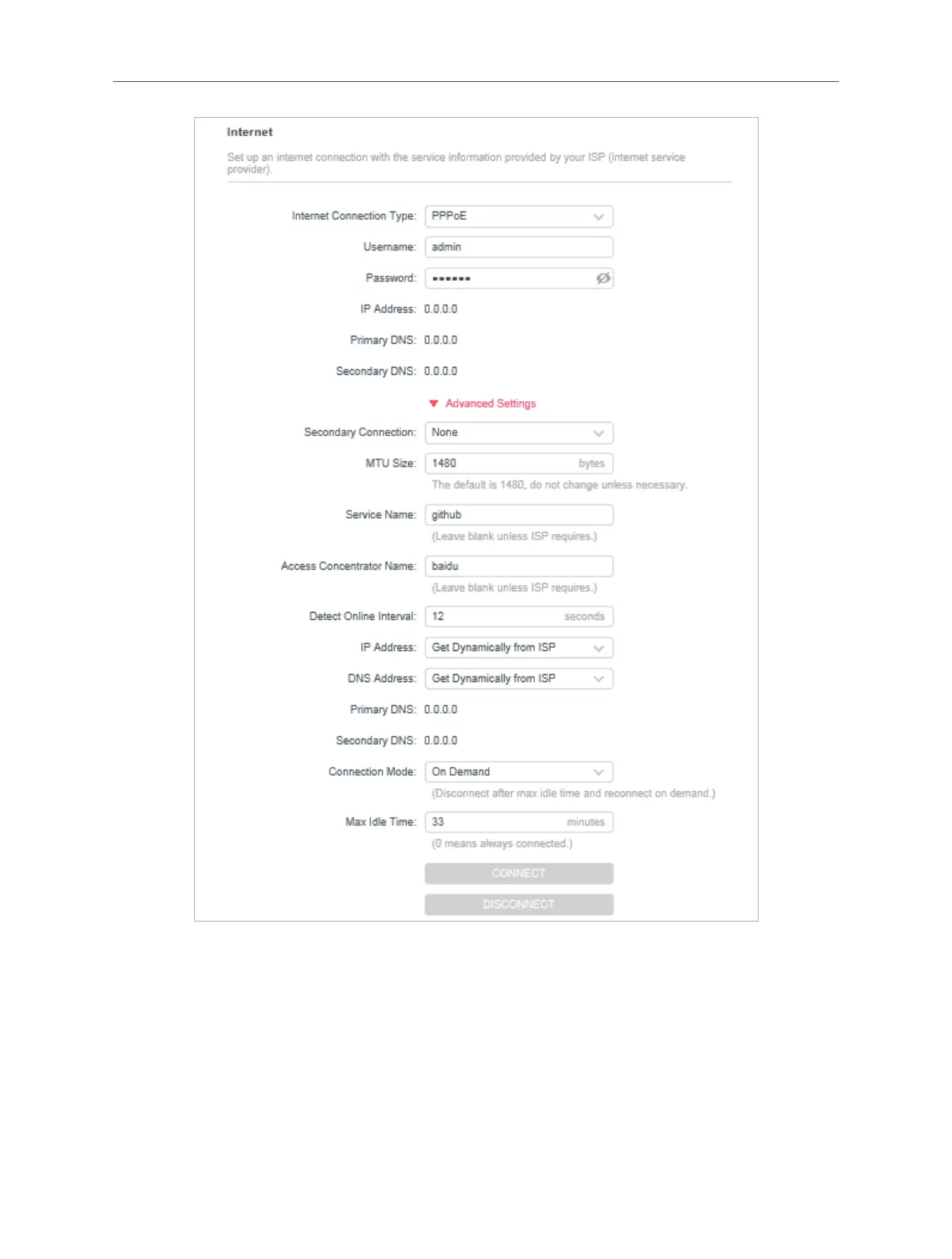
• Username/Password - Enter the user name and password provided by your ISP.
These elds are case-sensitive.
• Secondary Connection - It’s available only for PPPoE connection. If your ISP
provides an extra connection type, select Dynamic IP or Static IP to activate the
secondary connection.
• MTU Size - The default MTU size is 1480 bytes. It is not recommended that you
change the default MTU size unless required by your ISP.
• Service Name - The service name should not be congured unless you are sure it



 To Next Page