300Mbps Wireless N Router User Guide
5.2.3 WDS Bridging
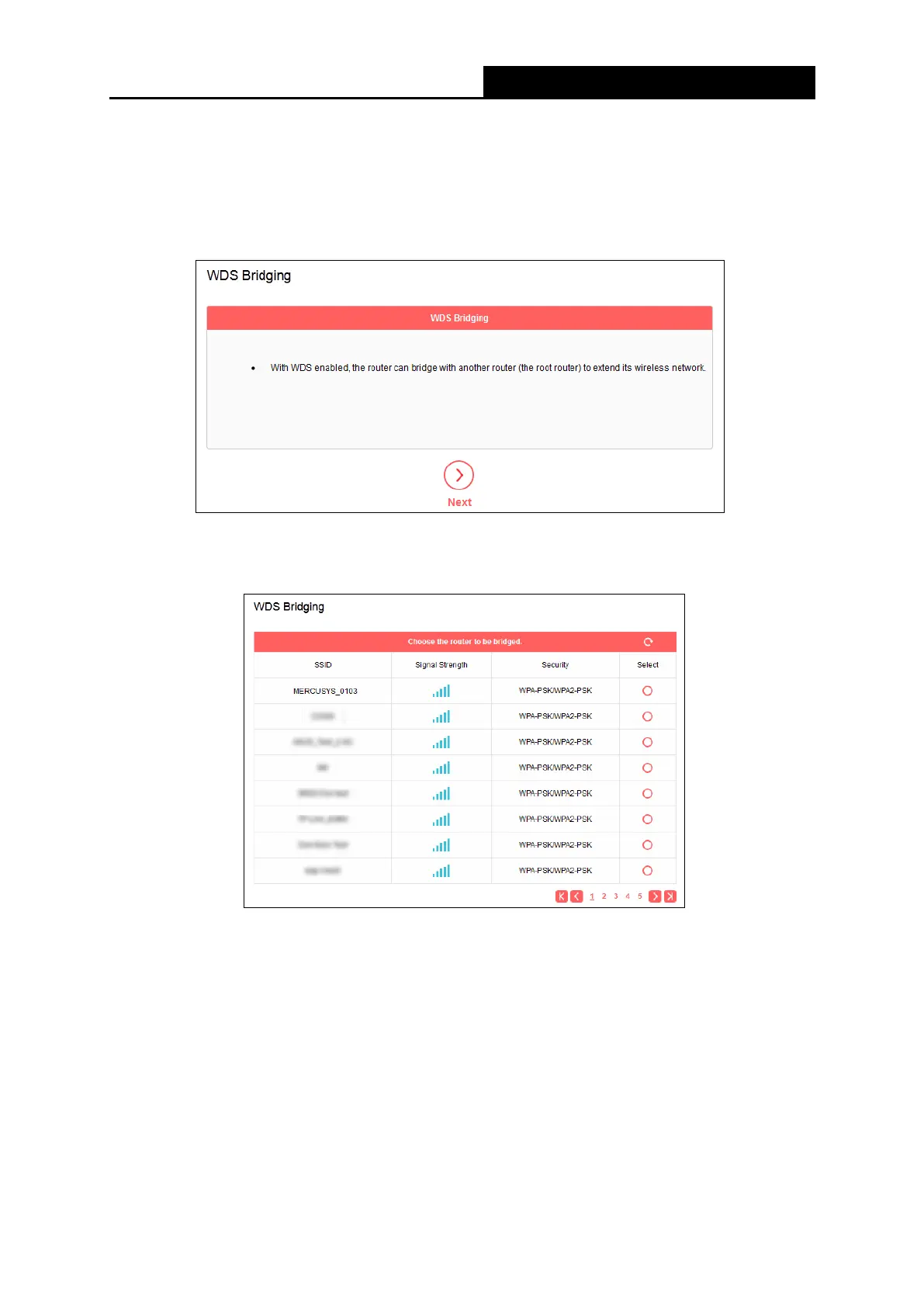
Go to Wireless→WDS Bridging, and follow the steps below to configure WDS bridging
settings.
1. Click Next to start the setup.
2. Select a network from the table and enter the password when prompted, or you can click
Add router manually and enter the network name and password. Then click Next.
- 31 -


 To Next Page
 Loading...











