300Mbps Wireless N Router User Guide
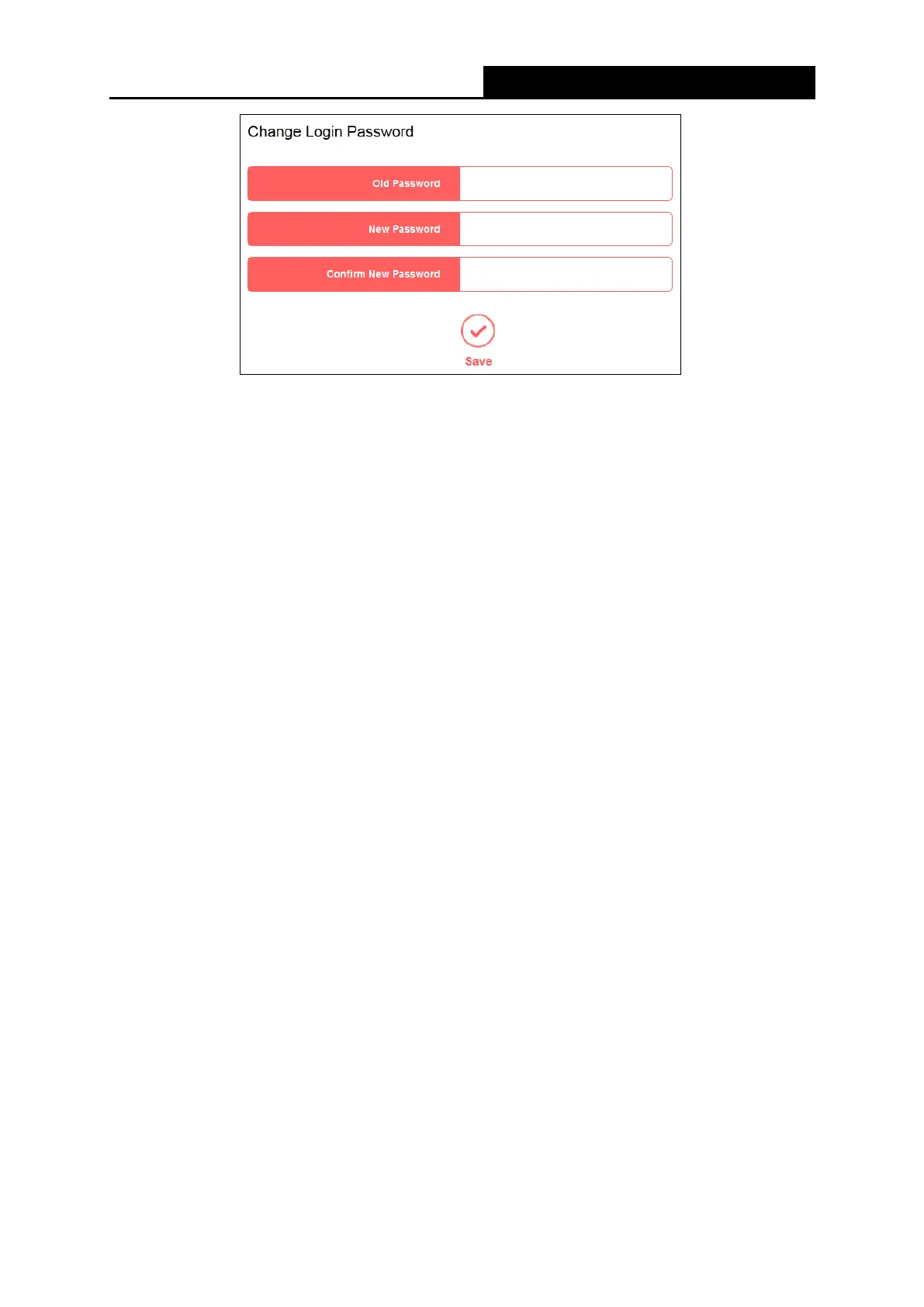
To change the router's login password, follow the steps below.
1. Enter the Old Password of the router.
2. Enter the New Password.
3. Enter the new password in the Confirm New Password field.
4. Click Save.
For subsequent logins, use the new password you have set.
5.5.7 Diagnostic Tools
Go to System Tools→Diagnostic Tools, and then you can test the Internet connection of your
network via Ping or Tracert on the page.
- 48 -


 To Next Page
 Loading...











