300Mbps Wireless N Router User Guide
▶ Add - Click to add a new rule entry.
▶ Delete All - Click to delete all the entries in the table.
▶ Delete Selected - Click to delete selected entries in the table.
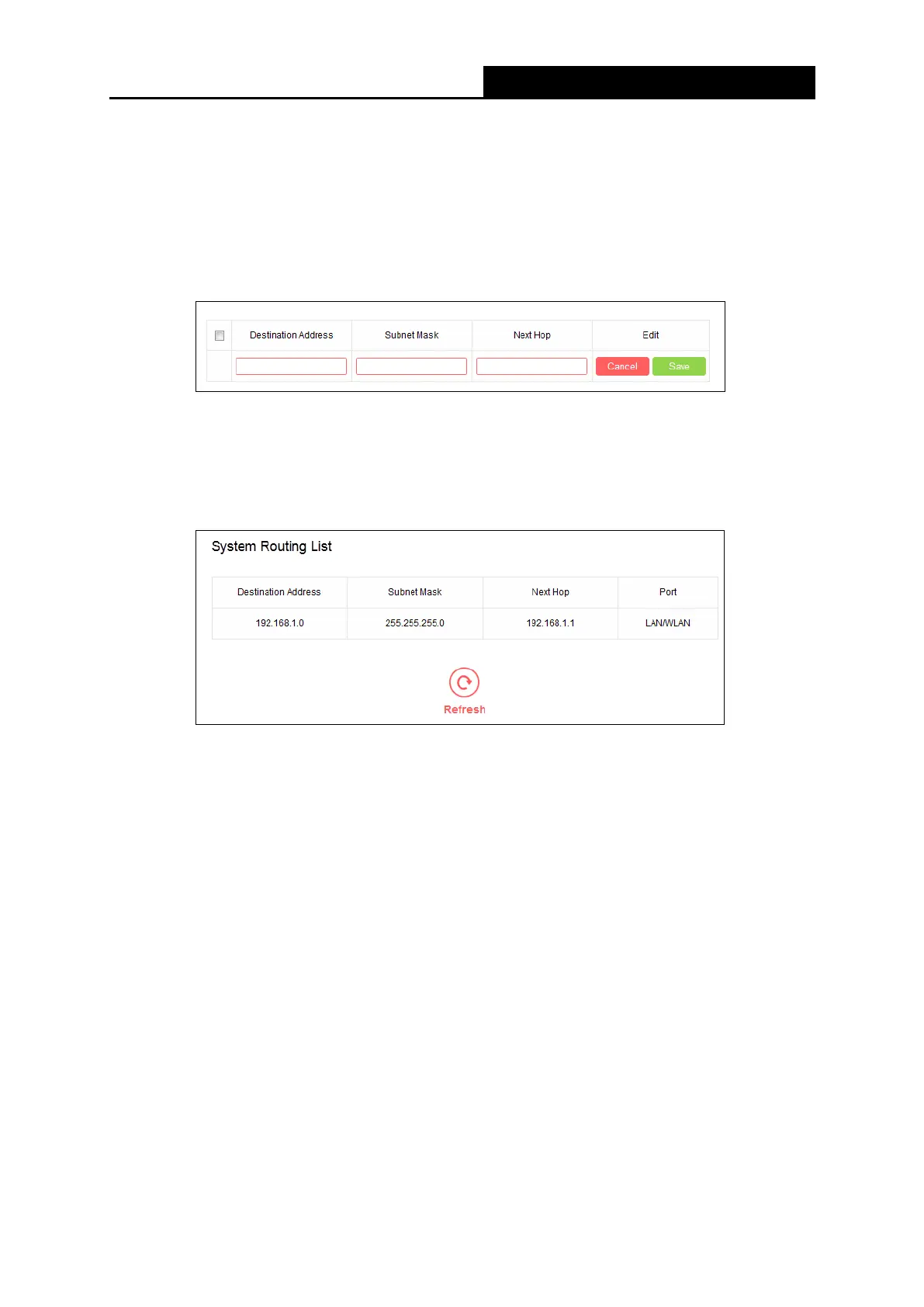
To add a static routing entry:
1. Click Add.
2. Enter the parameters in the corresponding fields.
3. Click Save to make the settings effective.
• System Routing List
▶ Destination Address - The address of the network or host to which the static route is
assigned.
▶ Subnet Mask - The subnet mask determines which portion of an IP address is the network
portion, and which portion is the host portion.
▶ Next Hop - The IP address of the gateway device that allows for contact between the
router and the network or host.
▶ Port - Displays either the Destination IP Address is on the LAN/WLAN or on the WAN.
5.4.5 Dynamic DNS
Go to Advanced Users→Dynamic DNS, and you can configure the Dynamic DNS function.
- 41 -


 To Next Page
 Loading...











