300Mbps Wireless N Router User Guide
Chapter 5. Advanced Configuration
This chapter will show each web page's key functions and the configuration way.
5.1 Network
There are seven submenus under the Network menu: WAN Settings, LAN Settings, IPv6, IPTV,
MAC Address Settings, DHCP Server and IP & MAC Binding. Click any of them, and you can
configure the corresponding function.
5.1.1 WAN Settings
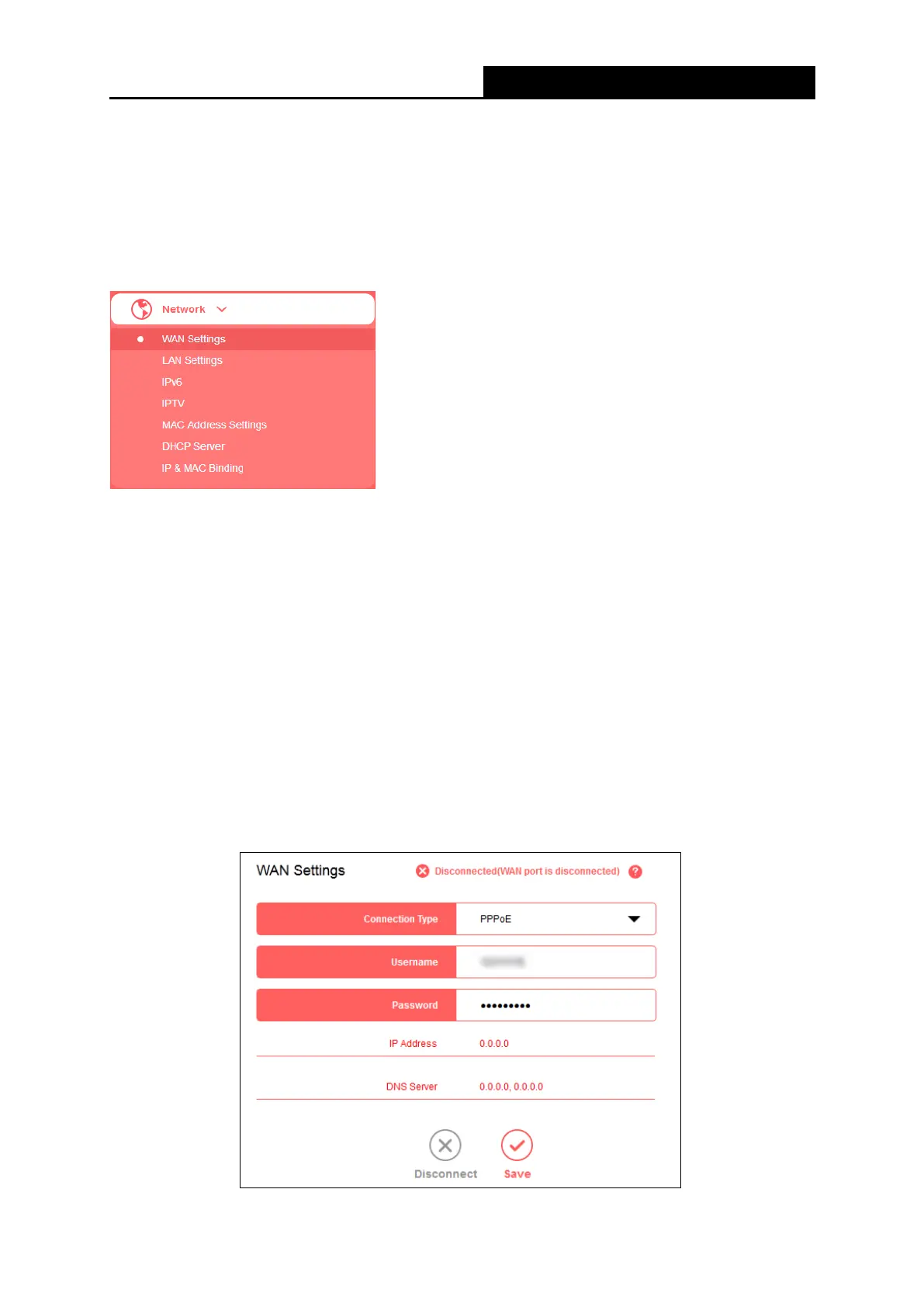
Go to Network→WAN Settings, you can configure the IP parameters of the WAN.
1. PPPoE
Select this type if you use DSL (Digital Subscriber Line) service and are provided with a
username and password by the ISP.
• WAN Settings
- 13 -


 To Next Page
 Loading...











