2.2 Power supply
774 Oven Sample Processor, Instructions for use
9
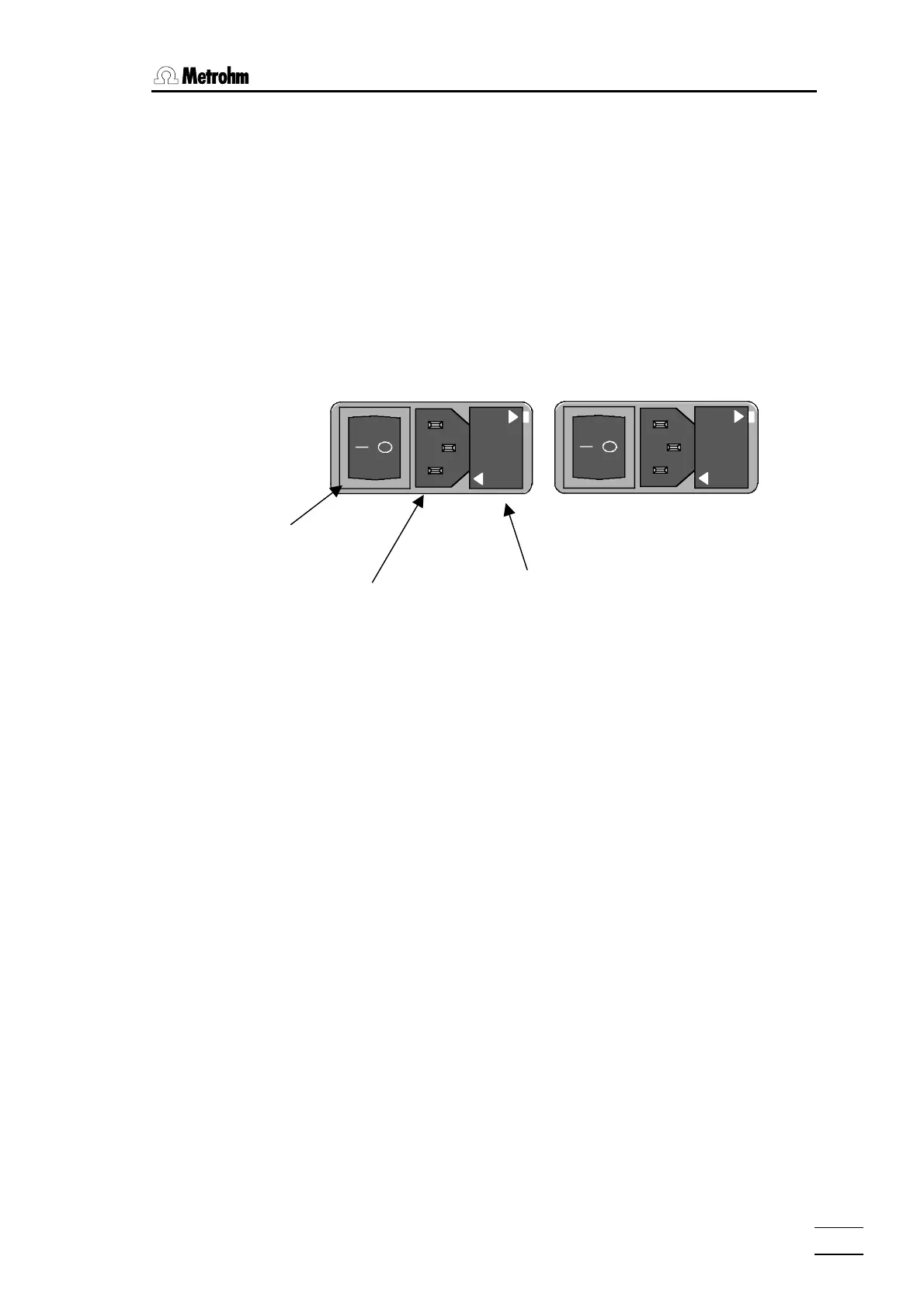
• Checking and replacing fuse
Carefully remove the built-in fuse and check its specifications. (The posi-
tion of the fuse in the fuse holder is marked by the white arrow printed
next to the supply voltage):
2.0 A (slow) ord. no. U.600.0019
• Replace fuse
Replace fuse if necessary and reinsert it in the fuse holder.
• Insert the fuse holder
Insert the fuse holder according to the appropriate supply voltage. The
white arrow besides the desired voltage has to point towards the white
block mark printed on the fuse holder's panel (see below).
220
-
240 V
100
-
120 V
220 - 240 V
100 - 120 V
100 – 120 V
220 – 240 V
Power switch
Power plug Fuse holder














 To Next Page