5.2 The keyboard
774 Oven Sample Processor, Instructions for use
59
5.2.2 Data entry
Edit line
In a menu line or a sequence one or two parameters respectively can be
entered. A blinking block cursor indicates where a parameter can be en-
tered.
>changer settings
shift rate ¦ 20
Í title line
Í edit line
Ï Ï Ï
menu item cursor parameter
>sample sequence
08 FLOW: ¦ pump : on
Í title line
Í edit line
Ï Ï Ï
command first parameter, second parameter
The cursor keys, <Î> and <Í>, can be used to switch between the pa-
rameters. Pressing <ENTER> shifts the cursor automatically to the right,
pressing <QUIT> correspondingly to the left.
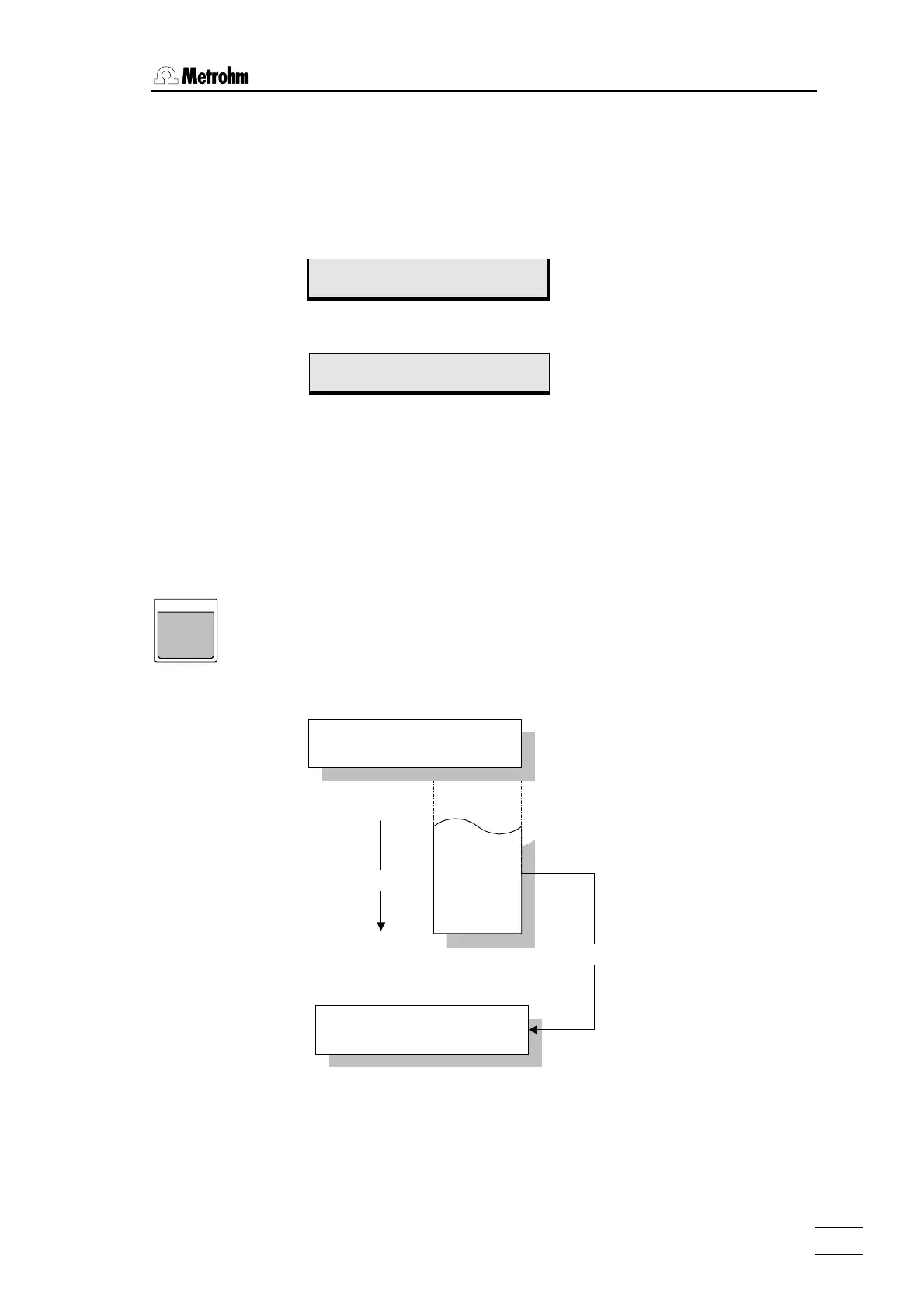
<Select> Choices (Roll-up selection)
DISPLAY
SELECT
Data can usually be entered directly via the numerical keypad block on the
keyboard. Pressing <SELECT> at entries which are specially identified
by a colon displays a preset selection of data. This selection is cyclic,
structured like a revolving drum.
Example:
IBM
HP
Epson
Seiko
Citizen
<SELECT>
>RS232 settings
character set: IBM
>RS232 settings
character set: Epson
<ENTER>














 To Next Page