2.5 Integration
774 Oven Sample Processor, Instructions for use
21
2.5.4 Connecting a printer
Printers with the following printer emulations may be connected:
IBM IBM Proprinter and printers with IBM emulation
Epson Epson printers and printers with Epson emulation
Seiko Seiko printer DPU-411/414
Citizen Citizen printer IDP560 RS
HP
HP printers and compatibles with HP PCL3 emulation
If you connect a printer not listed in the following table, be sure that it is able
to emulate Epson or IBM Proprinter mode.
Use the 6.2125.050 cable for connecting a printer with built-in serial inter-
face. Printers with parallel interface require the 2.145.0300 serial/parallel
converter and 6.2125.020 cable.
Before connecting a printer to the RS232 interface, switch off the
774 Oven Sample Changer.
The parameters of the RS232 interface are accessible in the configuration
menu under '>RS232 settings'.
The following table lists the information necessary for connecting a printer:
Printer type Cable RS232 Settings Settings on Printer
IBM Proprinter 6.2125.050
baud rate: 9600
data bit: 8
stop bit: 1
parity: none
handshake: HWs
character set: IBM
see printer manual
Seiko
DPU-411
6.2125.020
baud rate: 9600
data bit: 8
stop bit: 1
parity: none
handshake: HWs
character set: Seiko
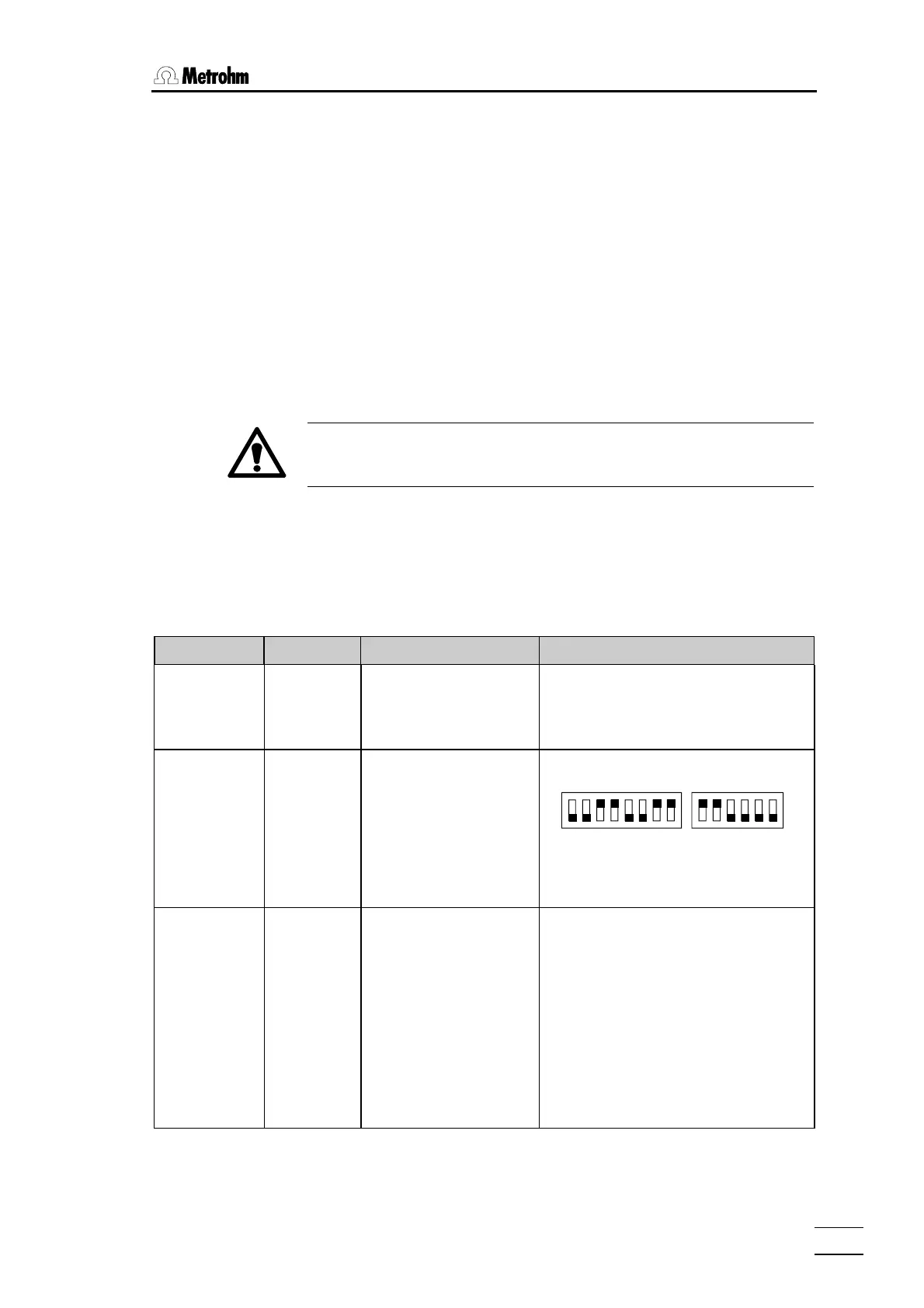
DIP switch settings:
DIP01 DIP02
on
off
12345678
123456
The 7-bit ASCII character is set automati-
cally to the specific national character set
according to the selected dialog lan-
guage.
Seiko
DPU-414
6.2125.130
baud rate: 9600
data bit: 8
stop bit: 1
parity: none
handshake: HWs
character set: Seiko
Recommended DIP switch settings
Dip SW-1 Dip SW-2 Dip SW-3
1 OFF ON ON
2 ON OFF ON
3 ON ON ON
4 OFF ON ON
5 ON ON OFF
6 OFF ON ON
7 ON OFF ON
8 ON OFF ON
The 7-bit ASCII character is set automati-
cally to the specific national character set
according to the selected dialog lan-
guage.














 To Next Page