5 Detailed description
774 Oven Sample Processor, Instructions for use
44
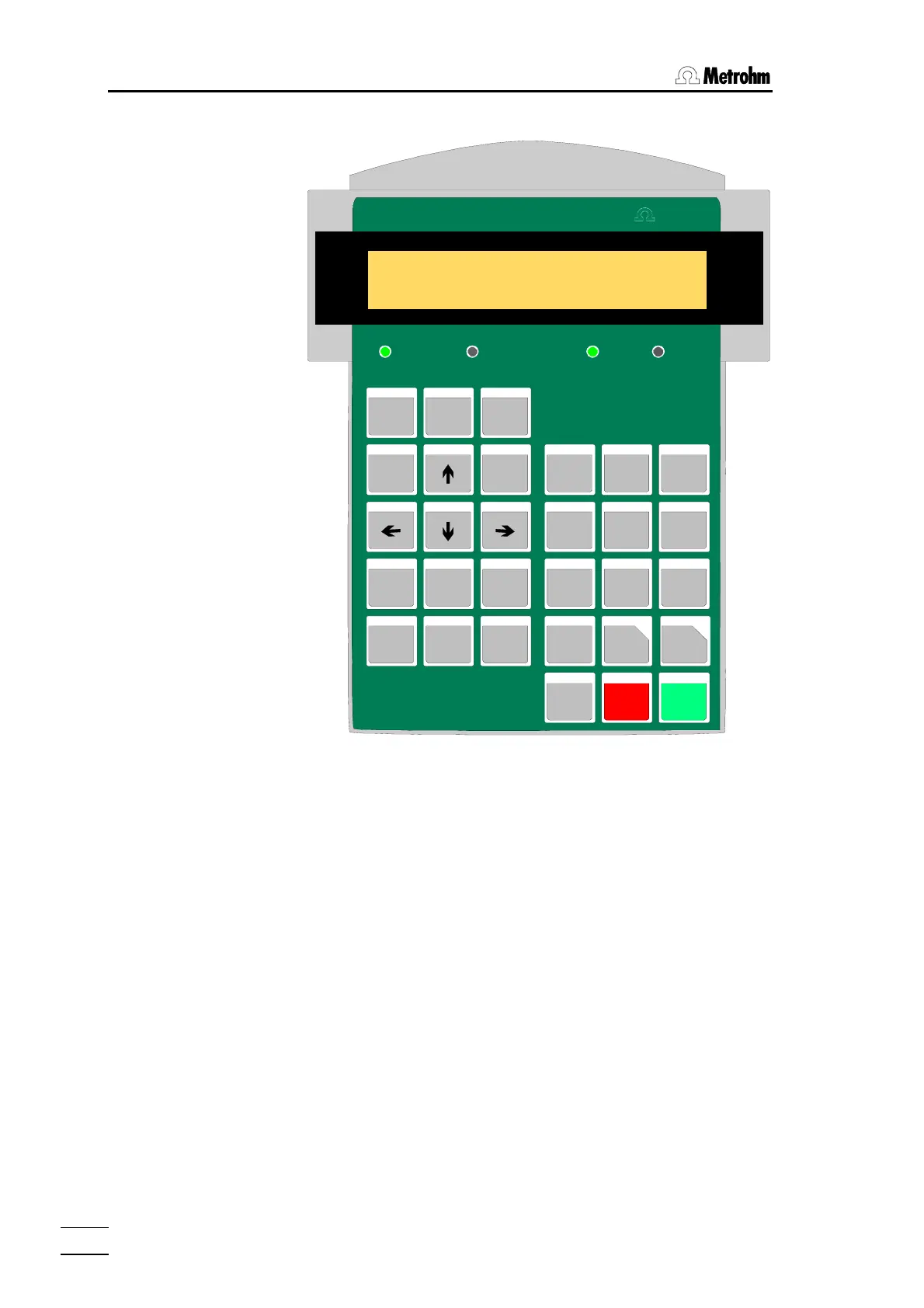
5.2 The keyboard
774 SC Controller
HEATER FAN VALVE
CONFIG PARAM
USER
HOME END
INSERT
DISPLAY
SELECT
RESET
CL EAR
DELETE
QUIT ENTE R
7
SAMPLE
8
MOVE
9
LIFT
FLOW
4 5
DOS
6
1
SCAN
2
CTRL
3
WAI T
0
DEF
.
<
PRINT
*
HOLD
LEARN
6.2142.030
>
METHOD
STOP START
Me t r o hm
PUMP
HEATER
RACK
Most of the keys have two functions according to whether the sample
changer is in the normal state or in edit mode.
The uppermost row contains the (<CONFIG>, <PARAM>, <USER
METHOD>) keys which make the menus accessible. Here with the help of
the keys on the left side of the keyboard, you can navigate and change pa-
rameters. For the latter, the numerical keypad on the right half of the key-
board is available. Except for the menu “User Method” the entries under
these selection menus can be altered while a method is in process and for
the most part, have an immediate effect on the procedure which is running.
The lowermost row of keys (<HOLD>, <STOP>, <START>) are used
for the direct control of method processing.














 To Next Page