Control software
21
Self-test
After you power on the device and log in to the computer, self-test
starts. If the self-test succeeds, the main interface appears.
If the self-test fails, perform the following steps:
1. In the main interface, tap , and select Log to check the detailed
self-test results that are recorded in the log.
2. Follow the on-screen instructions or the solutions that are
mentioned in
Troubleshooting on Page 59
.
3. Perform self-test again:
¾
Tap , select Maintenance > Self-test.
¾
Tap , select Shut down > Restart.
If the problems still persist, contact the technical support for
help.
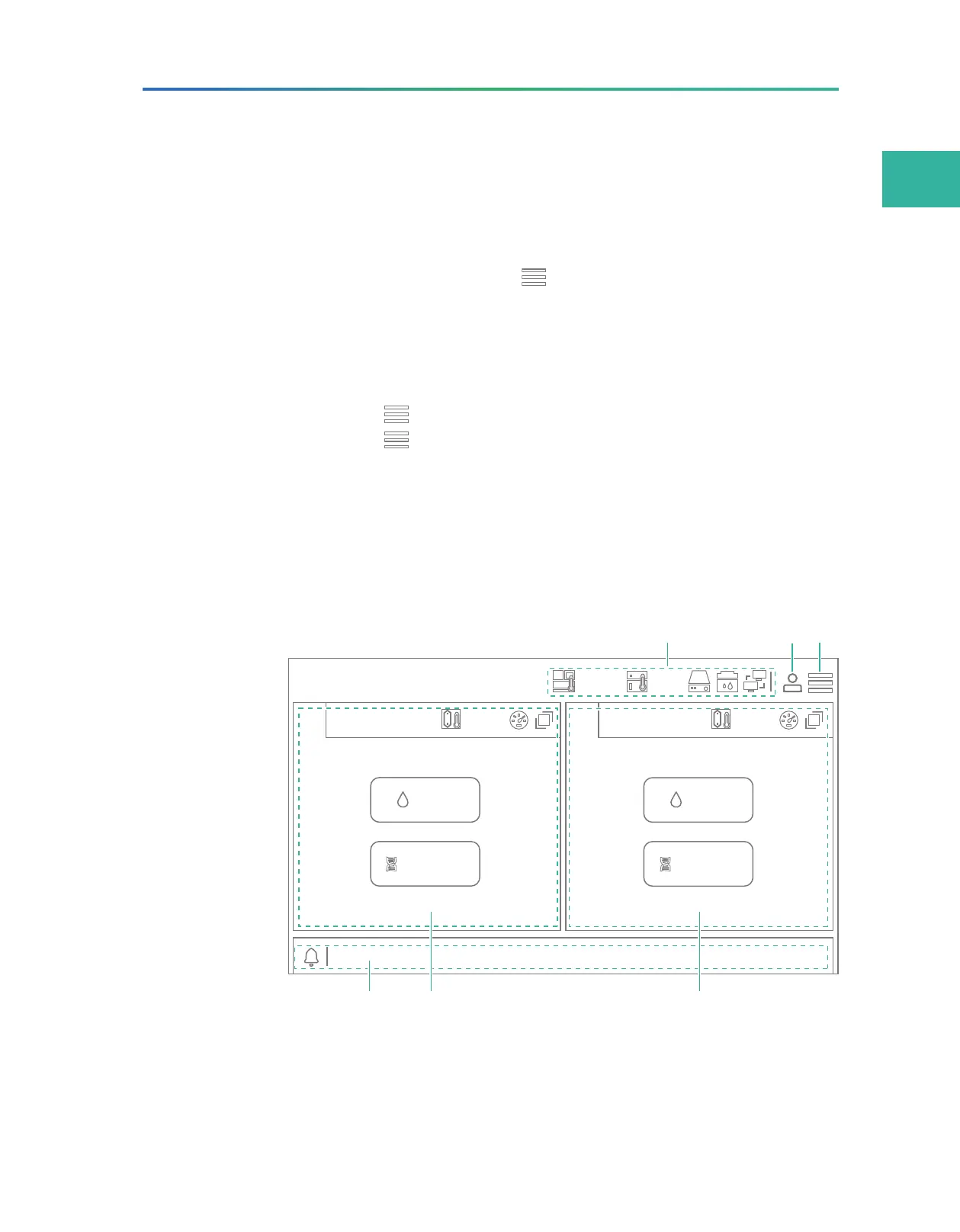
Main interface
The main interface appears after a successful self-test.
Wash
A
Status: Idle
Sequence
B
Status: Idle
A
C
T
G
20.0°C
A
C
T
G
20.0°C
26.0°C
8.0°C
Wash
Sequence
Figure 9 Main interface



 To Next Page