Reviewing parameters
43
Reviewing parameters
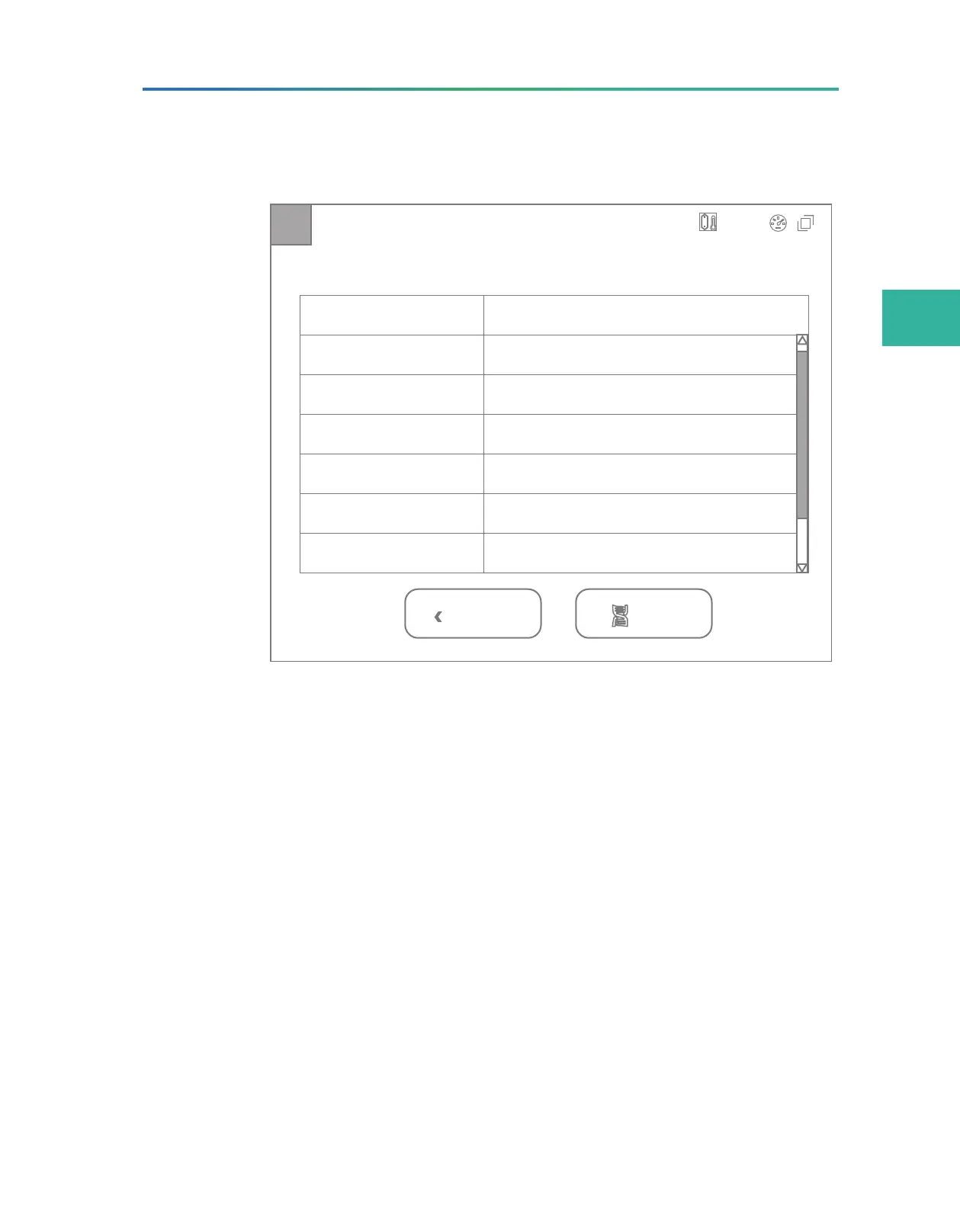
Review
A Status: Preparing
Previous Start
User name
DNB ID
Sequencing cartridge ID
Flow cell ID
Recipe
xxxx
Item Content
xxxxxxxx
xxxxxxxxxx
xxxxxxxxxx
xxxx
Start phase xx
A
C
T
G
20.0°C
Figure 18 Parameter review interface
Carefully check each item in the review interface, and do one of the
following:
z
If you find errors, tap Previous to return to the previous interface
and reset parameters.
z
If all parameters are correct, tap Start. The software automatically
checks the available storage space of the hard disk:
¾
If the storage space is sufficient, a confirmation dialog box
appears. Tap Yes to start a sequencing run.
¾
If the storage space is insufficient, perform the following steps:
a. In the prompted dialog box, select the data to be removed
and tap Clear history data.
b. When the disk space icon turns green, tap Back to return to
the parameter review interface.
c. Tap Start.



 To Next Page