Device overview
24
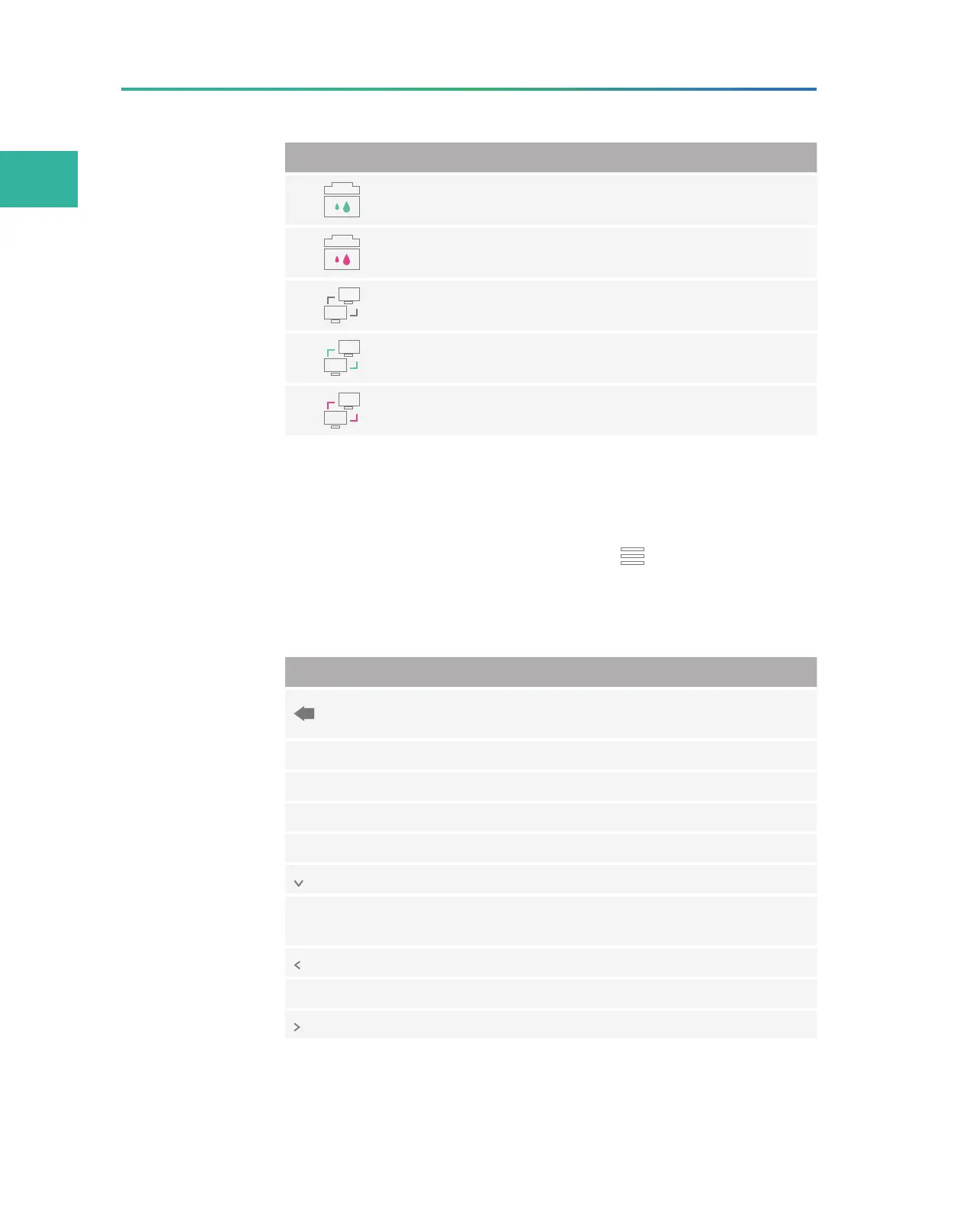
Item Description
Sufficient space of the waste container.
Insufficient space of the waste container.
The system runs independently, without being connected
to the server on which the ZLIMS software is installed.
The system is connected normally to the server on which
the ZLIMS software is installed.
Errors occur in connection with the server on which the
ZLIMS software is installed.
Log interface
You can view the log in this interface.
You can open the log interface by tapping in the main interface,
and selecting Log.
The following table describes the function of controls in the
interface:
Item Description
Back
Tap to exit the log interface and return to the previous
interface.
All Tap to view all types of logs.
Info Tap to view information-type logs.
Warning Tap to view warning-type logs.
Error Tap to view error-type logs.
Tap to select the date in the pop-up calendar.
Flow cell
Select the check box to view the logs of flow cell A or B,
or both.
Tap to return to the previous page of logs.
x/x Displays the current page and the total page of logs.
Tap to turn to the next page of logs.



 To Next Page