Performing a wash
49
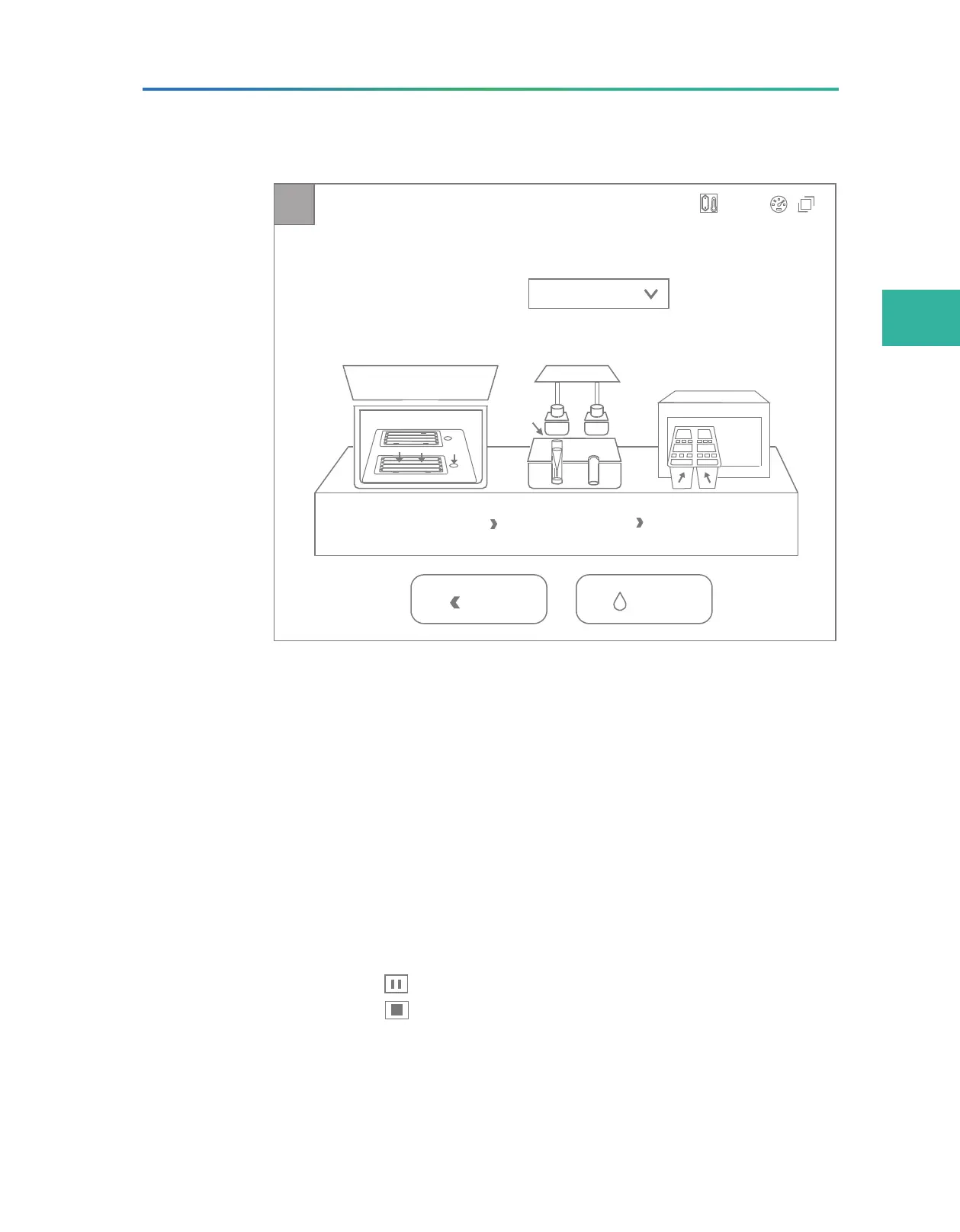
2. In the wash interface, select Regular from the Wash type list.
Step1
Step2
Step3
A
Status: Preparing
WashBack
A B
Wash type:
Regular
A
B
A
C
T
G
20.0°C
Figure 20 Wash interface
You can tap
Back to return to the main interface.
3. Prepare the tube and cleaning cartridge.
For details, contact the technical support.
4. Follow the on-screen steps to load the washing flow cell, tube,
and cleaning cartridge. Close all compartment doors.
For details, refer to
Loading the flow cell on Page 40, Loading
DNBs on Page 37,
and
Loading the reagent cartridge on Page
39
.
5. In the wash interface, tap Wash and a confirmation dialog box
appears. Select Yes to start wash.
¾
Tap to pause, and tap it again to resume wash.
¾
Tap and a confirmation dialog box appears. Select Yes to
stop wash.
6. After the wash starts, open the flow cell compartment door, and
check whether the wash solution passes through the flow cell.



 To Next Page