Instructions SL1 27
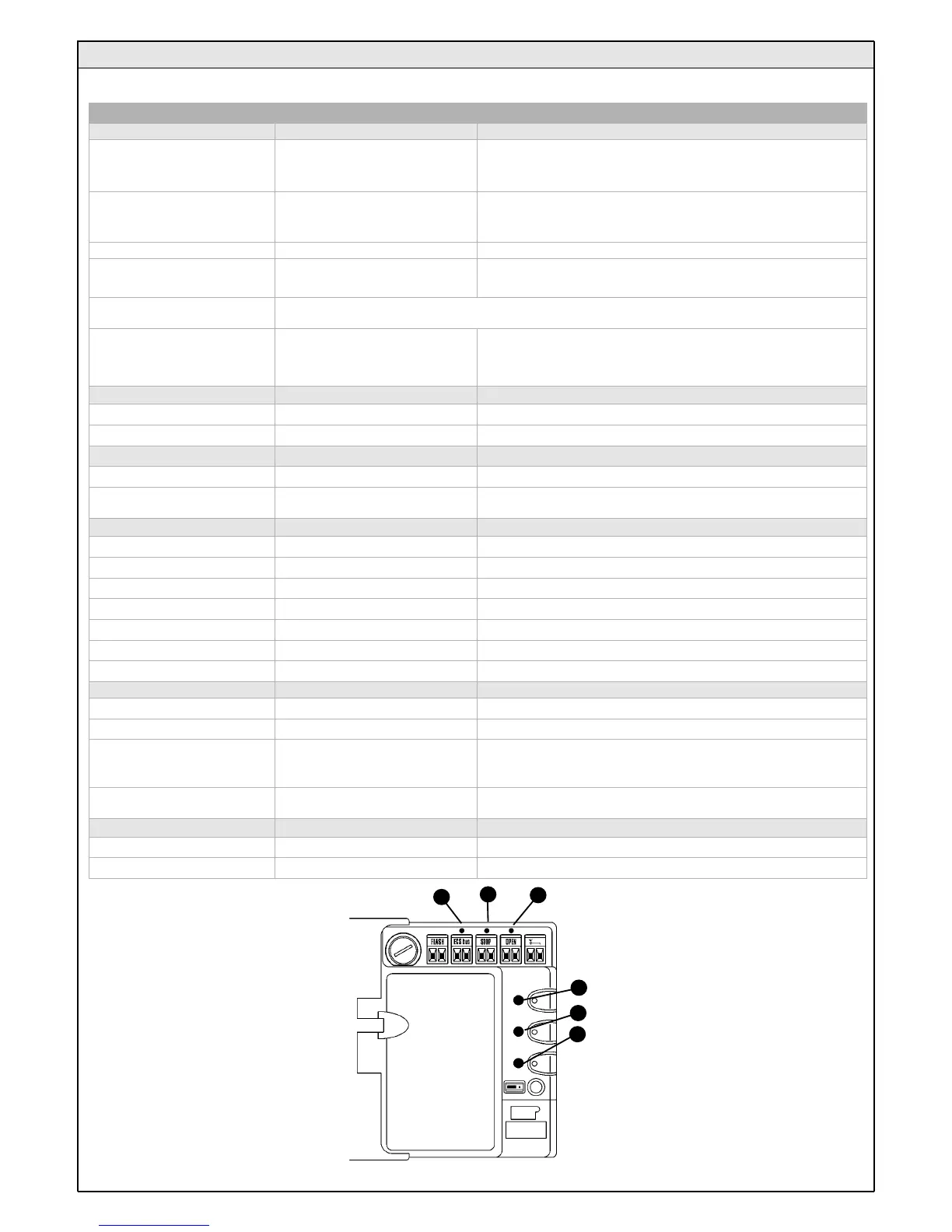
On the control unit there is a set of LED's each of which can give special indications both during normal operation and in case of malfunctions.
Figure 74
5.6.3 Control Unit
D
E
F
C
B
A
Table 15
ECSBus LED [A] Status Action
Off Malfunction
Make sure there is power supply; check to see if there are blown fuses;
identify the cause of the malfunction and then replace blown fuses with
others having the same characteristics
On Serious malfunction
There is a serious malfunction; try switching off the control unit for a few
seconds; if the condition persists it means there is a malfunction and the
electronic board has to be replaced
One flash every second Everything OK Normal operation of control unit
2 long flashes The status of the inputs has changed
This is normal when there is a change in one of the inputs: OPEN, STOP,
triggering of photocells or the radio transmitter is used
Series of flashes separated by a
pause
It corresponds to the flashing light's signal. See Table 14
Quick flash Short circuit on ECSBus
An overload has been detected and therefore the power supply to the
ECSbus has been interrupted. Check by disconnecting the devices one by
one, if necessary.To restore the power supply to the ECSBus just give the
command using the radio transmitter, for example.
STOP LED [B] Status Action
Off Cutting in of the STOP input Check the devices connected to the STOP input
On Everything OK STOP input active
OPEN LED [C] Status Action
Off Everything OK OPEN input not active
On Cuttin in of the OPEN input
This is normal only if the device connected to the OPEN input is actually
active
P1 LED [D] Status Action
Off Everything OK No memorization in progress
On Memorization in Mode 1 This is normal during memorization in Mode 1 which lasts maximum 10s
Series of quick flashes, from 1 to 4 Memorization in Mode 2 This is normal during memorization in Mode 2 which lasts maximum 10s
5 quick flashes Deletion OK Deletion of one transmitter successful.
1 slow flash Wrong command A command from a non-memorized transmitter has been received
3 slow flashes Memorization OK Memorization process successful.
5 slow flashes Deletion OK Deletion of all transmitters successful.
P2 LED [E] Status Action
Off Everything OK “Slow" speed selected
On Everything OK “Fast" speed selected
1 flash every second
No device has been memorized or an
error has occurred during the
recognition process
There may be faulty devices; check and, if necessary, try repeating the
recognition process (see paragraph 3.5.1 "Learning of Connected Devices")
2 flashes per second Device recognition stage in progress
It indicates that the search for the connected devices is under way (this
stage lasts a few seconds at the most)
P3 LED [F ] Status Action
Off Everything OK Single cyclic operation
On Everything OK Complete cyclic operation



 To Next Page