© Microhard Systems Inc. 69
4.0 Configuration
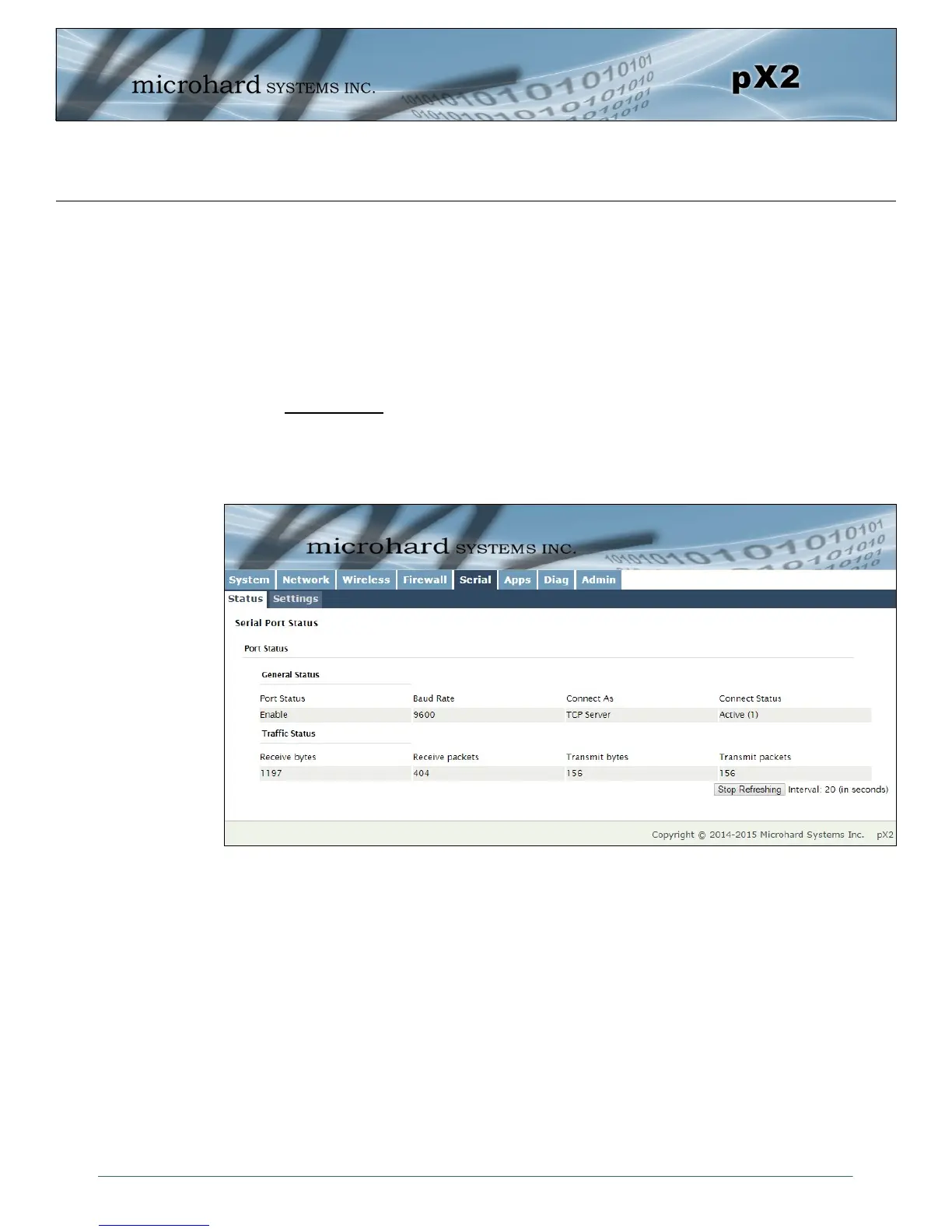
Image 4-5-1: Serial > Summary
4.5 Serial
4.5.1 Serial > Summary
The Serial > Summary window gives a summary of the RS232 Serial Data Port located on the side of the
pX2, the port uses a standard DB-9 connector.
The Summary window shows a number of status items that aid in viewing the operation, statistics, and
troubleshooting of the RS232 Serial Port.
General Status
Port Status - Shows if the RS232 has been enabled in the configuration.
Baud Rate - The current baud rate used to interface with the connected device.
Connect As - The type of IP Protocol Config is displayed here (TCP, UDP, SMTP, PPP, etc)
Connect Status - Shows if there are any current connections / if the port is active.



 To Next Page