© Microhard Systems Inc. 79
4.0 Configuration
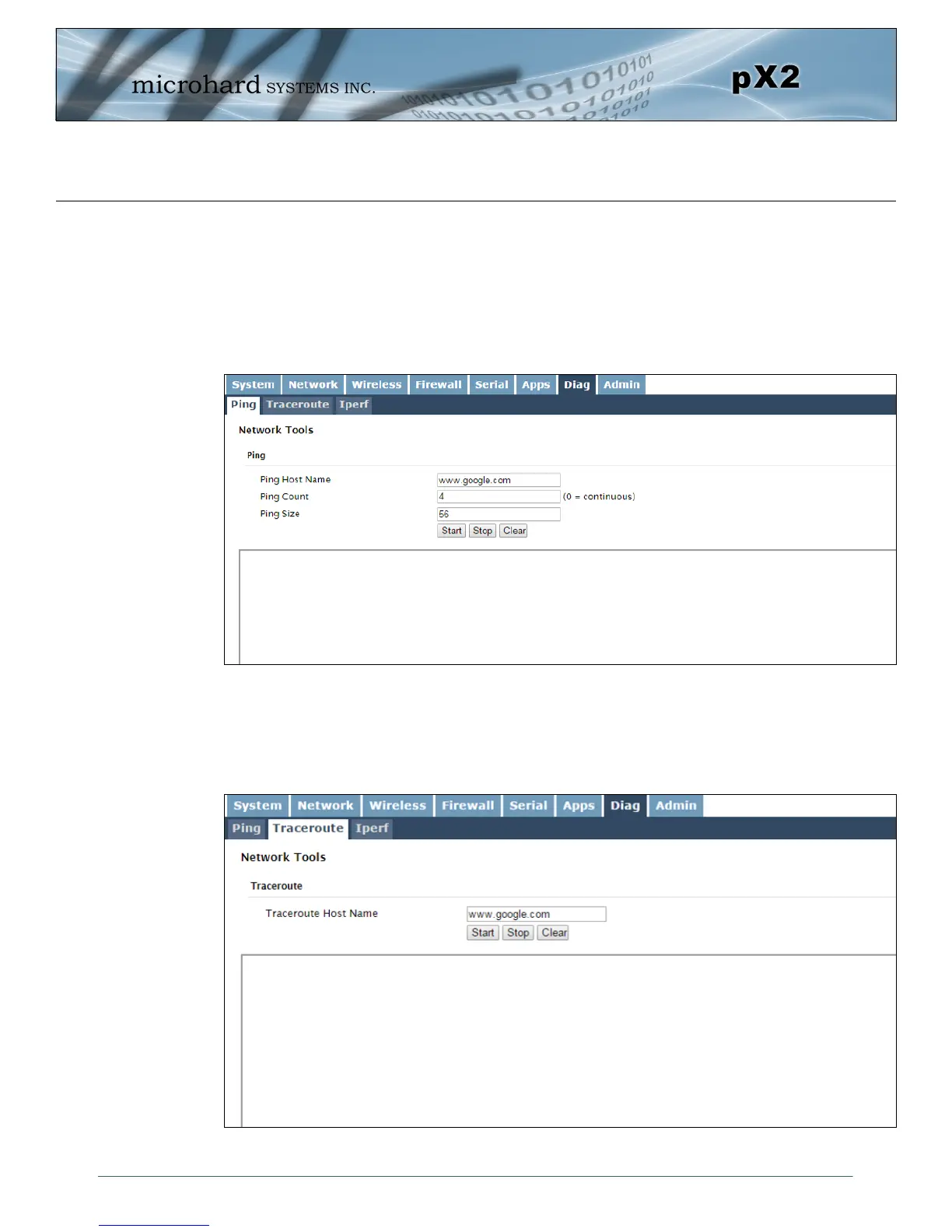
Image 4-7-1: Diagnostics > Ping
4.7 Diag
4.7.1 Diag > Ping
The Network Tools Ping feature provides a tool to test network connectivity from within the pX2 unit. A user
can use the Ping command by entering the IP address or host name of a destination device in the Ping
Host Name field, use Count for the number of ping messages to send, and the Packet Size to modify the
size of the packets sent.
4.7.2 Diag > Traceroute
The Traceroute command can be used to provide connectivity data by providing information about the
number of hops, routers and the path taken to reach a particular destination.
Image 4-7-2: Diagnostics > Trace Route



 To Next Page