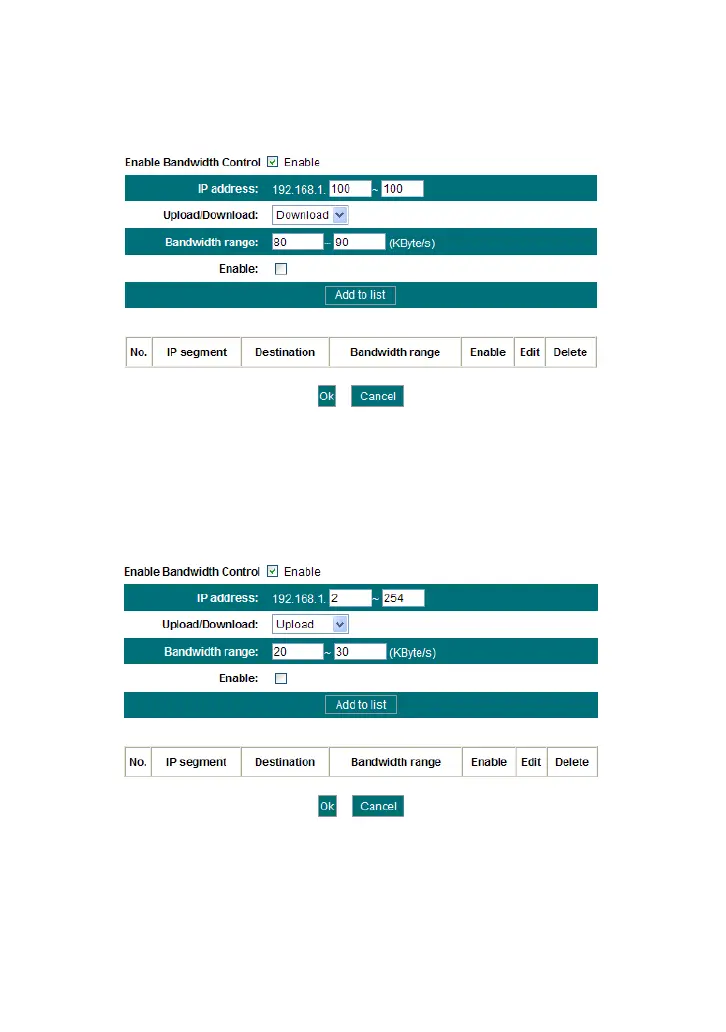
And then add a download rule as shown in the picture below.
The setting method is the same as the above.
Example 2 Set the download rate of all computers within the range of
192.168.1.2--192.168.1.254 as 100-120KByte/s, and the upload rate as
20-30KByte/s, as shown in the picture below.



 To Next Page