Specifications
WARNING: VDC Power 132
WARNING: GPS Antenna 132
WARNING: GPS Position and Altitude 133
WARNING: Removing Power 133
CAUTION: VAC Power 133
CAUTION: DHCP Not Available 134
CAUTION: Stopping the SyncServer 134
CAUTION: Lithium Battery 134
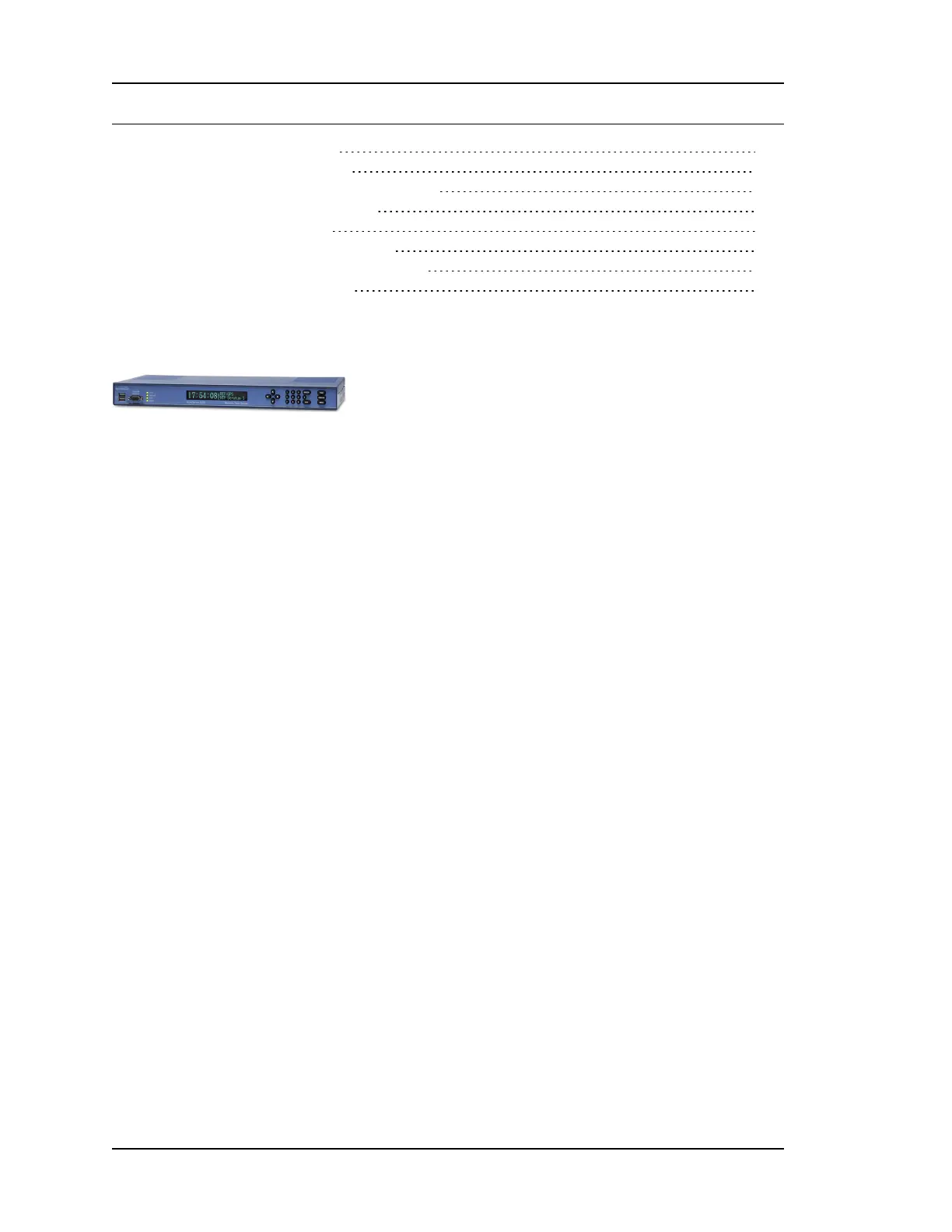
Front Panel
The following elements are located on the front panel, from left to right.
USBPorts
Description:Two USB 2.0 ports (USB 1, 2).
Functionality:Connects with a USB flash drive device, which can be used for loading software
upgrades to the SyncServer, as well as for backing up and restoring the SyncServer con-
figuration.
Connection:Requires a compatible USB memory device, such as a SanDisk cruzer micro USB
device (recommended). Not all USB flash drives are compatible with the SyncServer's USB
ports.
Also see:Keypad/Display Interface (on page 101), SYSTEM - Upgrade (on page 77),
WIZARDS - Upgrade (on page 100), WIZARDS - Backup (on page 99), WIZARDS - Restore
(on page 100).
ConsoleRS-232Port
Description:A bi-directional EIA standard RS-232C serial port (Console RS-232) located on the
front panel.
Functionality:Provides access to a the command line interface for limited status and con-
figuration of the SyncServer.
Connection:DCE (Data Communications Equipment). (Use a "straight through" serial cable, not
a "null modem" crossover cable.)
Data Rates:9600 baud
Parity:None
Data Bits:8
Stop Bits:1
Connector:Female 9-pin D subminiature
Also see:Command Line Interface (on page 107)
Pin Assignment (Pinout):
n 1N/C
Page 112..........................................................................997-01520-02 Rev. F1



 To Next Page