Tasks
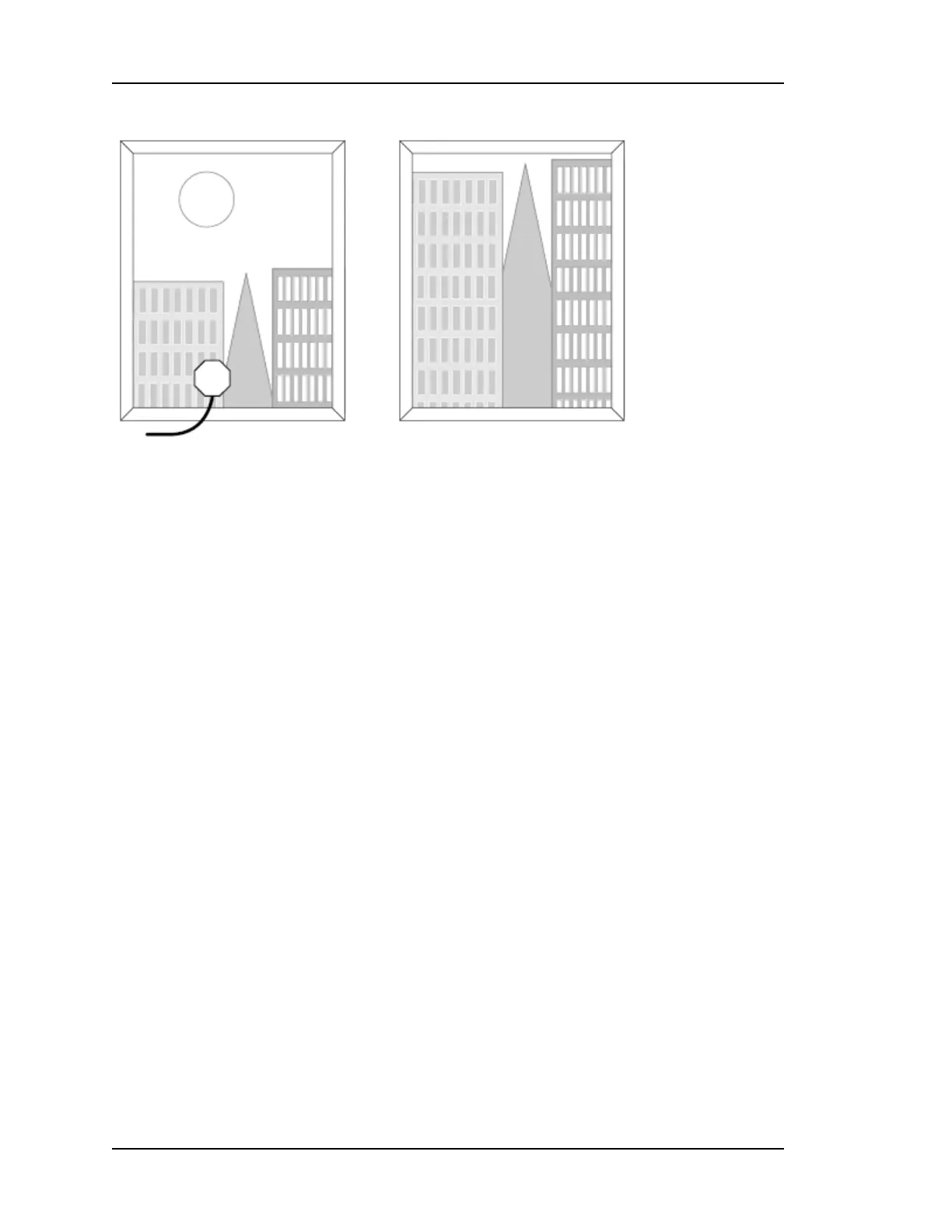
A typical window
mounting with the antenna is shown in the preferred window.
Guidelines
For best results with window mode:
n Position the antenna near the lower windowsill. This improves upward visibility of the sky.
n If multiple sites are available, choose the one with the widest view of the sky and tilt the
antenna toward the "opening".
n On the side of a building, the corners offer better visibility (270 degrees) than flat walls
(180 degrees).
n A SyncServer equipped with the high-stability Rubidium oscillator option can provide pre-
cise time for extended periods while GPS is unavailable.
n Secure the antenna so it won't fall or get knocked out of position.
n To improve signal strength, test different window locations, shorten the antenna cable
length, avoid unnecessary connectors, and use an in-line amplifier option. (Signal
strength is visible on the STATUS - GPS page.)
n Avoid windows with metallic film coatings, window blinds, overhead obstructions, and
foliage, all of which can block GPS signals.
n
Verify that the NTP - Associations page is configured with valid NTP servers or peers that
the SyncServer can rely on if GPS is unavailable.
Configuring Window Mode
After setting up the antenna:
1.
On the TIMING - Holdover page, set the Time Error Limit (milliseconds) to the highest
acceptable value for absolute timing error (to UTC). Microsemi recommends a value
greater than or equal to 4 milliseconds.
2.
On the STATUS - GPS page, if the GPS receiver has a valid position (latitude, longitude, alti-
tude), the user can skip to step 3. Otherwise:
n Determine the approximate latitude, longitude, and altitude of the GPS antenna.
This can be done using a handheld GPS device, an online reference such as
Page 144..........................................................................997-01520-02 Rev. F1



 To Next Page