21
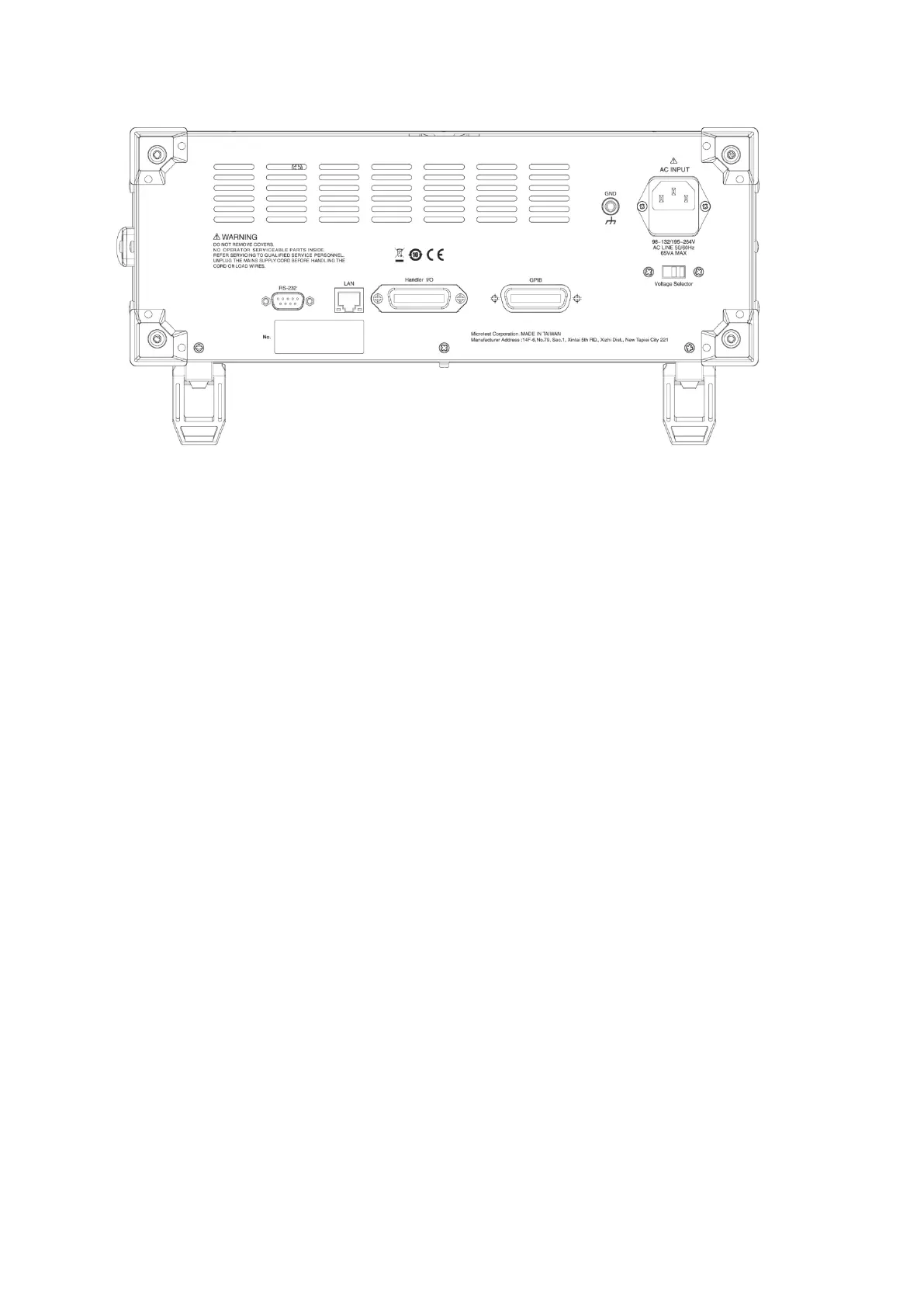
LCR-6365 Tester Back View
Figure 2-7-2 LCR-6365 Tester Back View
LCR-6365 Back Connection: (please refer to Figure 2-7-2)
1. AC INPUT: Input power jack. Please confirm whether the input voltage is 110V or 220V
before connecting the plug, and flip the power switch with the Voltage Selector to the
proper voltage position (110V/220V).
2. RS-232: RS-232 serial communication port interface.
3. GPIB: GPIB communication interface.
4. LAN: LAN network communication interface.
5. Handler I/O: Handler Interface.
2.10 Precautions Before Turning on the Device
Before starting to operate the LCR tester, you must first confirm there is sufficient and
steady AC voltage available for use in each device in the automatic test system.



 To Next Page