38
3.5 File Management
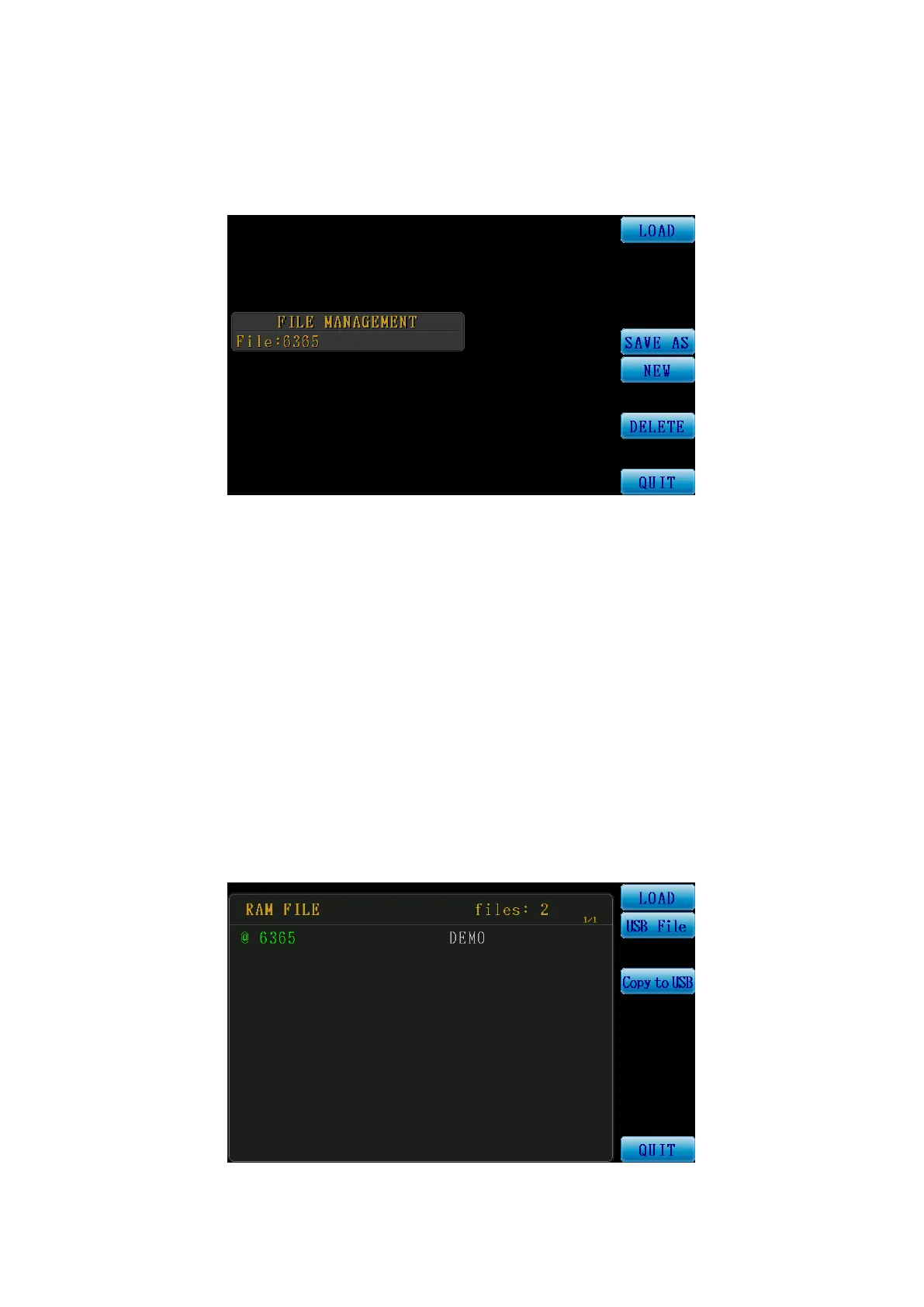
Press the Menu File control key and the file management main menu will be displayed on the
screen.
Figure 3-5-1 File Management Screen
File Management:
LOAD: Load file.
SAVE AS: Save as a new file.
NEW: Create a new file.
Delete: Delete the file.
QUIT: Return to main menu
LOAD FILE:
The figure below is the RAM FILE (internal file list) screen; the direction keys can be used to
select the file to load. For example file{6365} is displayed in green, meaning it is the currently
selected file. The function key {LOAD} on the right can be used to load a file. A file beginning
with an {@} symbol means it is the file currently in use.
Figure 3-5-2 Internal File List Screen



 To Next Page