39
LOAD: Load the currently selected file.
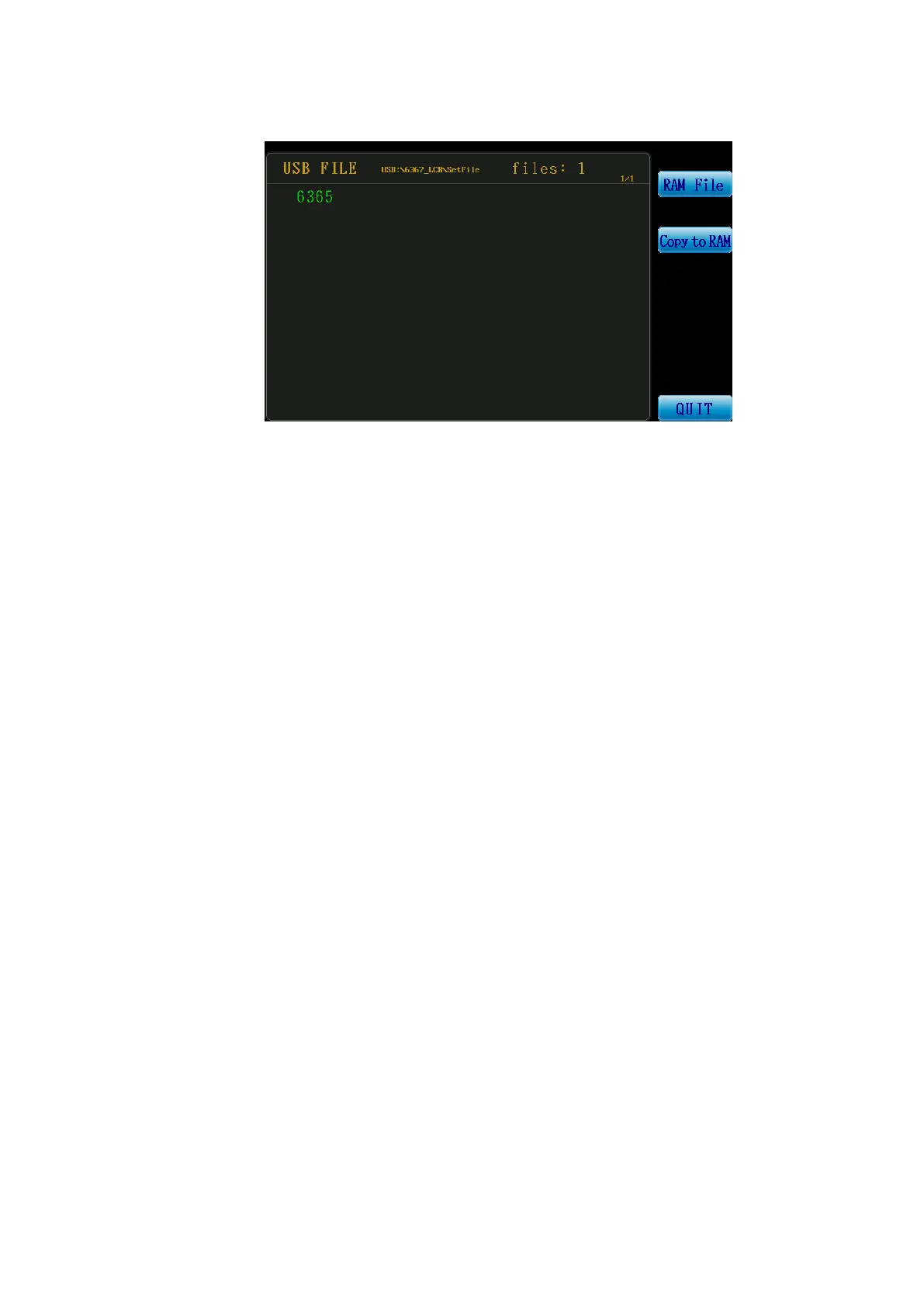
USB File: Switch to the USB flash drive file list screen as shown in the following screen.
Figure 3-5-3 USB Flash Drive File List Screen
RAM File: Return to the internal file list screen.
Copy to RAM: Copy the currently selected file from the USB flash drive to the
internal storage of the machine.
PgDn: Jump to the next page.
PgUp: Jump to the previous page.
QUIT: Return to the file management page.
Copy to USB: Copythe currently selected file to the USB flash drive.
The path where the 6363 saves the files is(USB:\6363_LCR\SetFile)..
The path where the 6364 saves the files is(USB:\6364_LCR\SetFile)..
The path where the 6365 saves the files is(USB:\6365_LCR\SetFile)..
The path where the 6366 saves the files is(USB:\6366_LCR\SetFile)..
The path where the 6367 saves the files is(USB:\6367_LCR\SetFile)..
PgDn: Jump to the next page.
PgUp: Jump to the previous page.
QUIT: Return to the file management page.



 To Next Page