40
SAVE AS:
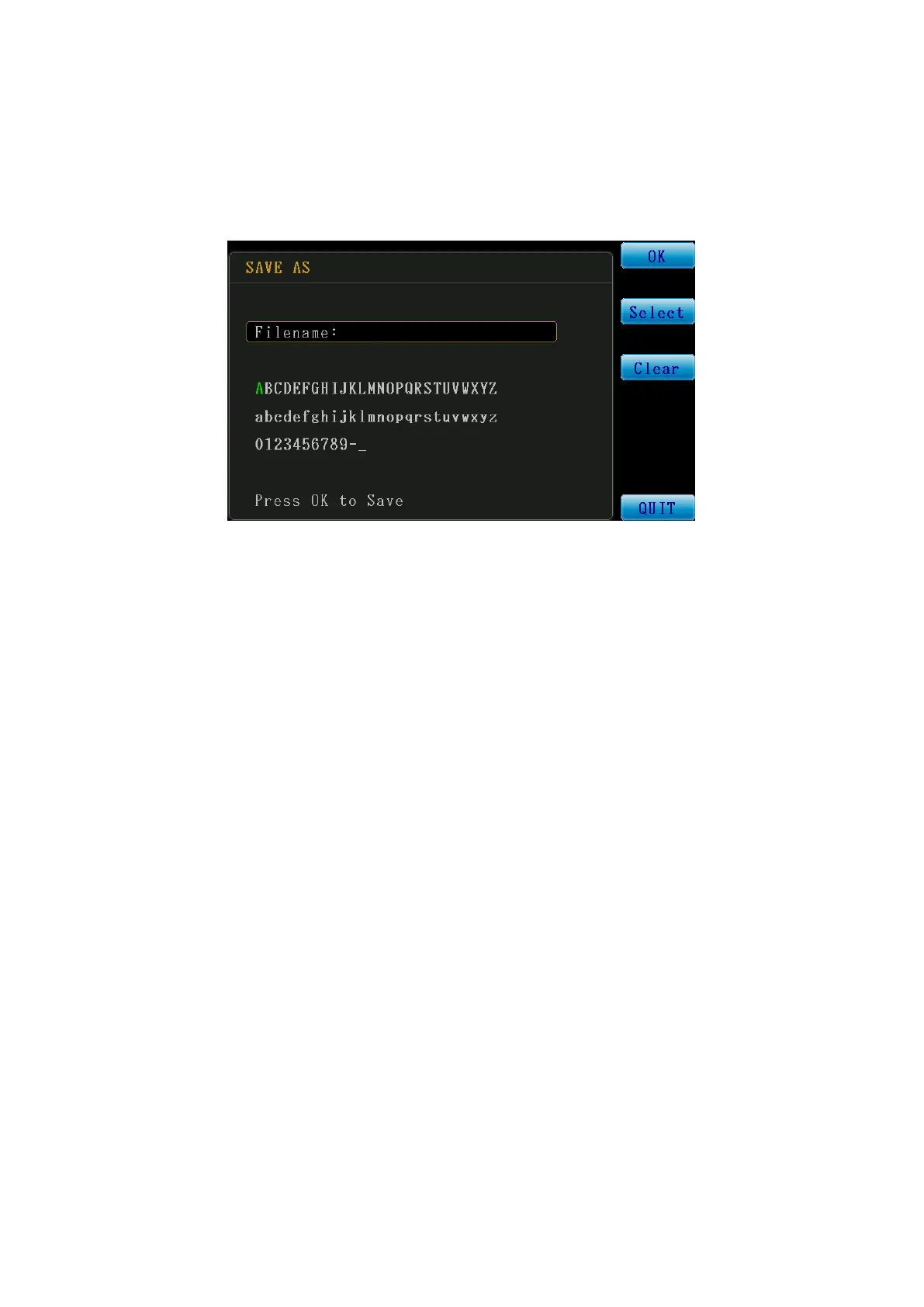
The figure below is the SAVE AS (save as new file) operation interface. The directional keys can
be used to select the English letters and numbers on the screen to form the file name. For
example {A} is displayed in green, which means it is the currently selected letter. The function
key {Select} to the right can be pressed to enter the character {A}. Once input is completed,
select {OK} to complete the SAVE AS function.
Figure 3-5-3 SAVE AS Screen
Filename: File name input area.
OK: Save file confirm key.
Select: File name text selection confirm key.
Clear: File name deletion key; the letter at the end will be cleared each time when it is
pressed.
QUIT: Return to the file management page.



 To Next Page