84
3.8 Handler Interface
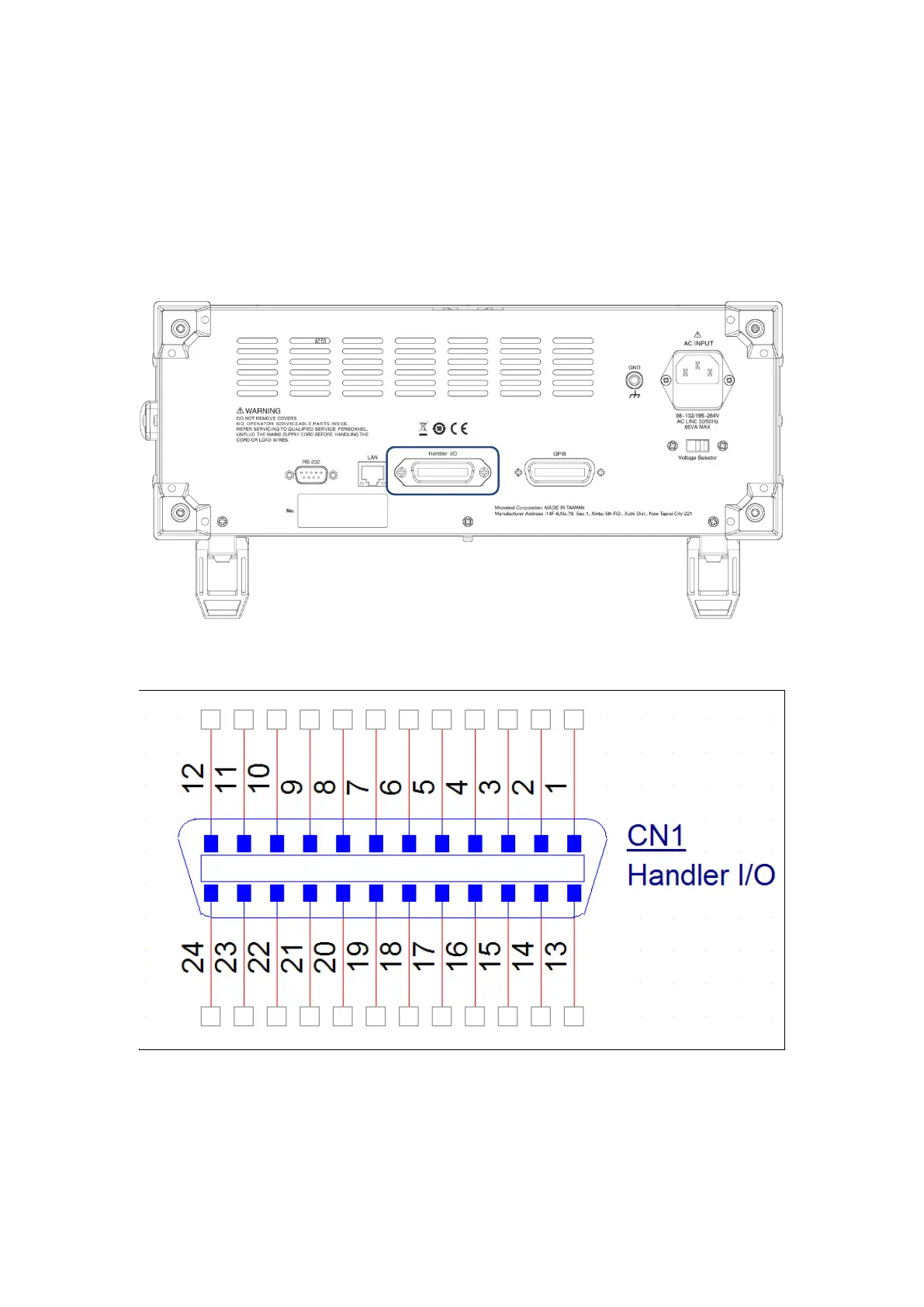
Remote control interface (Handler Interface); use the Handler I/O communication port on the rear
panel of the machine to use an external signal to control the tests of this machine.
To use this function, please go to SYSTEM and set the Handler Interface to ON to enable the
remote control function.
Figure 3-8-1 Handler I/O Communication Port at the Back of the Machine
Figure 3-8-2 Handler I/O Port Pinout



 To Next Page